Kakao unveils Kanana Space as KakaoTalk expands into AI interface
Kakao showcased an artificial intelligence (AI) assistant, Kanana Space, for KakaoTalk on Tuesday, outlining plans to turn its flagship messenger into an interface for managing messages, schedules and shopping across its service ecosystem. “Over the past 15 years, Kakao has connected people with everyday life and bridged online and offline experiences with the goal of connecting everything in the…
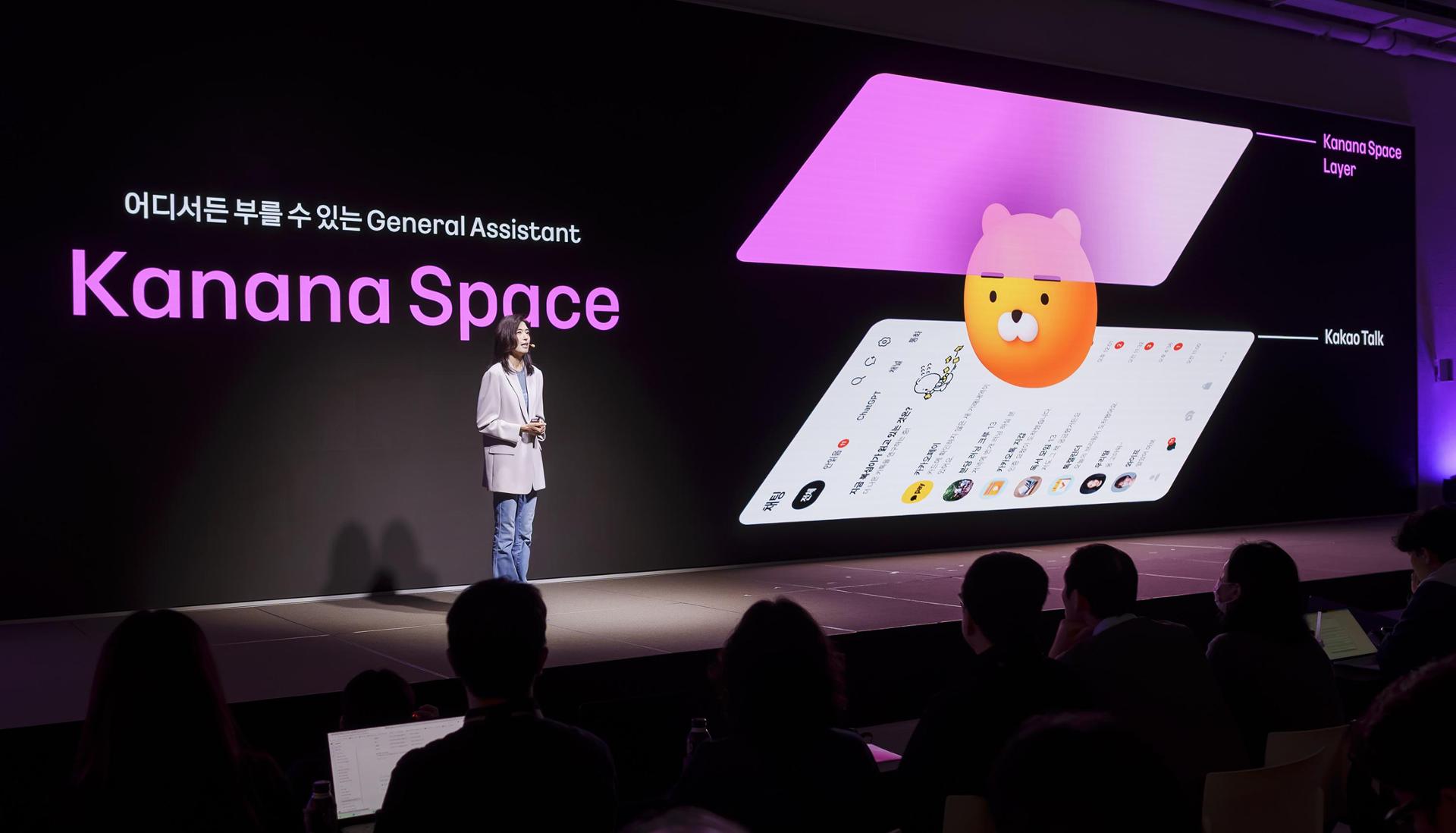
Kakao introduced Kanana Space, an artificial intelligence (AI) assistant, for its popular messaging app KakaoTalk on Tuesday. The company unveiled plans to transform KakaoTalk into a central hub for managing messages, schedules, and shopping across its entire service ecosystem. Kakao's CEO, Chung Shin-a, speaking at the annual if(Kakao)26 conference in Yongin, Gyeonggi Province, stated that the company has been connecting people with everyday life for the past 15 years and now aims to extend these connections even further.
Kanana Space will be available for closed beta testing starting in December. Users can access the AI assistant within KakaoTalk by swiping the screen with two fingers. The assistant can be interacted with using either voice or text commands to retrieve information from conversations, organize unread messages, manage schedules, and adjust app settings.
What sets Kanana Space apart is its ability to go beyond simply answering questions. By leveraging context from users' past interactions, the assistant can complete tasks more effectively.
During a demonstration, Kanana Space showcased its capabilities by identifying relevant information from a work-related conversation. The AI assistant was able to complete tasks based on the context provided, demonstrating its potential to enhance productivity within the KakaoTalk ecosystem.
Written by urgent.news from The Korea Times's reporting — not their text. Machine-written — may contain errors; check the original before relying on it.
This story
This is one outlet's version. Read the fullest account.