How to Fix One Detail on an AI-Generated 3D Model Without Losing the Rest
Meshy Edit is a mesh-editing model from Meshy that changes only the part of a 3D model you select and leaves the rest untouched.
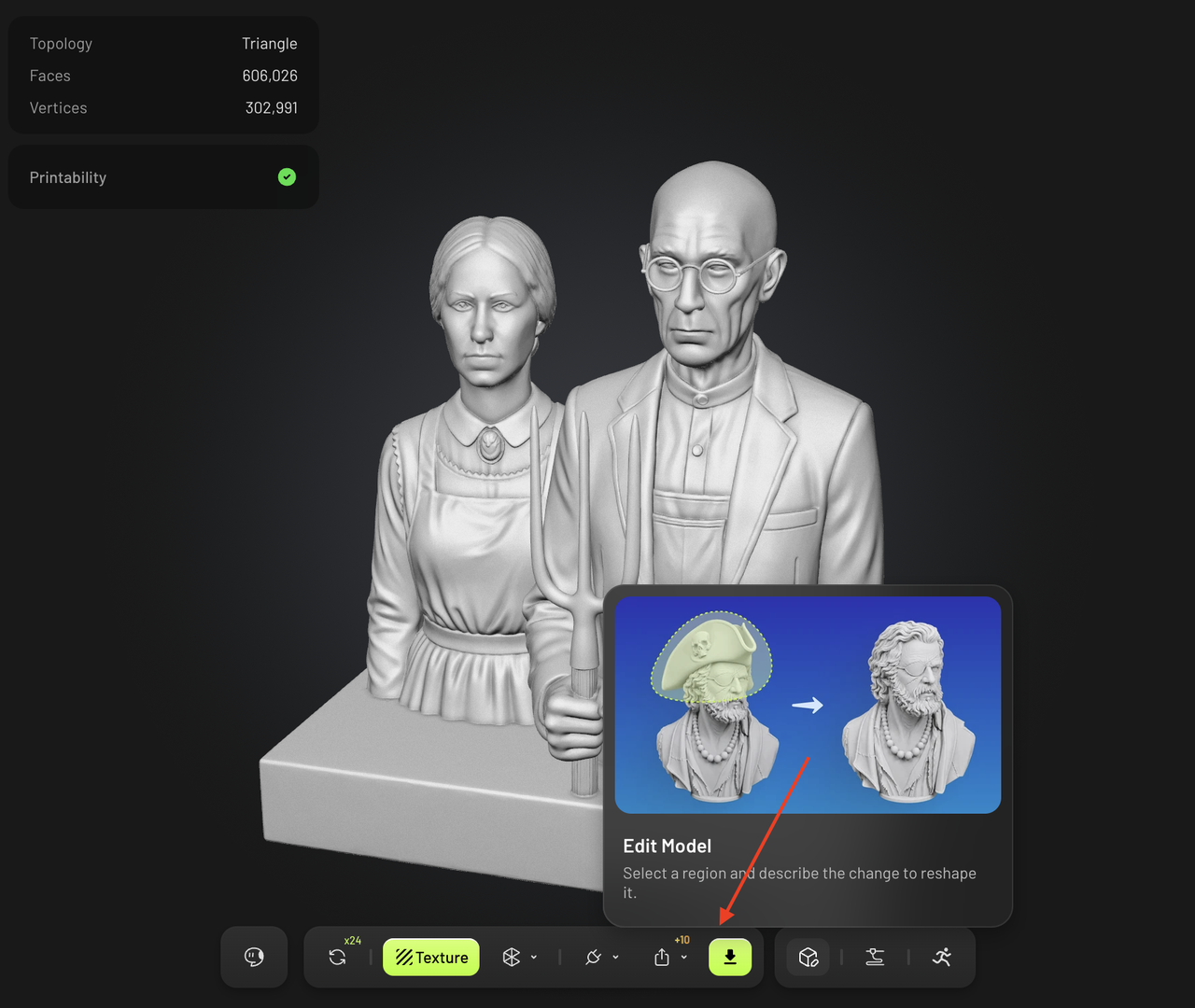
Meshy Edit is a new tool that lets you edit specific parts of an AI-generated 3D model without changing the rest. It's useful when you only need to fix one detail, like an extra strap on a shield or a missing plume on a helmet. Before, you had to regenerate the whole model or edit it manually in Blender, which was time-consuming and frustrating.
With Meshy Edit, you can simply select the area you want to change, describe the change in plain language, and the tool will generate a new model with only that part modified. You can add parts (like a hat or plume), remove parts (like an extra strap), or replace parts (like swapping a helmet).
The process is straightforward: open Edit, select the area, describe the change, generate, and you get a new model. You can make mistakes and easily fix them with the selection tools, and you can attach reference images if needed. Each edit costs credits, but they're refunded if the edit fails.
This tool is especially helpful for game developers who need to create multiple variants of a character without losing its core features. You can create different helmets, weapons, or accessories while keeping the character's overall appearance consistent. Meshy Edit keeps the original model intact, so you can always go back to the original or make further edits.
Written by urgent.news from HackerNoon's reporting — not their text. Machine-written — may contain errors; check the original before relying on it.