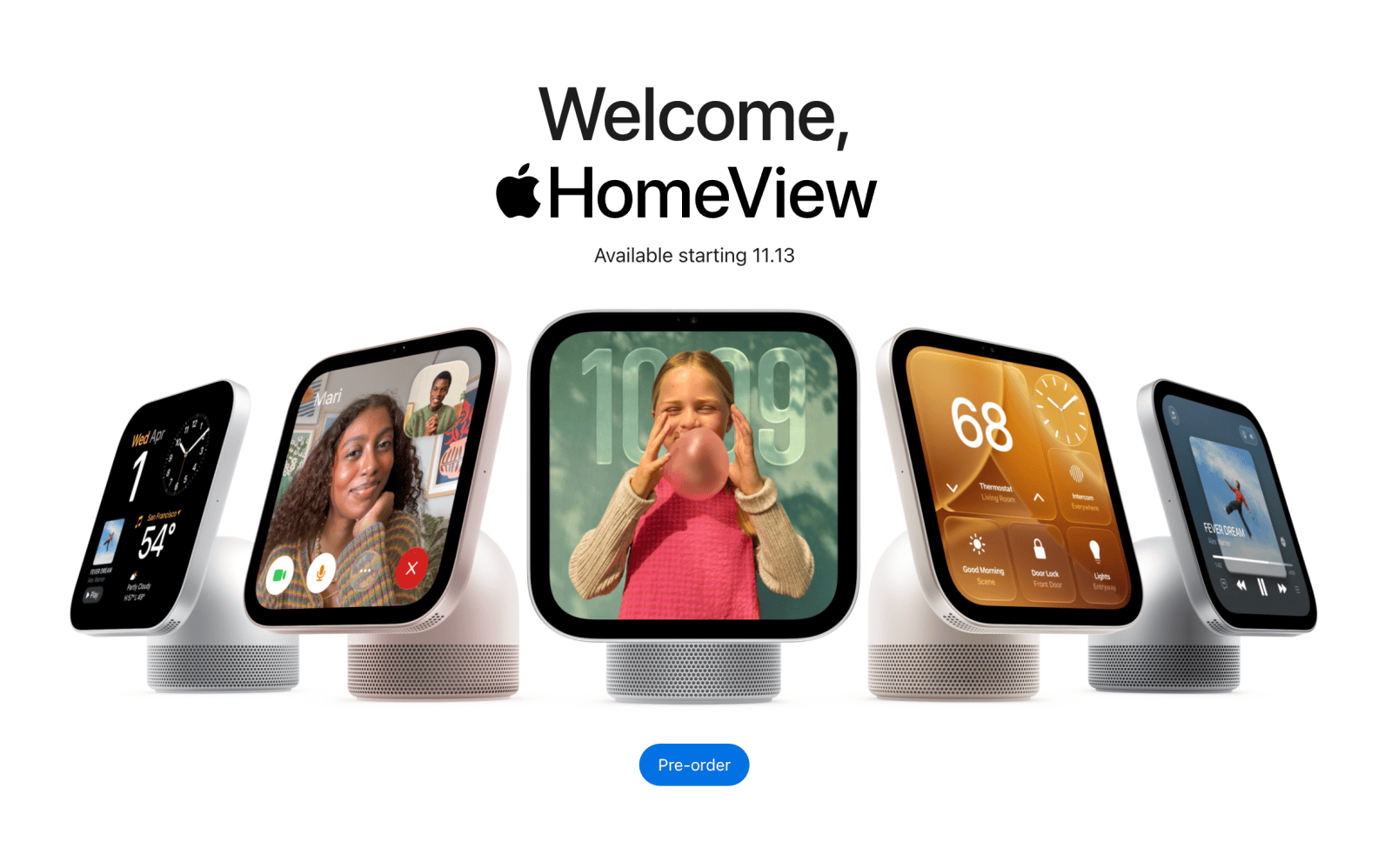
Everything Apple launched at its ‘Welcome Home’ event
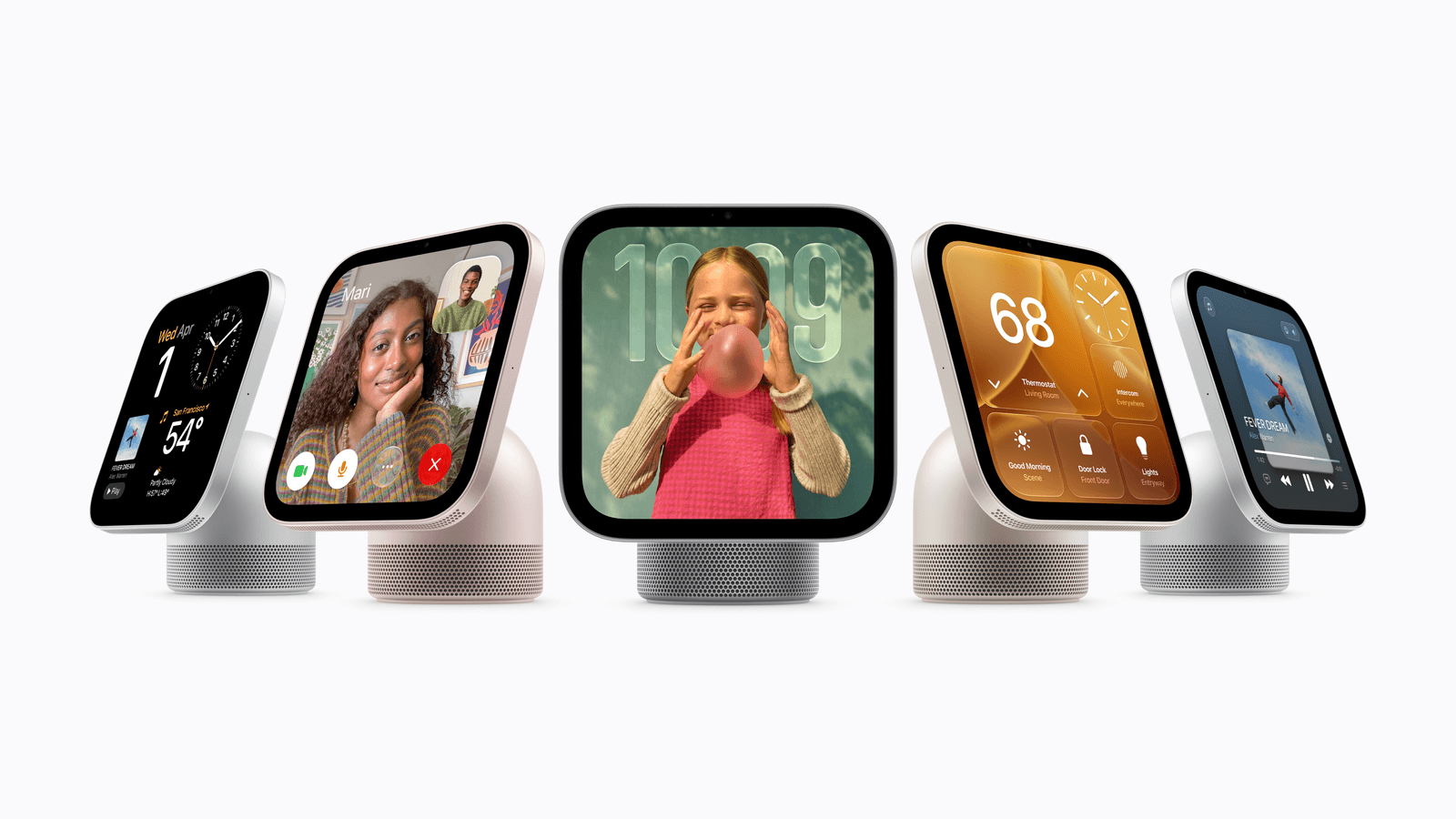
Apple unveiled a slate of new smart home gadgets at its aptly named "Welcome Home" event today, including its first (and highly anticipated) smart home hub. That flagship announcement came alongside much-needed refreshes for Apple's HomePod Mini and TV 4K devices, and a selection of new smart home and security accessories designed together with trusted […]
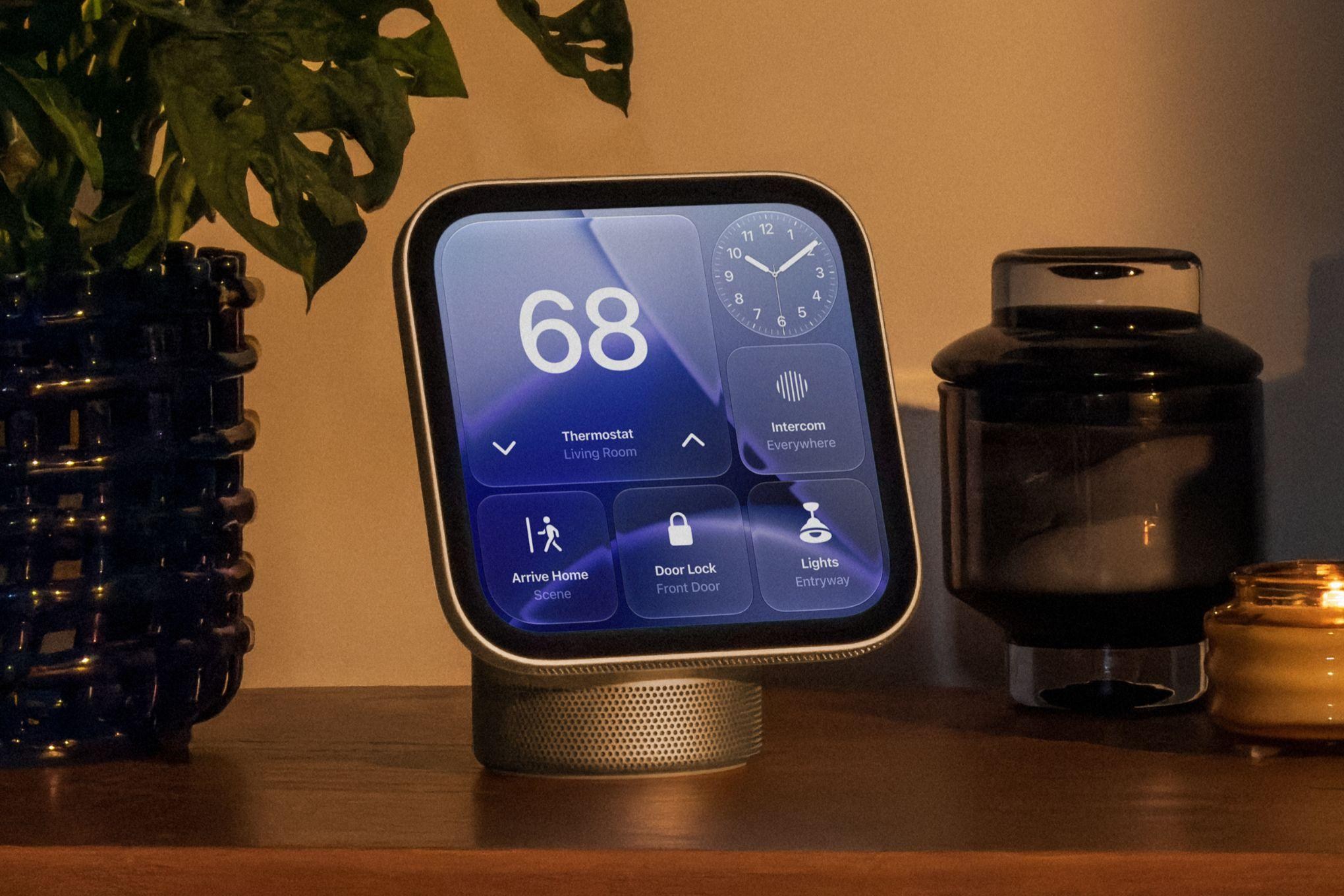
Apple has recently released a new smart home display called HomeView, aimed at providing an innovative solution for home automation. After getting an early look at this $299 display, here are seven key features that stand out:
1. Facial and voice recognition: HomeView identifies up to six people in your household, adjusting the information on its screen accordingly. This allows for personalized schedules, reminders, and widgets based on the user interacting with the device.
2. Siri AI capabilities: Apple's Siri AI is now more intelligent, taking into account personal context. For example, you can ask Siri to find a recipe sent via text message instead of searching through your phone conversations. The requests are processed on HomeView's A18 processor while personal context is retrieved from the user's iPhone.
3. Cooking features: HomeView turns online recipes into a cooking experience by translating them into organized step-by-step instructions. You can use AirDrop to transfer recipes or search for them using Safari, and even ask Siri to find a recipe sent via iMessage or Mail.
4. Customizable digital photo frame: HomeView incorporates a customizable digital photo frame interface, similar to customizable clock faces on the Apple Watch. Users can display specific images, album covers, or rotating photos from shared albums, with the display adapting to the surrounding light.
5. Hands-free FaceTime: The display features a 12MP Center Stage camera and four-microphone array for hands-free FaceTime calls. This is particularly useful in the kitchen or living room for conversations while preparing food or during family gatherings.
6. Smart home control center: HomeView allows users to control compatible smart home devices, such as lights, locks, and thermostats, through widgets and camera feeds. It also integrates with third-party smart home systems like LG and Schneider Electric.
7. Personalized interface and widgets: HomeView offers a personalized interface with customizable widgets specific to each user's needs. This approach makes the display feel tailored to the individual, rather than a generic smart home device that could be used by anyone.
Written by urgent.news from Tom's Guide's reporting — not their text. Machine-written — may contain errors; check the original before relying on it.
This story
This is one outlet's version. Read the fullest account.
- I saw Apple's HomeView early — 7 things you need to know about the new smart home display tomsguide.com
- Where to buy Apple HomeView, Apples new smart home and entertainment hub mashable.com
- All the news from Apple’s ‘Welcome home’ event theverge.com
- Apple announces HomeView smart display sixcolors.com
- Apple’s new smart home line-up includes a smart lock, thermostat and video doorbells techcrunch.com
- Two HomeView home hub models evolve Apple's home strategy at $299 each appleinsider.com
- Apple unveils the Apple Home Collection, a lineup of smart home accessories made with LG and Schneider, including cameras, thermostats, a doorbell, and a lock (Apple) apple.com