Apple’s smart home event: All 7 devices, prices, and release dates
Apple’s “Welcome Home” event featured all the new smart home hardware coming to the Apple lineup.
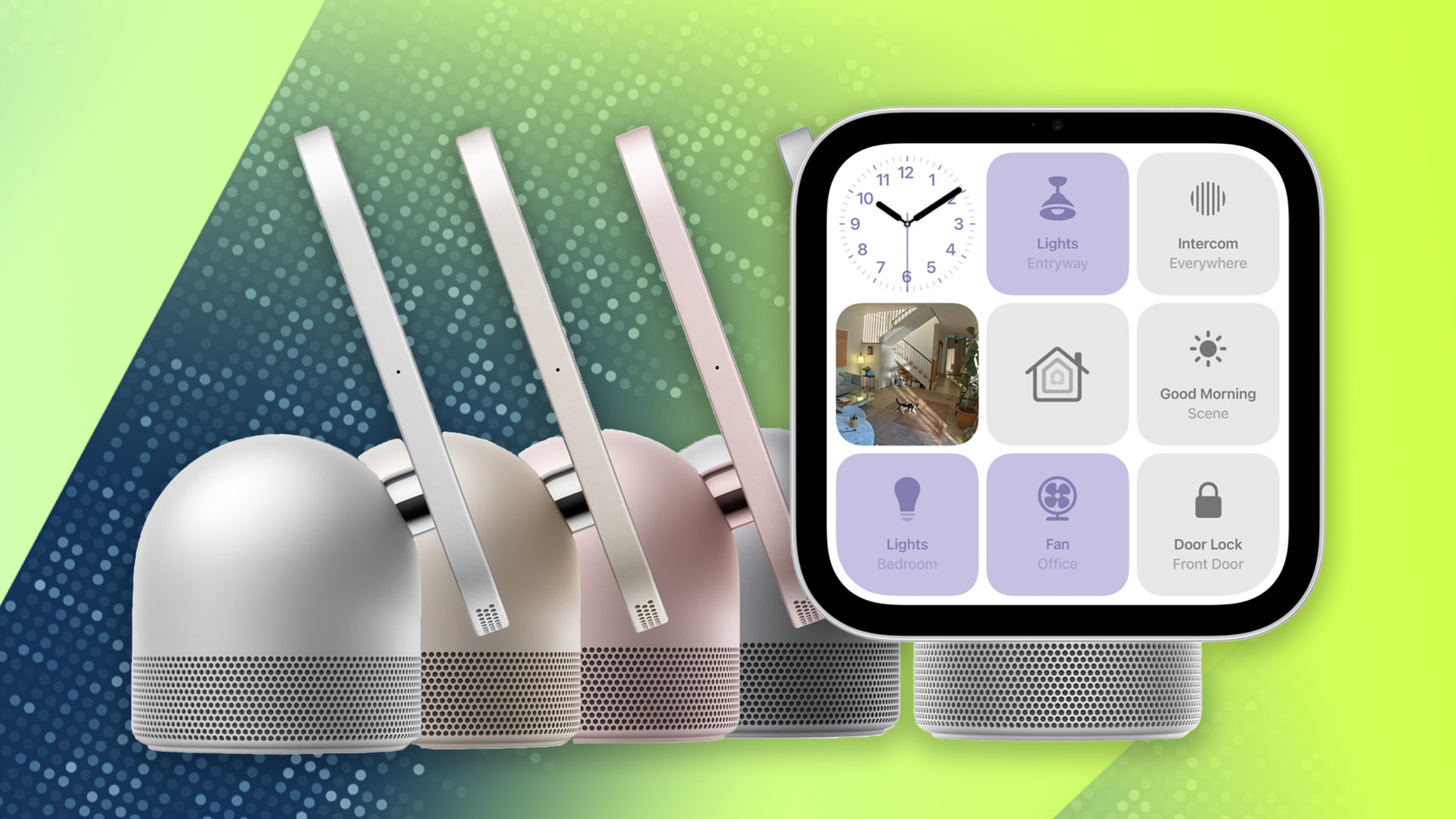
Apple held a "Welcome Home" event on October 13 to unveil seven new smart home products. The event featured Apple's first smart panel, the HomeView, which consolidates a full view of your devices in a stationary form factor. The HomeView, priced at $299, is equipped with the A18 chip and features Siri AI, marking Apple's entry into the smart home market to compete with brands like Amazon and Google.
The device supports third-party brands via Matter and direct Apple Home integrations. Apple also introduced a line of accessories, including cameras, temperature sensors, a video doorbell, and a door lock, challenging Amazon's Ring line of products. The new devices work with Apple Home and Matter, ensuring end-to-end data encryption.
Additionally, the HomePod mini 2 with Siri AI support and the new Apple TV 4K, featuring Siri AI and hands-free control, were announced. The HomePod mini 2 is available for $149, and the Apple TV 4K is priced at $299.
Written by urgent.news from ZDNet's reporting — not their text. Machine-written — may contain errors; check the original before relying on it.
Also reported by 2 other outlets
- I tried out Apple’s HomeView smart display theverge.com
- Apple TV 4K offers Google TV users a more powerful, privacy-focused alternative (for a price) androidauthority.com