Googlebook OS review: A post-smartphone PC, if Google can keep it
All attempts to bring the lessons and benefits of the touch era to PCs have failed, from Windows 8 to the era after the iPad when the Mac gained fullscreen apps. From an experience perspective, the iPad came closest because it was built on iOS, but it still failed due to the locked-down limitations at its core. After using Googlebook OS for over a week, I think Google has the beginnings of a…
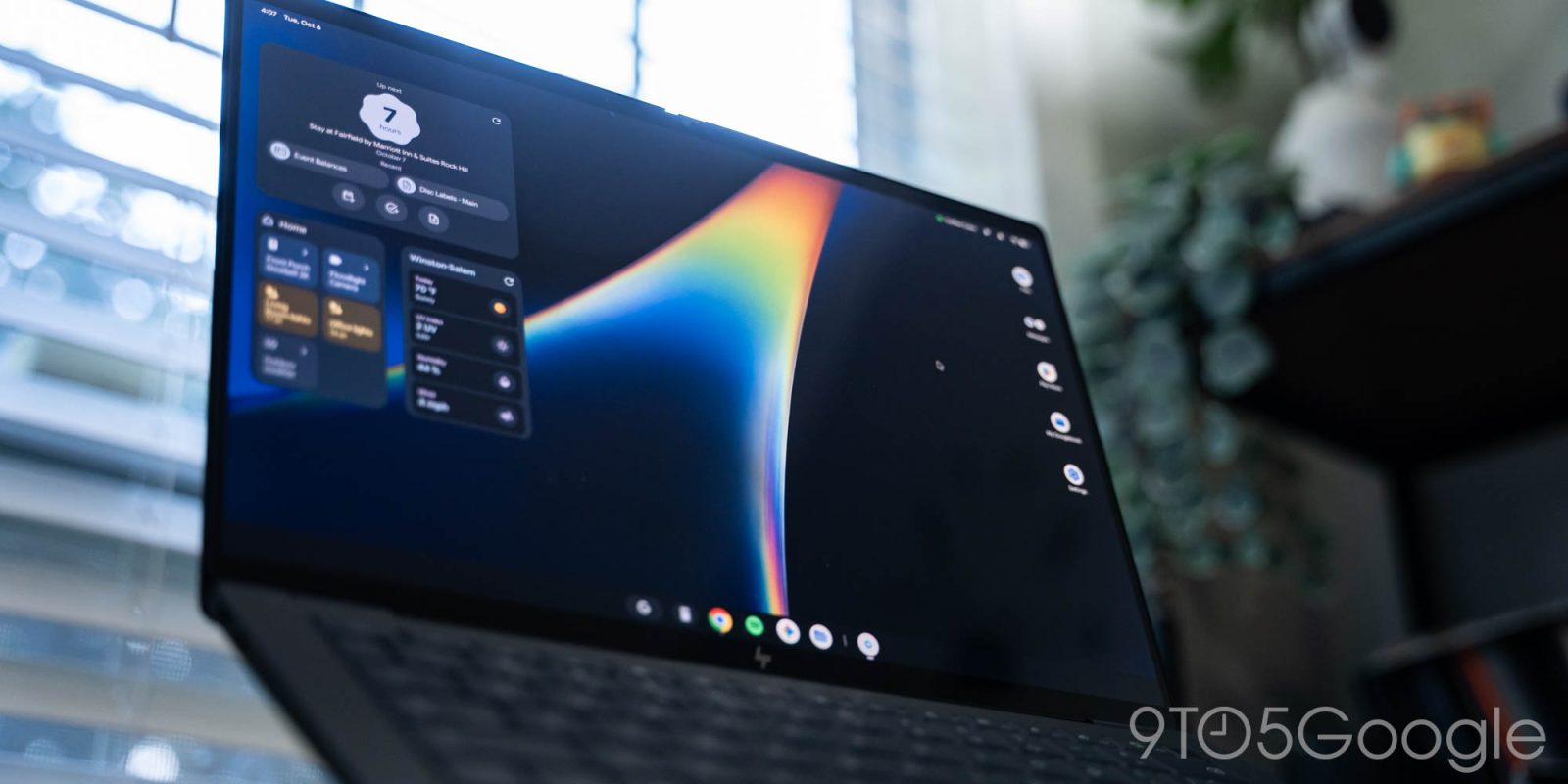
Googlebook OS is Google's attempt at a post-smartphone PC desktop operating system, and after using it for over a week, it appears they have laid the groundwork for such an OS. While it initially appears similar to ChromeOS at first glance, it feels more like Android. Googlebook OS has been significantly optimized for desktop use compared to other Android experiences, including tablets. This is a stark contrast to previous attempts at bringing touch era benefits to PCs, which have largely failed.
One of the most notable aspects of Googlebook OS is its level of native functionality. It feels much more native than Chromebooks, which have always felt like an extension of the web to me. For Pixel users, the transition to Googlebook UI and UX is seamless, with the only challenge being learning keyboard shortcuts. This familiarity could be quite appealing for both average and more advanced users.
The Googlebook UI and UX features many familiar Android status icons, and tapping on them opens Quick Settings, identical to the Pixel experience, except for a volume slider. Notifications can be accessed via the bell icon, with access to notification history in the bottom-left corner. A Magic Pointer shortcut activates a cursor that is useful for pausing media playback, which takes only one click compared to two on other desktop OSes.
Googlebook OS features a unique keyboard layout, with each key serving multiple functions. For example, F1 is the Android back button, F2 brings you to the desktop, F3 is for recent apps, F4 full-screens windows, F5 captures partial screenshots, and F6 and F7 adjust screen brightness. F8 controls the keyboard backlight, F9 mutes the microphone, and F10, F11, and F12 control volume.
The stylized 'G' key opens the floating app launcher, which is almost identical to the Pixel Launcher and allows access to various shortcuts and settings.
Googlebook OS also offers a range of widgets, including Google Health, which can remind users to move and log water consumption. The floating app launcher, accessible via the 'G' key, is reminiscent of Pixel Launcher on Android devices. The settings app on Googlebook OS has a dual-column layout, with device and accessory controls appearing first. The multi-touch and text selection features on Googlebook OS feel just as solid as on a desktop OS, with the touchpad gestures providing an intuitive and native experience.
Written by urgent.news from 9to5Google's reporting — not their text. Machine-written — may contain errors; check the original before relying on it.