macOS 27 brings three key upgrades to my favorite feature
I use iPhone Mirroring every day to quickly access my iPhone directly from my Mac, and it’s even better this year. iOS 27 and macOS 27 Golden Gate were released last month, bringing three key updates to iPhone Mirroring. Here’s everything new. more…
MacOS 27 brings three key upgrades to iPhone Mirroring, enhancing the feature that allows users to access their iPhones directly from their Macs. iOS 27 and macOS 27 Golden Gate were released last month, introducing several notable changes to iPhone Mirroring. The most significant update is the ability to resize the iPhone Mirroring window, a feature previously limited to three preset sizes: smaller, actual size, and larger.
With macOS 27 and iOS 27, users can now adjust the window size according to their preferences using any iOS 27-compatible apps. This update prepares Apple for the upcoming launch of the foldable iPhone Ultra later this year. Additionally, iPhone Mirroring now supports accessing Control Center, which was not possible in previous versions.
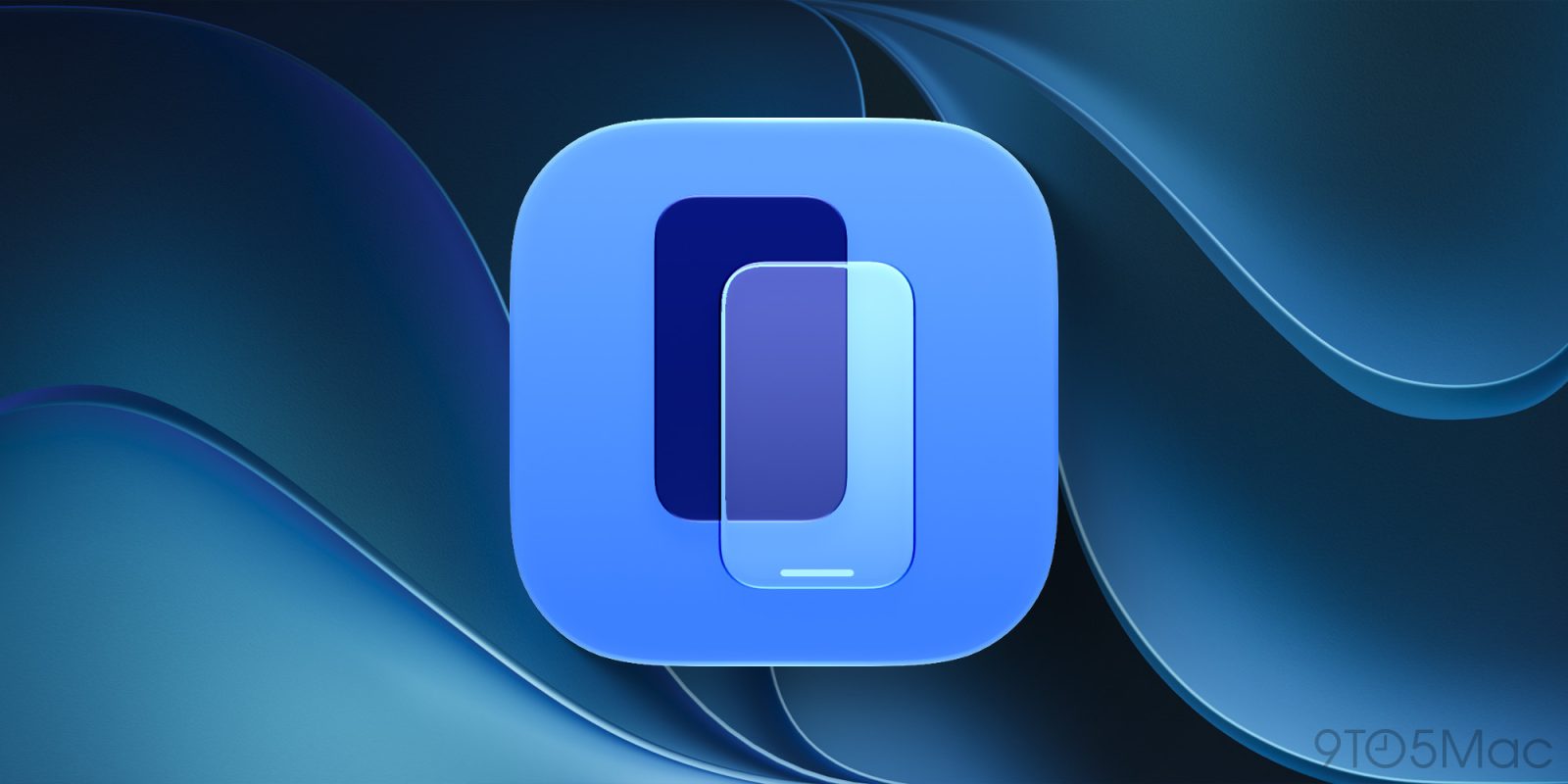
Users can enable it by pressing CMD+4 or selecting the "View" menu in the Mac's menu bar. DRM video support has also been added, allowing users to watch protected videos without encountering a black screen. Furthermore, macOS 27 has introduced a new app icon for iPhone Mirroring, similar to other stock Apple apps. These improvements in macOS 27 provide users with more flexibility and enhanced functionality when using iPhone Mirroring on their Macs.
Written by urgent.news from 9to5Mac's reporting — not their text. Machine-written — may contain errors; check the original before relying on it.