I turned off this hidden iOS 27 setting and instantly fixed my iPhone’s battery drain
Updated to iOS 27 and noticing your battery draining faster than usual? Connectivity Assist might just be the culprit. Here's how to disable it.
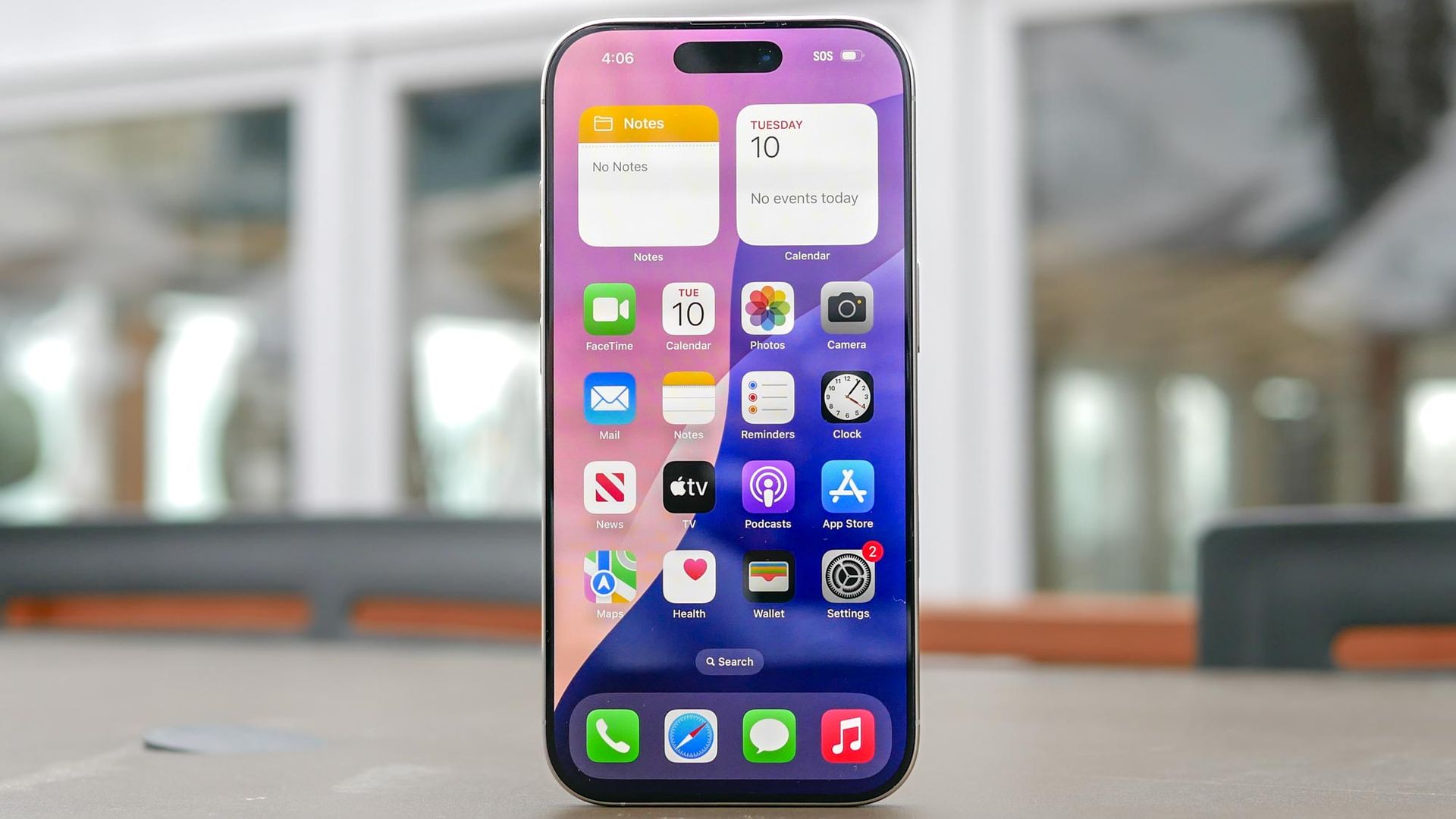
Battery drain complaints are common after a major iPhone update, with background indexing sometimes taking a few days to stabilize. However, when my battery drained quickly well after an update, I suspected Connectivity Assist, a hidden setting in iOS 27, might be the cause. Many users on the r/iPhone subreddit have reported similar issues, attributing them to this setting.
Connectivity Assist is designed to prevent slow loading times when your wireless signal weakens, but its method of operation could be draining power. In earlier iOS versions, Wi-Fi Assist supplemented weak Wi-Fi networks by routing traffic over cellular data in the background. Connectivity Assist, in iOS 27, takes a more aggressive approach by actively using cellular data alongside Wi-Fi to improve connection speeds.
Operating both wireless radios simultaneously can prevent stuttering but consumes more power, leading to faster battery drain. To save battery life, users can turn off Connectivity Assist entirely from the Settings app. Simply open Settings, select Wi-Fi, scroll down, and toggle off Connectivity Assist. For those who still want to use the feature in public but want to conserve battery at home or work, they can manage it on a per-network basis by disabling it in the Settings for individual networks. This simple change can potentially extend the battery life of an iPhone.
Written by urgent.news from Tom's Guide's reporting — not their text. Machine-written — may contain errors; check the original before relying on it.