Five Supabase Backup Failure Modes and How to Restore-Test for Them
Five Supabase backup setups that look fine until you restore them, from dumps with no rows to lost Storage files, and a 15-minute check that catches them.
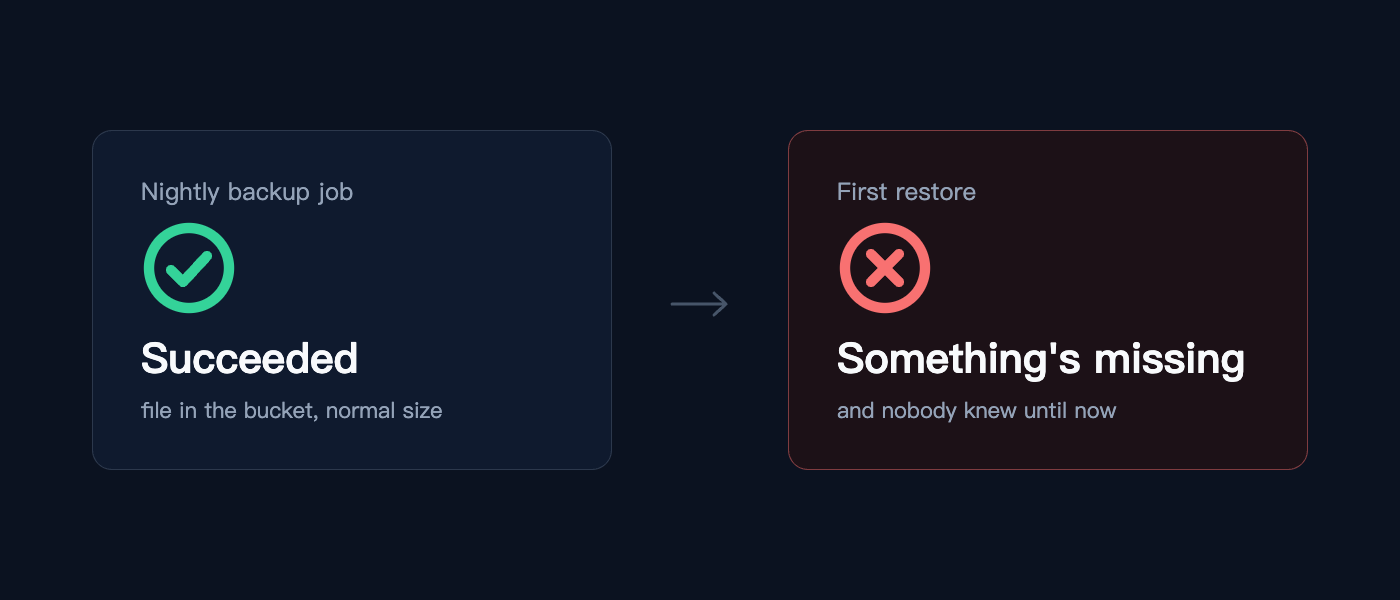
Five common ways Supabase backups can fail and how to test them:
1. Backup with no data: The default Supabase CLI dump command creates a .sql file containing schema but no rows. This might look complete, but when restoring, missing data will result in broken links. Always search for COPY or INSERT statements in the file to ensure data is included.
2. Backup files missing: Supabase Storage keeps uploaded files outside the database in a separate table. When restoring, the app may start with working queries, but broken links will appear because the database points to nonexistent files. To avoid this, back up not just the database, but also the Storage buckets separately.
3. Inaccessible backup: On the Pro plan, Supabase keeps daily backups for seven days, but these backups are not off-site and cannot be downloaded. It's essential to have your own dump in your own bucket to maintain an accessible off-site copy.
4. Tables not surviving restore: Supabase schemas use auth.uid() in column defaults, which can lead to issues when restoring into a plain Postgres without the auth schema. Before restoring, create the necessary roles and an auth schema with placeholder functions to ensure all tables are created correctly.
5. Stale backups: Scheduled backups may fail silently due to password rotations, runner image changes, or database growth. This can result in backups six weeks outdated when needed. To catch this issue, always restore the latest backup and check the newest row in a daily-updated table. If the answer isn't from last night, the backup job is broken.
Written by urgent.news from HackerNoon's reporting — not their text. Machine-written — may contain errors; check the original before relying on it.