Photographing animals from a moving boat is tricky unless you follow these top tips to keep your images sharp and your camera dry
A day out at Longleat Safari Park was a good reminder of the right camera settings to use when shooting from an unsteady, moving platform!
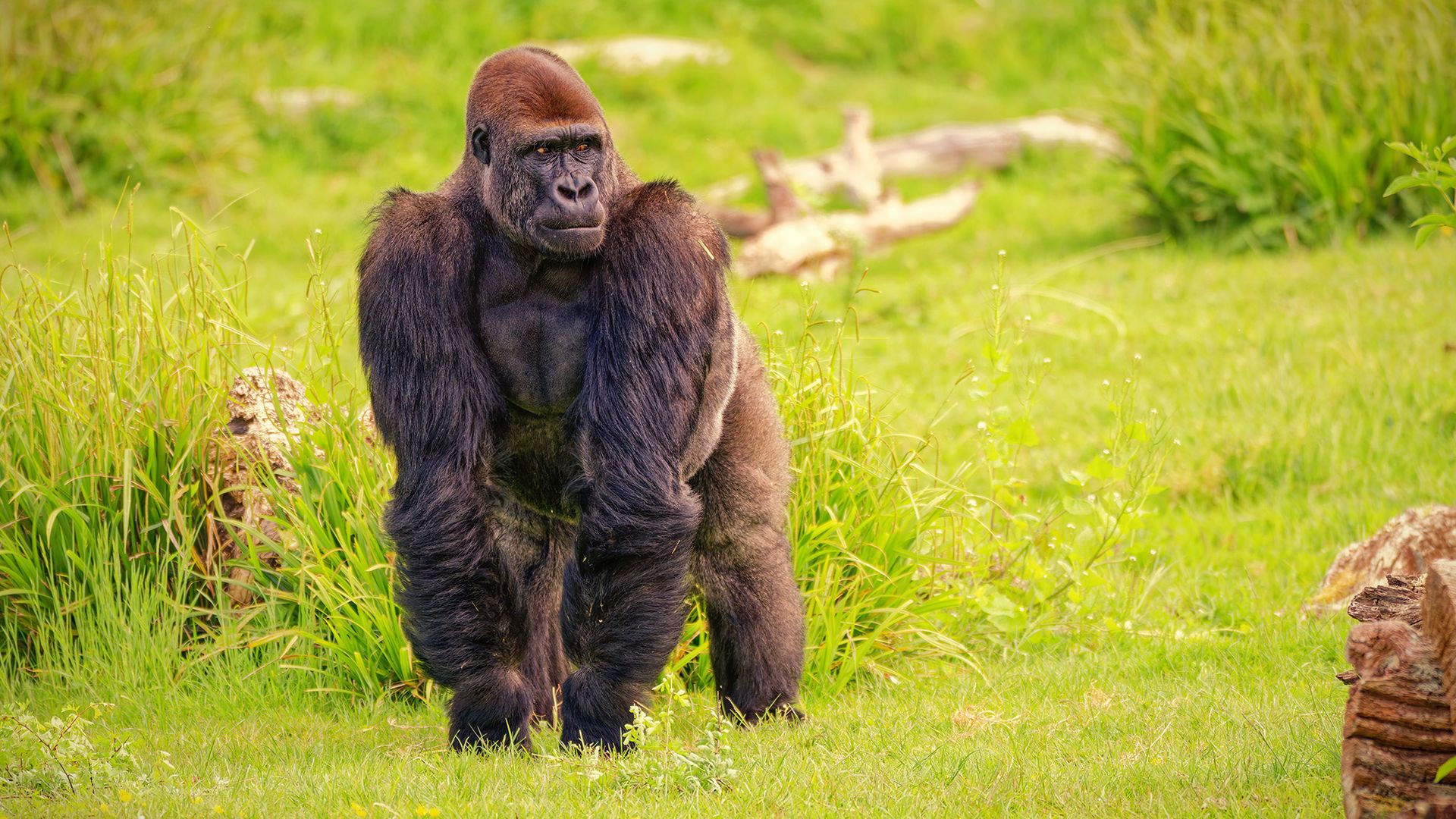
Capturing animals while on a moving boat presents unique challenges that require careful consideration and preparation. Safety is paramount, both for the photographer and their equipment. It's crucial to maintain a secure position on the boat and ensure the camera is adequately secured, perhaps by attaching it to the body with a strap to avoid losing it overboard.
Choosing the right camera settings is key to achieving sharp images despite the boat's movements. Initially, Aperture Priority mode with a high ISO of 1000 was used to maintain a shutter speed of 1/1,000 sec, but when conditions became murkier, switching to Manual mode proved more effective. For animals like seals that moved quickly, setting the ISO to Auto and using f/6.3 at 1/1,600 sec offered a balance between light capture and sharp focus.
Autofocus settings were adjusted to a wide area focused on animals, which worked well for gorillas, hippos, and monkeys, even with the rocking boat. Seals, however, presented a significant challenge due to their swift movements, requiring a combination of a wide autofocus area and animal detection.
The choice of lens also plays a significant role. A 180-600mm lens proved versatile, suitable for capturing distant animals like gorillas while still providing sufficient reach for hippos and smaller monkeys when needed. The need for a longer lens for water-based animals versus one that could fill the frame on land depends on the proximity of the boat to the shore and the size of the animals.
With the right setup, photographers can overcome the difficulties of shooting animals from a moving boat, producing clear and dynamic images despite the challenging environment.
Written by urgent.news from Digital Camera World's reporting — not their text. Machine-written — may contain errors; check the original before relying on it.