How to Run vLLM Natively on Windows
Running vLLM natively on Windows 10/11 with CUDA and an OpenAI-compatible server, no WSL or Docker, via the open-source vllm-windows-build patches and wheels.
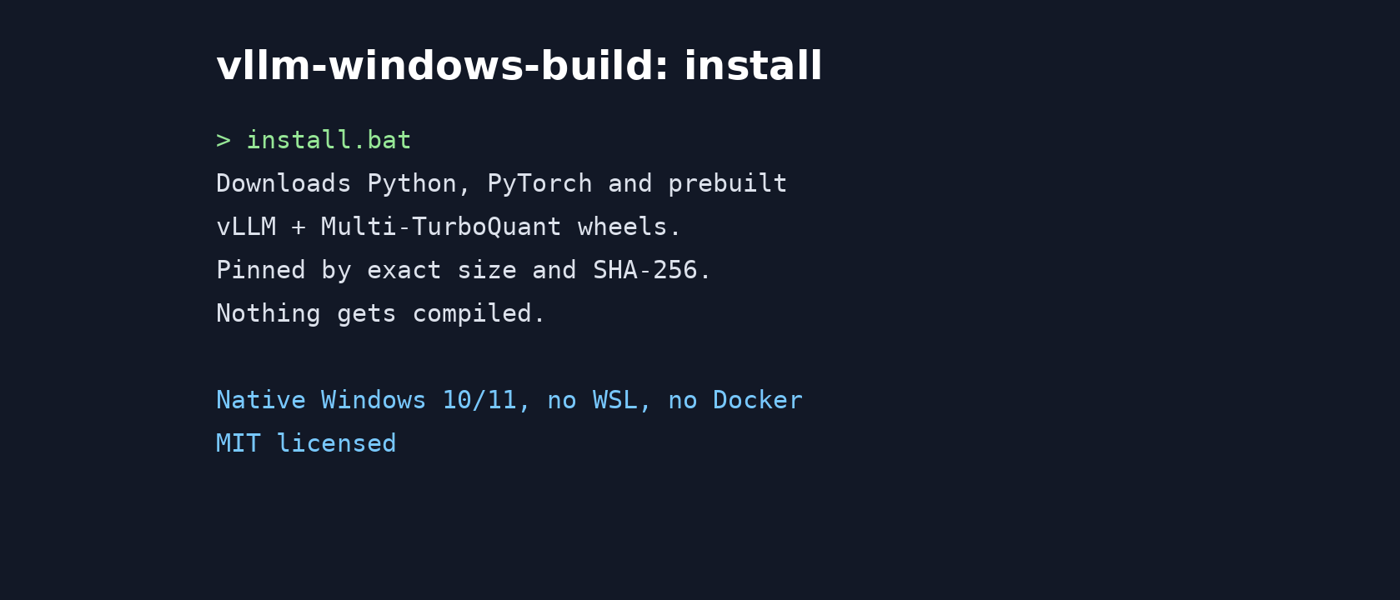
Running vLLM natively on Windows is possible through the vllm-windows-build open-source project. Developed and maintained by the author of the project, this tool patches, provides prebuilt wheels, and offers portable installer scripts to run vLLM directly on Windows 10/11 without the need for a Linux layer or WSL.
The project releases three versions: stable (0.27.1), regular (0.29.0), and prerelease (0.29.0). All utilize Triton for Windows 3.7.1 and support RTX 20/30/40/50 series GPUs with 12GB+ VRAM. The 0.27.1 wheel includes kernels for SM 7.5, 8.6, 8.9, and 12.0, FlashAttention 2, the Rust frontend and tool parser, and optional CPU/filesystem prompt-KV offload.
To install, the recommended approach is the portable installer. Download the desired version (0.27.1 in this case) from the release page, unzip it into a separate directory, and run the install.bat script. This script will download Python, PyTorch, and the matching prebuilt vLLM and Multi-TurboQuant wheels, ensuring everything runs smoothly without the need for pre-installed software.
Once installed, start the server using launch.bat. By default, it provides a model picker to scan models in the same directory as the script. Alternatively, you can pass a specific model and port number, such as launch.bat --model E:\models\Qwen3-14B-AWQ-4bit --port 8000. The installer checks for necessary components and repairs incomplete installations when rerun.
Written by urgent.news from HackerNoon's reporting — not their text. Machine-written — may contain errors; check the original before relying on it.