You can unlock a Googlebook’s bootloader, Magisk support in the works
Googlebook is an Android-based platform and, with that, comes the potential to do a bit more with it. Google has confirmed you can unlock the bootloader on a Googlebook, and now Magisk root support is already in the works. more…
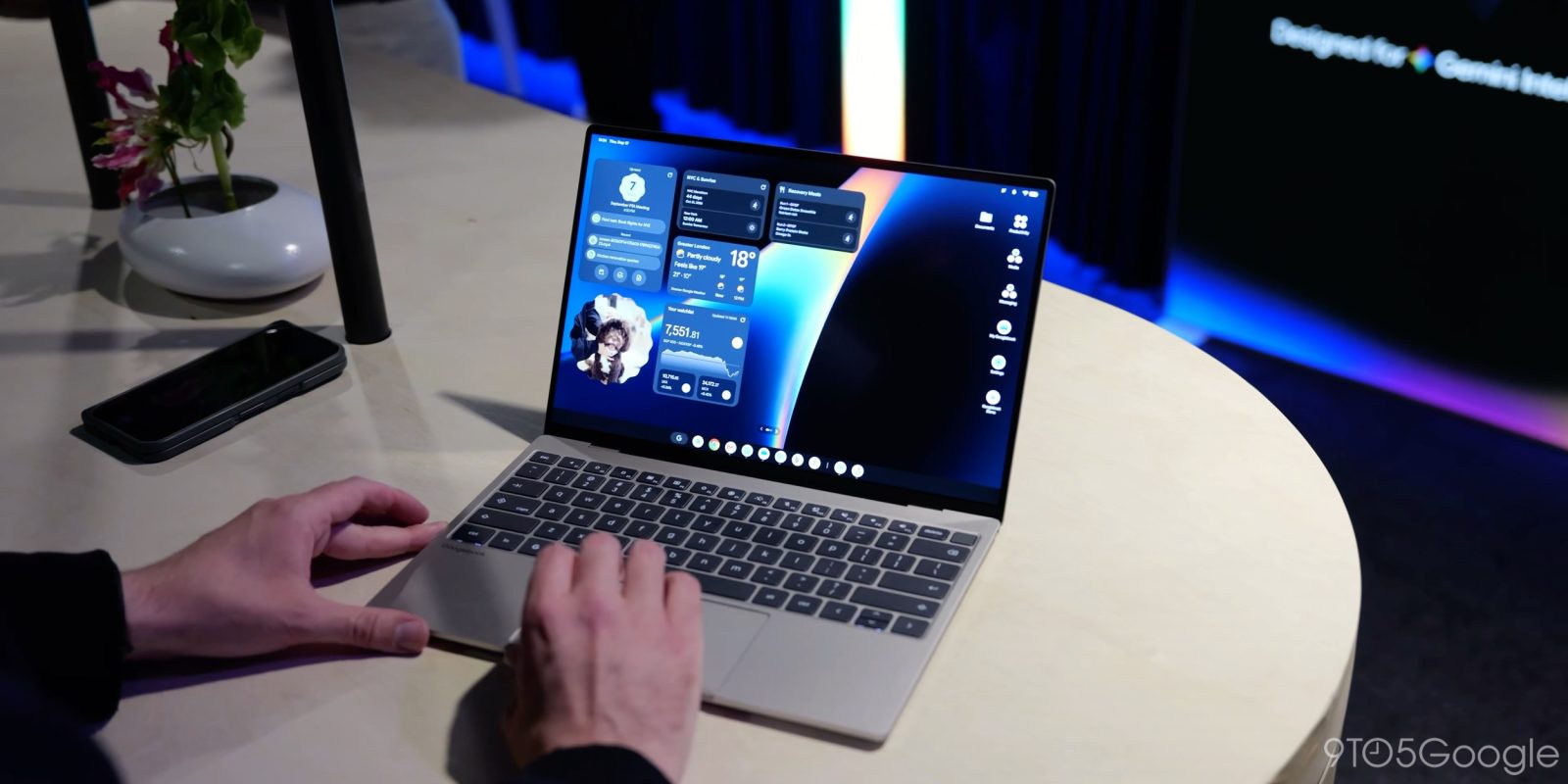
Google has officially confirmed that owners of their Android-based platform, Googlebook, can unlock the bootloader. This development means that developers and advanced users can now customize their device by installing a modified version of the operating system or testing applications. However, Google stresses that most users do not require this functionality.
To unlock the bootloader on a Googlebook, a user must enable OEM unlocking through the Settings menu and Developer options, followed by pressing and holding Esc + F2 and pressing the power button. Once the screen illuminates, bootloader unlock can be found under "advanced options."
John Wu, a developer behind Magisk, has announced that support for Magisk on Googlebook is currently in the works. In a separate post, Wu highlighted Googlebook as an "ideal platform for Android modding" due to the improved stability of applications, including banking apps. Wu mentioned that some modifications are necessary to integrate Magisk and the benefits of a rooted device, but this work is underway.
Written by urgent.news from 9to5Google's reporting — not their text. Machine-written — may contain errors; check the original before relying on it.
This story
This is one outlet's version. Read the fullest account.