How to reclaim 10GB of iPhone space without deleting photos or apps
Few digital warning banners prompt immediate frustration quite like seeing “iPhone Storage Almost Full” right when you open your camera to record a quick video. You might assume that you’re trapped in a terrible trade-off: Either delete three years of family photos or start uninstalling apps you actually use. In reality, most of the storage bloat on your phone doesn’t come from your photo library…
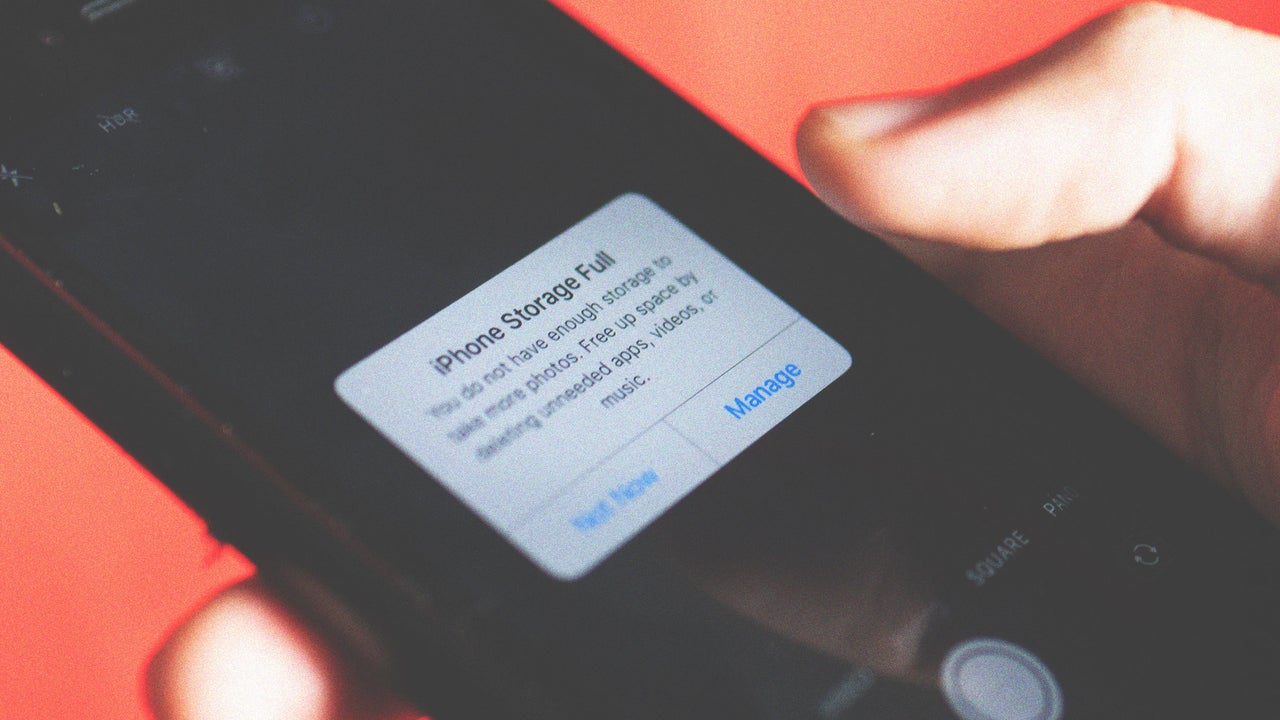
When the dreaded "iPhone Storage Almost Full" message appears, it's tempting to rush to delete photos or uninstall apps. However, most storage space is filled with hidden caches, forgotten downloads, duplicated message attachments, and temporary system files. You can free up 10GB or more without losing any photos or apps. Here's how:
First, tackle messages in group chats. These often contain large videos, audio notes, and reaction GIFs. Open Settings > General > iPhone Storage, tap Messages, and under Documents & Data, choose Review Large Attachments. Delete any files you no longer need while keeping your messages intact.
Next, address forgotten offline downloads from streaming apps like Netflix, Spotify, and Apple Podcasts. These often accumulate gigabytes of storage without your knowledge. Open the respective app, go to the Downloads tab, and delete any content you've already watched or listened to. For future prevention, enable automatic removal of played downloads in Spotify or Apple Music settings. For music apps, disable "Optimize iPhone Storage" to keep full-resolution files locally.
To save space without losing memories, enable "Optimize iPhone Storage" for Photos. This keeps lightweight thumbnails on your device while storing full-resolution images in iCloud. Whenever you view or edit a photo, the high-quality version downloads automatically. You can also offload unused apps to preserve their data and settings without deleting them.
To do this, go to Settings > General > iPhone Storage, select an app you haven't used in weeks, and tap Offload App. Alternatively, enable automatic offloading in App Store settings to periodically remove unused apps.
Finally, clear your Safari cache and perform a hard restart. Browsing history and temporary system files can bloat the "System Data" section. Go to Settings > Safari > Clear History and Website Data, or perform a full restart by turning off your iPhone, waiting 30 seconds, and turning it back on. This clears temporary caches and system files, potentially freeing several gigabytes of space.
Written by urgent.news from Fast Company's reporting — not their text. Machine-written — may contain errors; check the original before relying on it.