Googlebook key features detailed: Here’s what you get with Glowbar, Game Controls, and more
Google also explains the built-in PDF and document editor along with setup and troubleshooting tips.
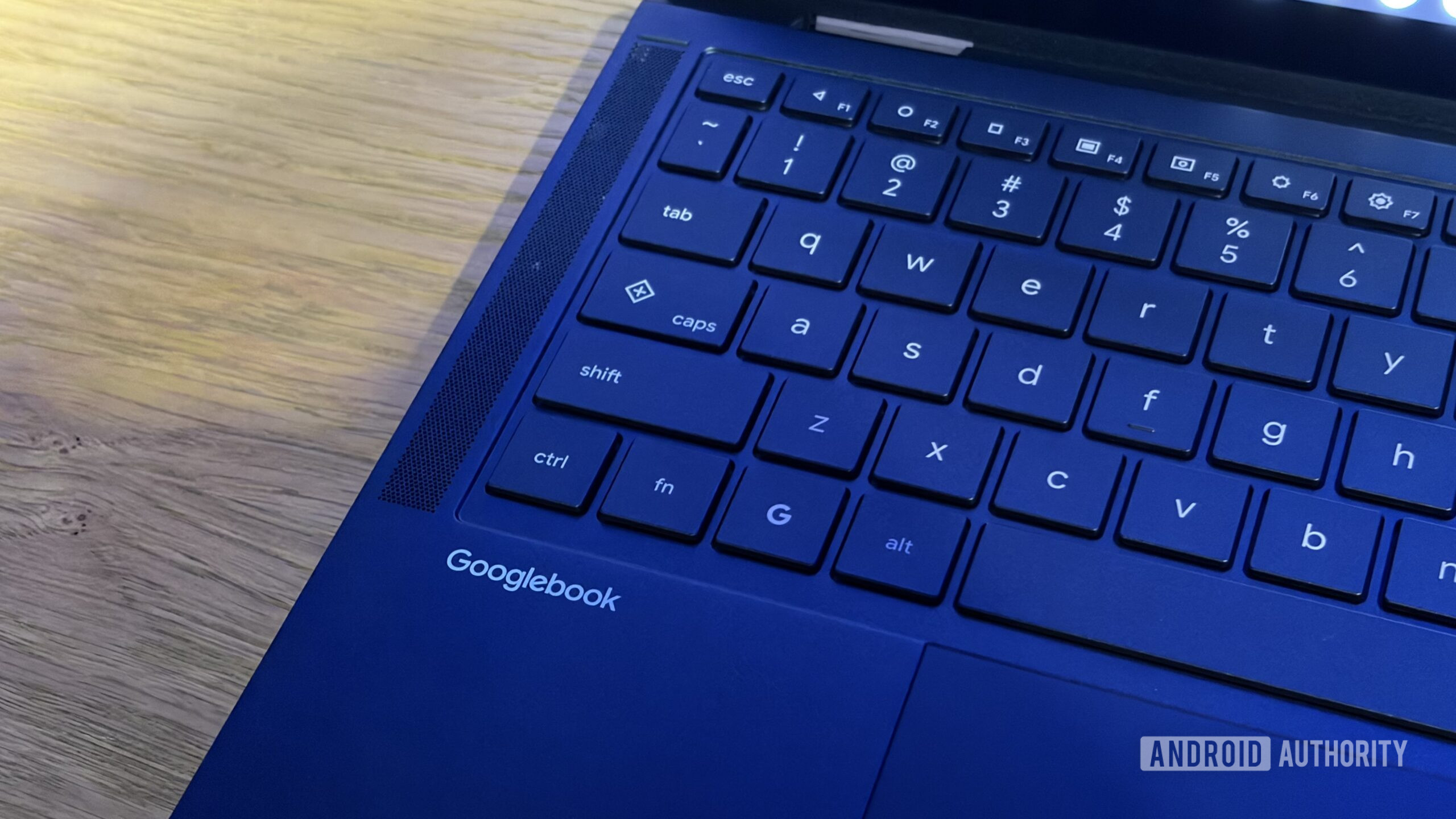
Google has introduced several new support pages for its upcoming Googlebook laptops, coinciding with their launch. These pages provide detailed explanations of various features, including the Glowbar, an RGB LED strip on the back of the device, and Game Controls, a tool for mapping keys to touchscreen controls to enhance gaming experiences.
The Googlebook laptops represent Google's return to the premium laptop market, with pre-orders opening the same day as the announcement. As the devices become available for purchase, Google has stepped up its support efforts to assist new users in setting up and customizing their Android-based laptops to suit their preferences.
One of the key features highlighted in the support pages is the Glowbar. This RGB LED strip can be customized to suit individual tastes, adding a personal touch to the device. The support pages guide users on how to set up and customize the Glowbar according to their preferences, enabling them to make the most of this unique feature.
In addition to the Glowbar, Google also provides instructions on setting up on-screen key-mapping through Game Controls. This tool allows users to map keys on the keyboard to touchscreen controls, optimizing the device for gaming. By following the provided instructions, users can enhance their gaming experience on the Googlebook laptops, making the most of the unique features offered by this new line of Android-based devices.
Written by urgent.news from Android Authority's reporting — not their text. Machine-written — may contain errors; check the original before relying on it.