I pick the Best Video Editing Apps for Phones
What are the best video editing apps for phones? We look at some choices below, whether you're a pro, a beginner, or social media creator. The post I pick the Best Video Editing Apps for Phones appeared first on Amateur Photographer .
With the rise of smartphone cameras, shooting video has become more accessible, but editing those clips often requires a mobile app. Numerous video editing applications are available for both Android and Apple iOS devices, catering to a range of users from beginners to professional creators. The choice of app depends on the type of video content and intended platform of publication.
Adobe Premiere, the mobile counterpart of Adobe's Premiere Pro, offers a comprehensive set of tools for video editing. It supports unlimited audio and video tracks, motion graphic templates, presets, and manual color correction. Once editing is complete, the app allows users to export videos to the desktop version of Adobe Premiere Pro for further refining.
Although Adobe Premiere is free, an Adobe subscription is required to access the desktop version. The app is also an official partner of YouTube Shorts, providing exclusive templates and effects tailored for the platform.
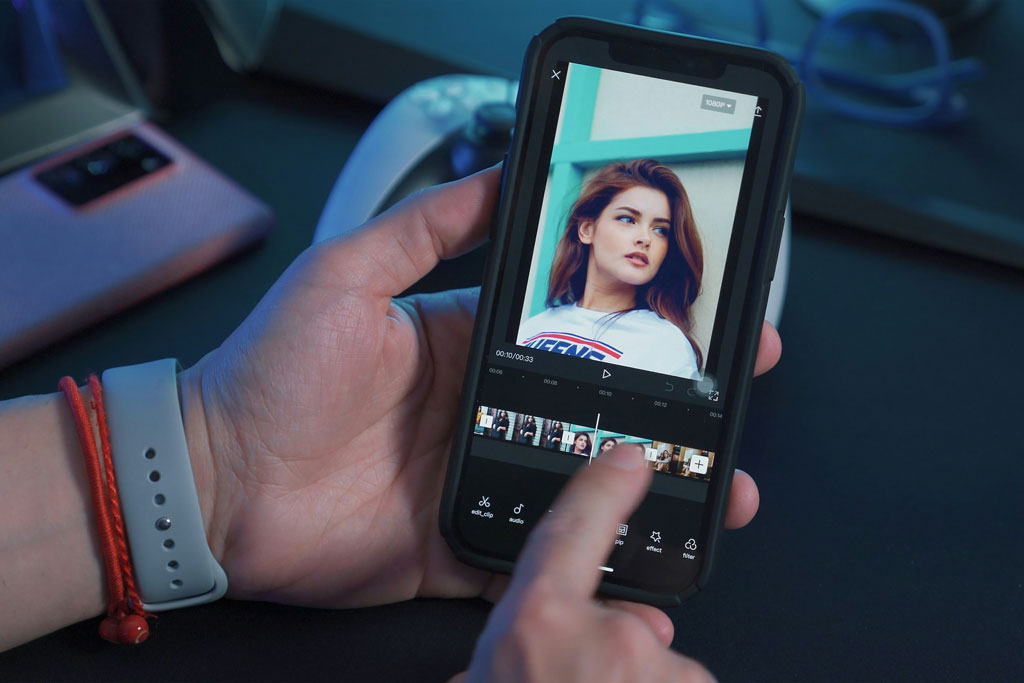
CapCut is another popular choice among mobile video editors, particularly favored by TikTok creators. It offers a comprehensive suite of editing tools, including video templates, text-to-speech functionality, and a library of trending TikTok sounds. CapCut is free to download on both Android and iOS platforms, with a premium version available for additional features. Additionally, the app comes with a desktop version for more extensive editing.
For Apple device users, iMovie serves as a beginner-friendly option. Despite its simplicity, iMovie provides an array of title and transition options, a green screen effect, and tools for stabilizing and adjusting volume. As a native Apple application, iMovie is included with most iOS devices at no additional cost.
Written by urgent.news from Amateur Photographer's reporting — not their text. Machine-written — may contain errors; check the original before relying on it.