Google’s new Android sideloading rules are live — and here are all the ways to already bypass them
From Advanced Flow to ADB and Shizuku, power users can continue installing unverified APKs on Android.
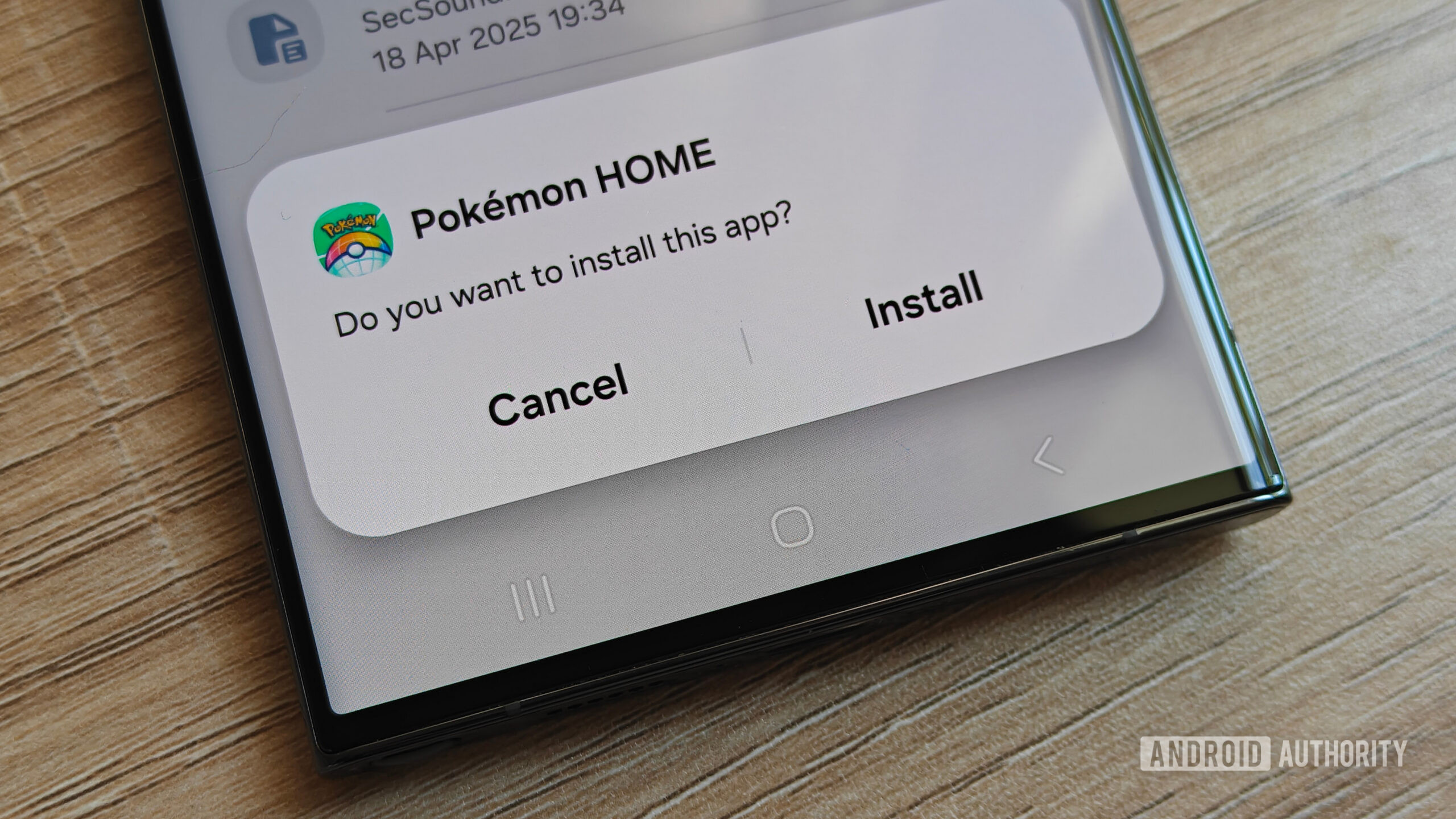
Certified Android devices running Google Play Services in Brazil, Indonesia, Singapore, and Thailand have activated new sideloading restrictions as of the latest update. These devices actively block apps from unverified developers, a change set to roll out globally by 2027. While existing apps continue to function, updates necessitate bypassing the new safeguards.
Users can circumvent these restrictions through Google's multi-step "Advanced Flow," which involves toggling Developer Options, restarting the device, waiting 24 hours, and additional taps. Other methods include using ADB, Shizuku, rooting the device, or installing custom ROMs like Lineage OS and GrapheneOS. Despite these bypass options, turning off Developer Options after Advanced Flow setup won't undo the permission changes.
Google's move to tighten Android sideloading rules has already generated community chatter, with users sharing their experiences and frustration. Apps traditionally hosted on platforms like GitHub, F-Droid, and community-patched applications such as Morphe are now considered unverified, leading to their inability to install on these devices.
Written by urgent.news from Android Authority's reporting — not their text. Machine-written — may contain errors; check the original before relying on it.