Your iPhone just got a hidden anti-scam upgrade in iOS 27: How to enable it
New with iOS 27 (and iPadOS 27) is a setting called Impersonation Risk Detection that aims to warn you of suspicious activity that could trap you in a scam.
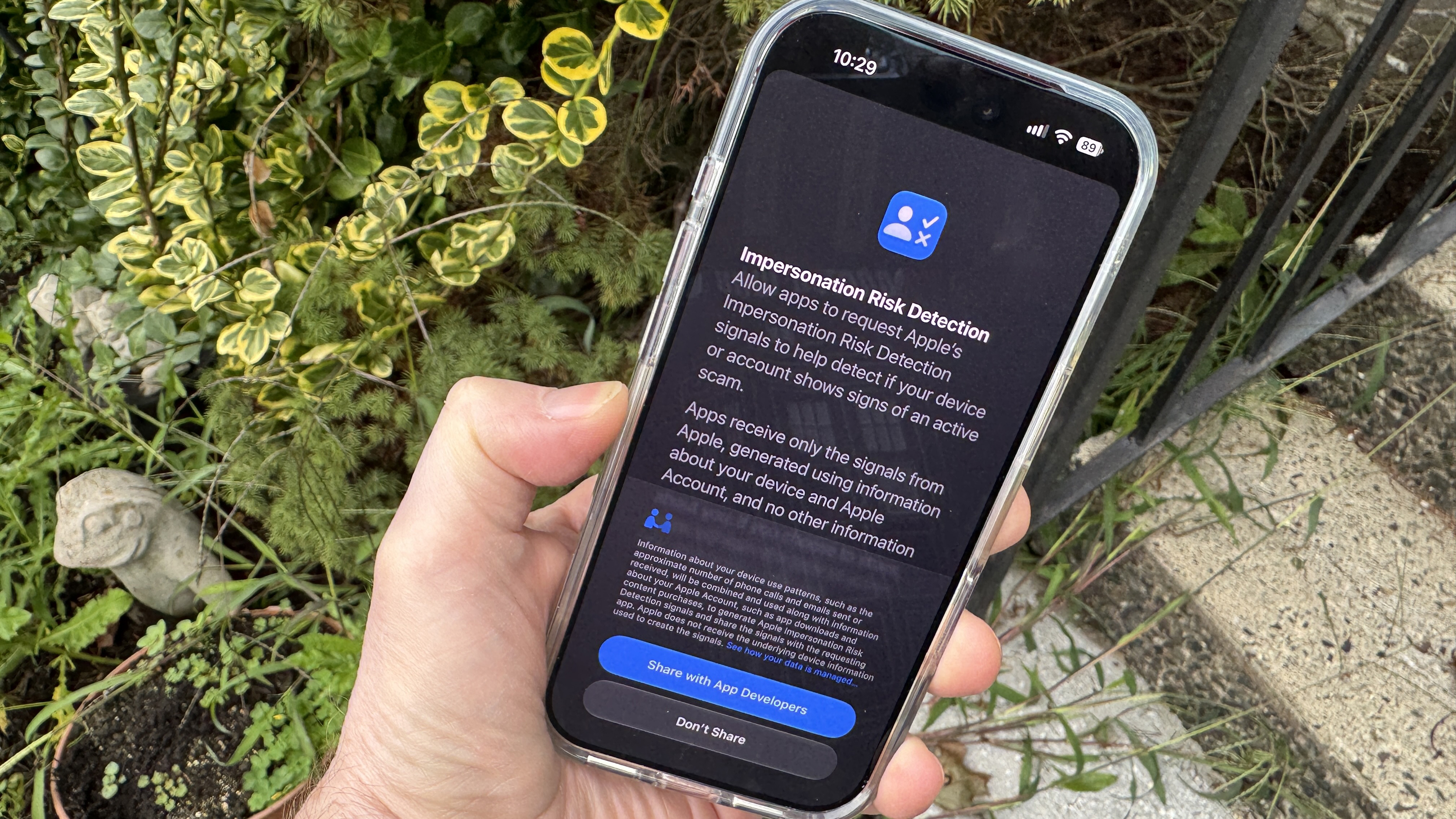
Apple has added a new anti-scam feature to iOS 27 and iPadOS 27 called Impersonation Risk Detection. This tool is designed to protect users from scams that may otherwise bypass traditional security measures. The feature runs in the background, analyzing an iPhone or iPad user's actions and information when they attempt sensitive tasks like making payments or changing passwords. Based on the analysis, the app will provide one of three risk levels to warn the user.
If the risk level is high, the app may ask for additional verification, display a warning, or delay the action to prevent potential harm. Apple does not have access to the user's personal data during this process, only the risk level. Impersonation Risk Detection is disabled by default, but users can enable it in the Privacy & Security settings.
Once activated, users can review the list of apps that have requested a risk assessment and adjust their permissions as needed. Supported apps will periodically update the list to show which actions triggered the request. This feature aims to provide an extra layer of protection against increasingly common social engineering scams.
Written by urgent.news from ZDNet's reporting — not their text. Machine-written — may contain errors; check the original before relying on it.