OpenAI takes on Microsoft and Google with office productivity push
OpenAI unveiled its long-rumored productivity software suite Tuesday with the launch of Pages, a collaborative document editor for ChatGPT. A slides app is also on the way, the company announced at its DevDay event . The Pages app is accessed via a new Space tab, which OpenAI describes as a “new home for your team to collaborate with AI to get work done.” Users can store documents and other…
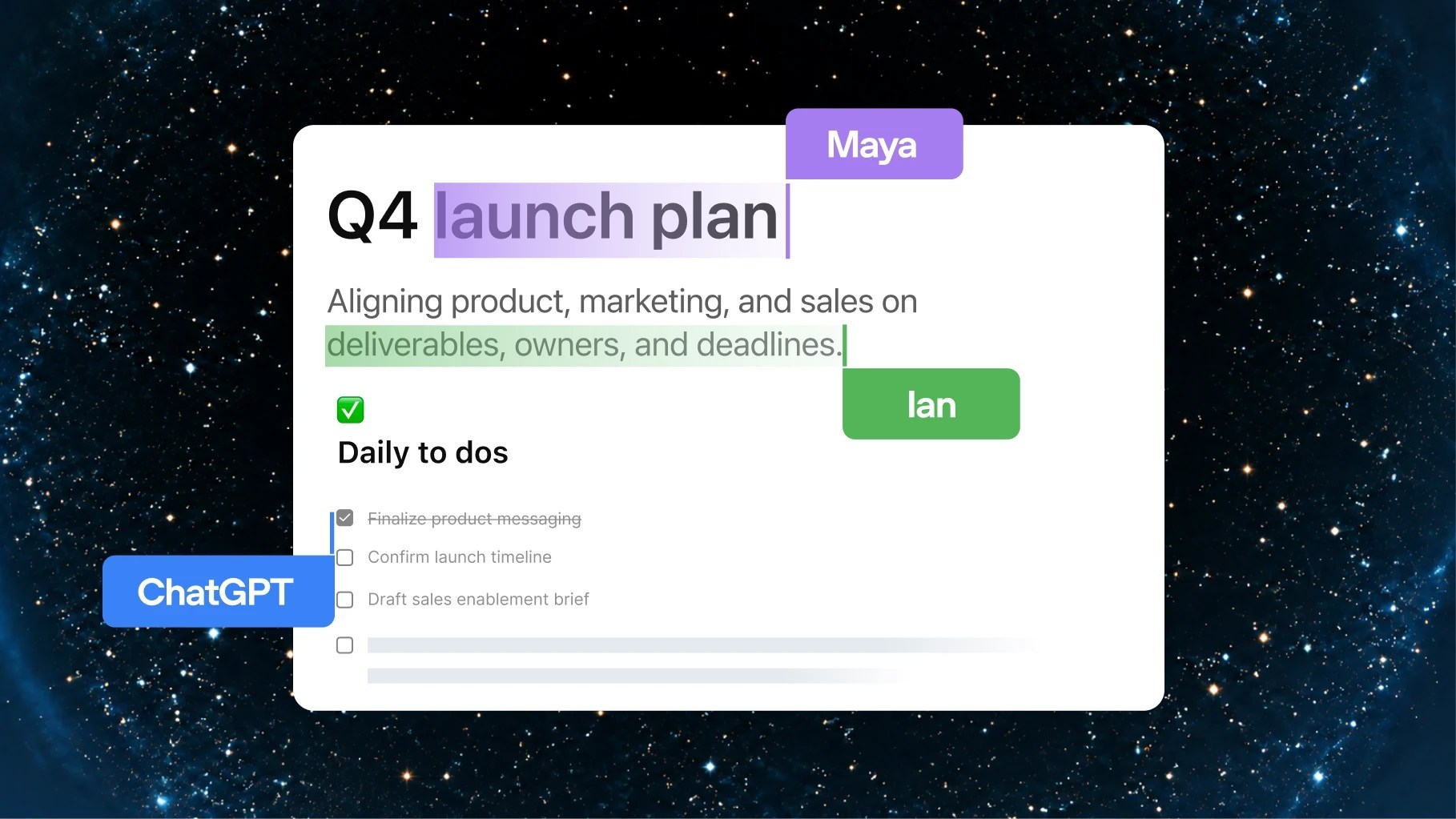
OpenAI unveiled its long-awaited suite of productivity software on Tuesday, introducing Pages, a collaborative document editor for ChatGPT. The company showcased its suite at the DevDay event. Pages is accessed via a new Space tab, serving as a "new home" for teams to collaborate using AI. Users can store documents, create and share pages, slides, and spreadsheet documents. Space replaces the Library in ChatGPT, but the Projects tab will remain for organizing chats and files.
This move puts OpenAI in direct competition with established office productivity software providers like Microsoft, Google, and Notion. Maria Bell, a senior research analyst at FDM CCS Insight, noted that Spaces and Pages widen the competitive overlap, as ChatGPT moves towards becoming a platform for retaining, organizing, and sharing work with colleagues.
Jack Gold, principal analyst at J. Gold Associates, explained that OpenAI aims to become a user-centric environment focused on everyday workloads, competing with Microsoft, Google, and other AI companies.
With its productivity tools, OpenAI seeks to make its AI assistant more engaging to generate more revenue. However, analysts warn that displacing entrenched users of Microsoft Office or Google Workspace is a significant challenge, as most companies prefer to add on to their existing capabilities rather than replace them entirely.
ChatGPT Pages is described as a "new type of document" built for human and agent collaboration. The editor features a streamlined interface similar to Notion, with blocks for headings, paragraphs, and tables, sub-pages, and the ability to link to existing pages. When users select text, a floating toolbar appears with formatting options, and collaborators can comment on selected text or ask ChatGPT to make revisions.
The AI assistant can generate text, images, and interactive visualizations, and authors can embed suggested prompts for readers to explore their work.
Collaborative document access may raise permission concerns, but ChatGPT provides information on permissions and data sharing controls. Users can connect to other content repositories like Google Drive. Spaces and Pages are available to ChatGPT Pro, Business, and Enterprise customers on the web and ChatGPT desktop app, but editing is not supported on mobile devices.
Written by urgent.news from Computerworld's reporting — not their text. Machine-written — may contain errors; check the original before relying on it.