Switch Siri AI for ChatGPT on Your Mac
In macOS 27 Golden Gate, Siri AI is a lot smarter than before, so it doesn't always flail and attempt to hand your questions over to ChatGPT. However, if you still prefer OpenAI's chatbot for certain queries, you can still ask for it explicitly. In macOS Tahoe, Siri would suggest passing a request to ChatGPT when it thought the chatbot could help. In macOS 27 though, ChatGPT only answers when you…
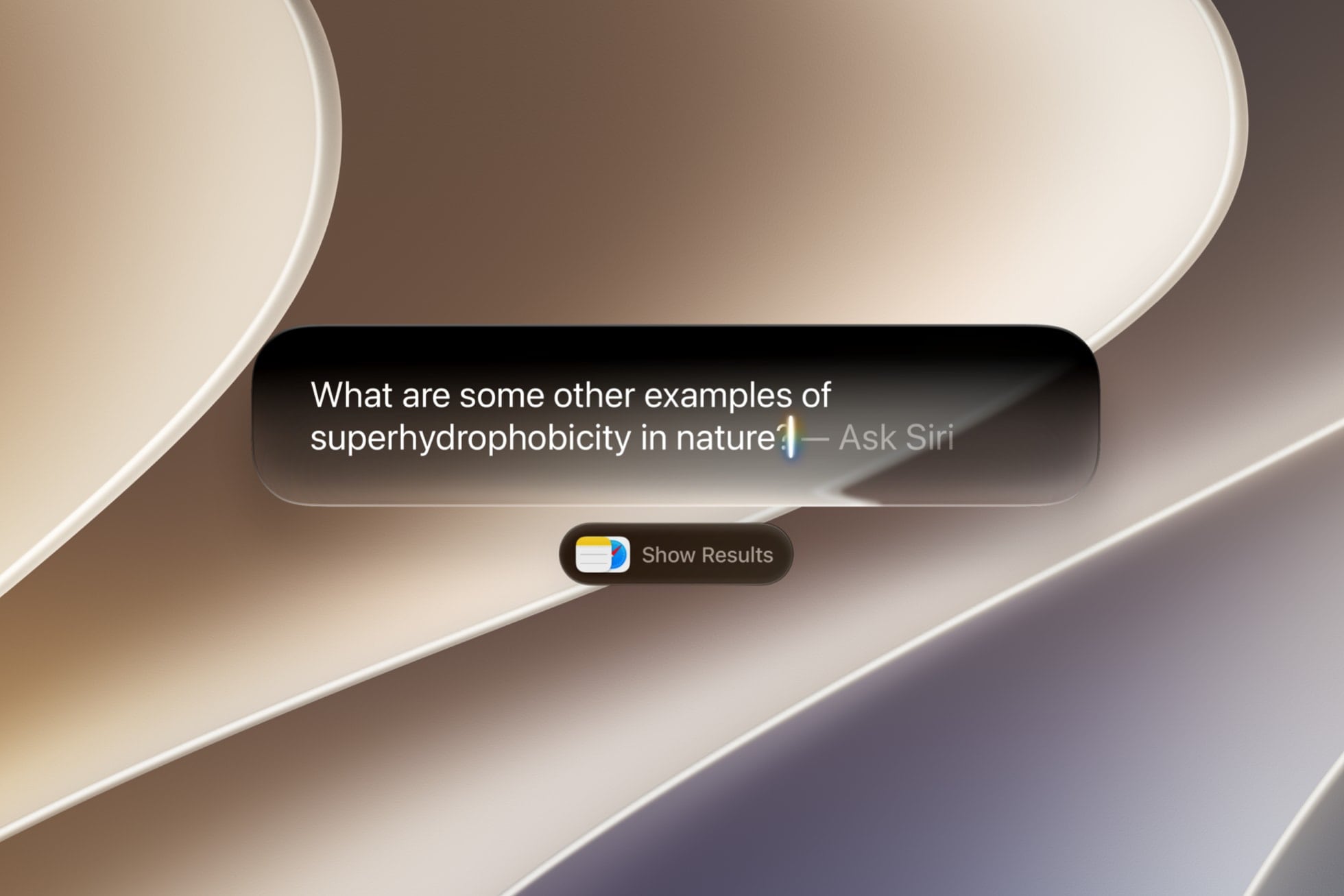
macOS 27 Golden Gate introduces a new Siri AI that is more knowledgeable than before, but it does not automatically forward questions to ChatGPT. Users can still opt to use ChatGPT for specific queries. In macOS Tahoe, Siri would sometimes suggest using ChatGPT, but macOS 27 only triggers ChatGPT when explicitly asked. There is no default setting for ChatGPT to become the new default assistant.
To use ChatGPT, users must enable the ChatGPT extension in System Settings > Siri > ChatGPT > Use Extension. Signing in with a ChatGPT account allows saving of requests, but skipping sign-in ensures no Apple Account data is stored. To query ChatGPT, users can press Command-Space to open the Search or Ask bar and then right-click the field, selecting Ask > Use ChatGPT.
Alternatively, they can start a Siri request with "ask ChatGPT." Currently, ChatGPT is the only available option in Golden Gate. Although code hints that Claude may appear later, Apple has not yet enabled provider selection.
Written by urgent.news from MacRumors's reporting — not their text. Machine-written — may contain errors; check the original before relying on it.