How to choose between ChatGPT’s ‘chat’ and ‘work’ modes
In the parlance of tech companies, I’m a “heavy user” of AI chatbots like ChatGPT and Claude . How much do I use these tools? Let’s put it this way: If ChatGPT goes down for a few hours, my productivity grinds to a halt and I end up standing around aimlessly in my backyard with a La Croix instead of getting anything meaningful done. OpenAI is constantly tweaking the interface for ChatGPT. But a…
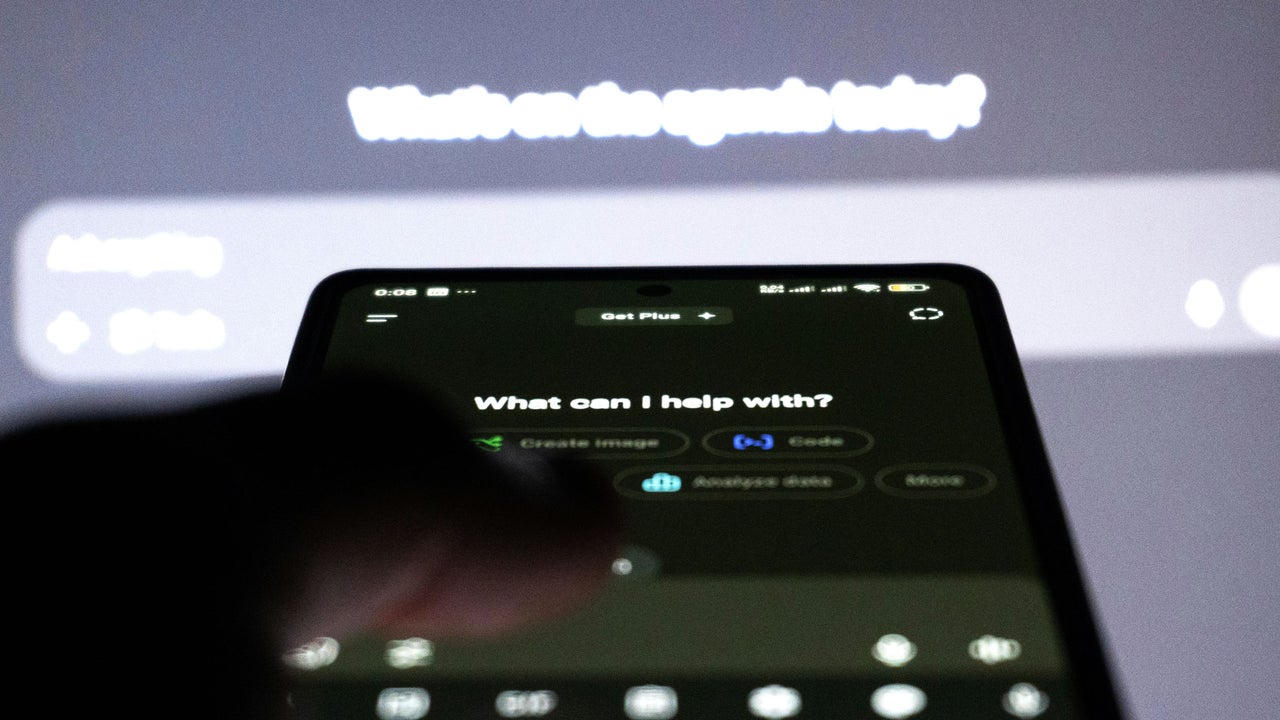
ChatGPT recently introduced a new feature that requires users to choose between two modes: "Chat" and "Work." This change has significant implications for how users interact with the bot, especially for those who heavily rely on it for productivity. The difference between these two modes lies in their purpose and functionality.
Chat mode is designed for situations where users need information. When activated, ChatGPT enters a conversational mode that is more collaborative and friendly, optimized for tasks like research and brainstorming. It tends to provide links to resources rather than directly delivering solutions. For instance, if you ask about optimizing your T-Mobile bill, Chat will point you to relevant articles and deals.
The bot also embeds UTM parameters in outgoing links, indicating its expectation that users will take action based on the provided information.
On the other hand, Work mode is intended for getting specific tasks done. Switching to Work mode transforms ChatGPT into a more business-like and task-oriented tool. It becomes better at translating your requests into specific deliverables, such as generating a PDF report or creating a project audit. This mode uses OpenAI's most advanced models, resulting in quicker responses and a better focus on the task at hand. However, it consumes usage quota more quickly, so users need to be mindful of their usage.
Choosing the right mode depends on your specific needs. If you're seeking information, like answers to specific questions or ideas, Chat mode is the better choice. It's more personable and chatty, making it ideal for personal queries. However, if you're looking for tangible results, such as a table of data or a report, Work mode is more suitable. This mode excels at creating specific deliverables, like PDF reports or project audits.
To maximize productivity and efficiency when using ChatGPT, it's recommended to pause and decide which mode is most appropriate for your session's goal. This way, you can get faster, more relevant responses and avoid unnecessary usage credits or waiting for overly detailed responses.
Written by urgent.news from Fast Company's reporting — not their text. Machine-written — may contain errors; check the original before relying on it.