Phone battery losing charge while plugged in? Here’s why, and simple fixes to try first
You plug in your phone at 18 per cent. Twenty minutes later, you check the screen and somehow it's at 15 per cent. The cable is connected. The little charging symbol is there. So why is your battery going down? It sounds like something is wrong with your phone, but in many cases, it isn't. Charging is essentially a tug-of-war. Your charger is putting power into the phone while the screen, apps,…
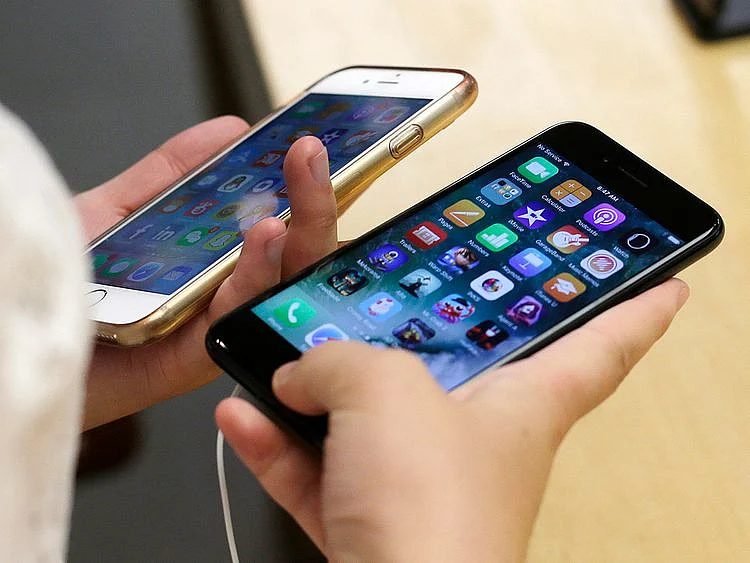
If you notice your phone's battery losing charge while connected to a charger, there could be several reasons behind this issue. Don't immediately assume your phone, charger, or cable are at fault. There are a few simple factors to consider before concluding there's a problem with your device.
First, think about how you've been using your phone while it's plugged in. If you're running power-intensive tasks like playing graphics-heavy games, watching videos, using GPS for navigation, or utilizing mobile hotspots, your phone is working hard even as it tries to recharge. Additionally, the screen and high screen brightness can significantly drain the battery.
Try locking your phone and leaving it alone for a quick charge, or reduce screen brightness, enabling Low Power Mode or Battery Saver. If possible, use a dedicated car charger instead of a built-in USB port while navigating. Sometimes, the simplest solution is to stop using your phone for 20 minutes and allow it to charge.
Second, examine the charger and cable you're using. Wall chargers generally supply more power than USB ports on older laptops, hotel bedside tables, or car chargers. A worn, damaged, or low-quality cable may result in slower charging speeds compared to a high-quality one. While you don't necessarily need the manufacturer's charger, ensure it's compatible with your phone's charging requirements. Try plugging into a wall outlet instead of a laptop, and swap out cables if one consistently charges more slowly than another.
Next, consider your phone's temperature. Phones aren't fond of being hot, and charging generates heat in the process. Combine a bright screen, heavy app usage, direct sunlight, a hot car, or a thick case, and your phone might become warm enough to slow or temporarily halt charging. Phones have built-in safeguards that can reduce or pause charging when temperatures exceed safe levels, leading to a static battery percentage or even a drop in charge if you continue using the device.
Remove the phone from its case, avoid charging in direct sunlight, don't place it on heat-trapping surfaces, and minimize demanding apps during charging. If you're using wireless charging, ensure proper alignment with the charging pad. In hot weather, opt for indoor charging in an air-conditioned room instead of a hot car.
Next, check for any debris in the charging port. Phone charging ports can collect lint and dust over time, potentially causing the cable to fit poorly or charging to stop altogether. If you notice lint or debris, take your phone to a service center for proper cleaning. If the port appears clean but the cable still feels loose or charging continues to stall, the port itself might require attention.
Lastly, investigate if an app or software process is consuming excessive battery power. Background app activity can sometimes cause unexpected battery drain. Modern phones are designed to manage background apps well, and constantly force-closing apps may not be beneficial. Instead, inspect which apps are using the most power in your phone's settings.
Update the problematic app if an update is available, restrict its background activity or location access, restart your phone, and install any pending system updates. A single app consuming an abnormal amount of battery, despite minimal usage, may warrant further investigation.
Written by urgent.news from Gulf News's reporting — not their text. Machine-written — may contain errors; check the original before relying on it.