Gemini app starts rolling out big side panel simplification, settings redesign
The next big update to the Gemini app on Android and iOS is beginning to roll out with a focus on simplifying core navigation. more…
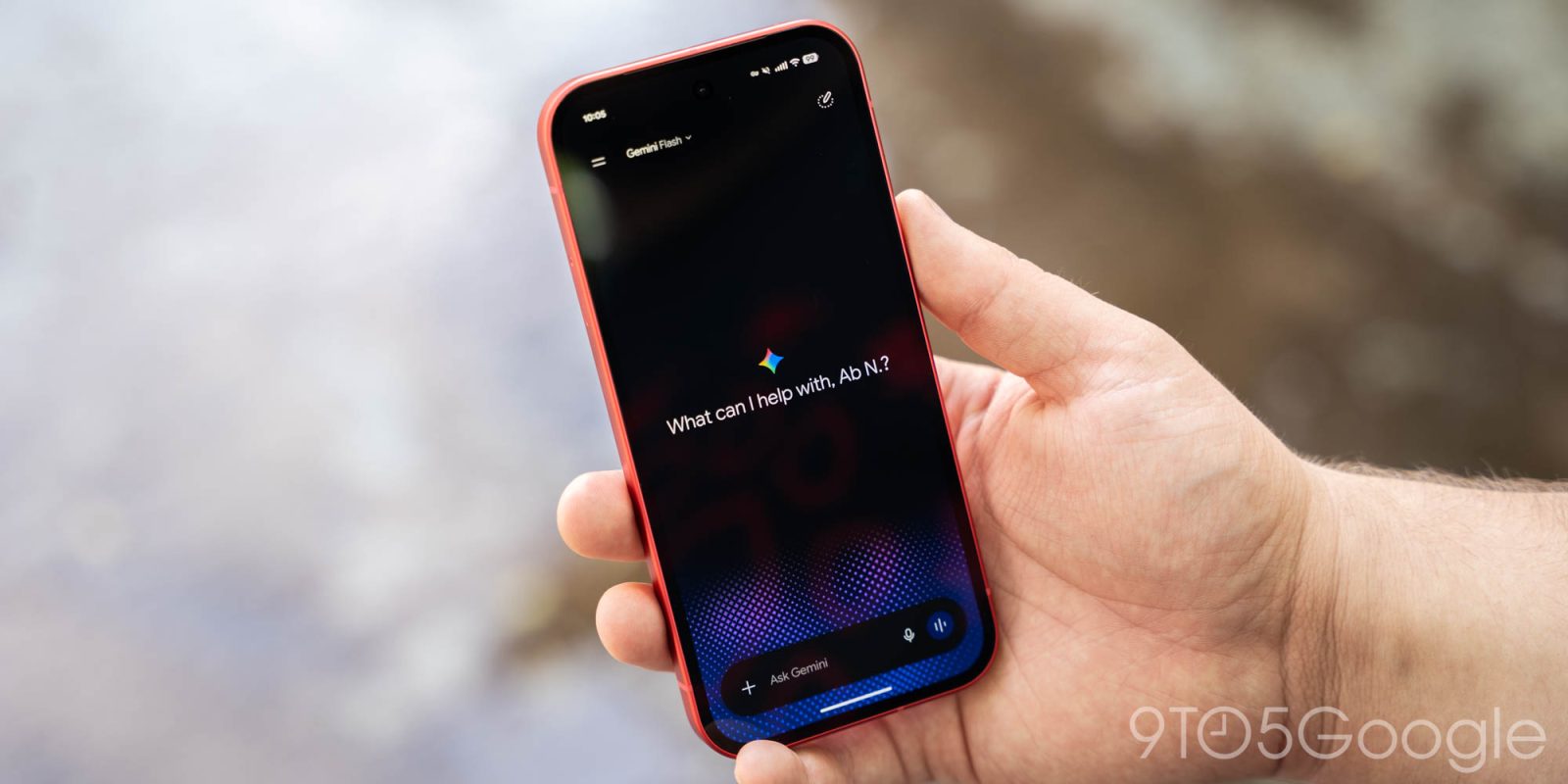
The Gemini app on Android and iOS is gradually rolling out a significant update that simplifies core navigation. The homepage remains largely unchanged, with the most noticeable alterations occurring in the side panel. The search function has been relocated to the top-right corner, while chat history now features filters: All, Ready, Needs attention, and In progress.
A new item called "Scheduled" has replaced the "Scheduled actions" page. Users are now presented with "Suggested" prompts, such as creating a news digest or building a study quiz. An important update involves the "Customize" feature, which transforms the Discover tab into a skills-based mini-app store, replacing previous Gems functionality.
Skills can now be activated using the ‘@’ symbol rather than a forward slash, as seen in Gemini Spark. The "Connectors" tab has been modernized to act as a streamlined "Connected Apps" page, and users can now "Uninstall" third-party connected apps via an overflow menu. Additionally, a much-needed settings redesign has been implemented when tapping the profile avatar in the top-right corner or the gear icon.
This redesign includes managing account details and usage limits, followed by other related options. This update is not yet universally available and is currently only appearing on a single Google Account on both Android and iOS devices.
Written by urgent.news from 9to5Google's reporting — not their text. Machine-written — may contain errors; check the original before relying on it.
Also reported by 2 other outlets
- Pixel Buds app update lets Gemini control audio and settings 9to5google.com
- Latest Pixel Buds update lets Gemini control your earbuds’ settings androidauthority.com