watchOS 27: 12 New Things To Check Out on Your Apple Watch
Apple released watchOS 27 on September 14. The features and changes aren't limited to owners of new Apple Watch Series 12 and Apple Watch Ultra 4 models. If you have an Apple Watch model that supports the latest update, here are 12 features and changes to check out after installation. To do so, open the Watch app on your iPhone, then tap General ➝ Software Update, strap your watch into a charger,…
On September 14, Apple introduced watchOS 27, bringing a host of new features and enhancements to Apple Watch users. The update isn't exclusive to the newest Series 12 and Ultra 4 models, but any Apple Watch model capable of supporting the latest software can take advantage of these improvements. To access the new features, users must open the Watch app on their iPhone, navigate to General > Software Update, and follow the onscreen instructions after connecting their watch to a charger.
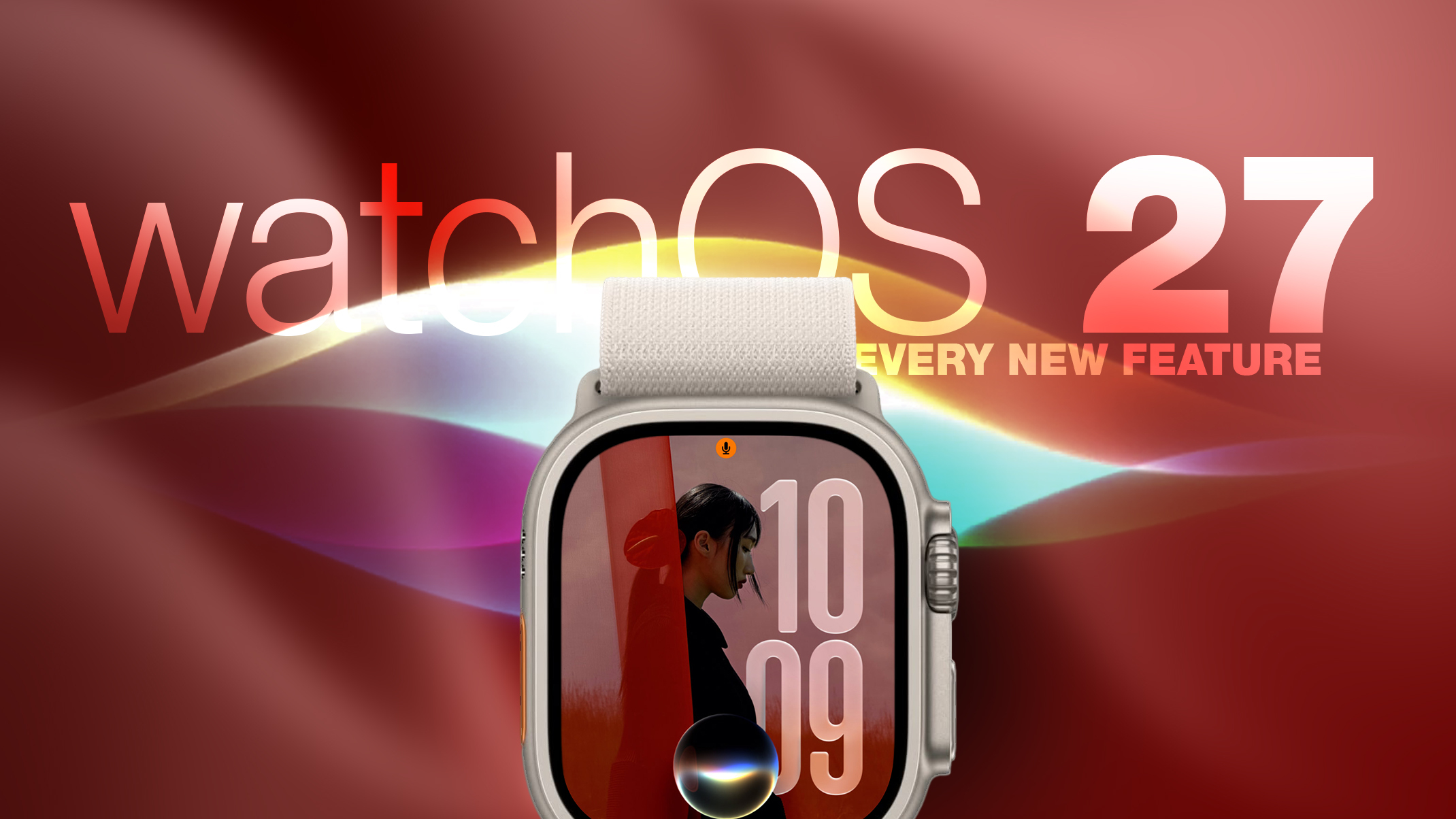
One of the most significant additions is the dedicated Siri app, which now offers contextual awareness and its own interface for managing conversations. Siri conversations can be synced privately across devices via iCloud, allowing users to pick up a thread on their Apple Watch or start a new chat directly from their wrist.
The new Siri watch face is designed to be highly functional. Its rectangular complication displays the top item on the Smart Stack, updating dynamically throughout the day based on factors like time, location, and more. The Dynamic App Grid replaces the default honeycomb app view, showcasing suggested apps, most-used apps, and most recently used ones. The Siri app remains at the center, with the alphabetical list of apps accessible through the Digital Crown.
Apple has also introduced a new Tap gesture for opening highlighted widgets in the Smart Stack. A single tap with the index finger and thumb reveals the selected widget, while Double Tap and Wrist Flick gestures are reserved for other functions. However, Walkie-Talkie has been removed, and users must remain on watchOS 26 to retain the app. It cannot be reinstalled from the App Store after the update.
WatchOS 27 also brings several changes to existing features. Live Rewind, an upcoming feature exclusive to Series 12 and Ultra 4, will provide a transcript of the last fifteen seconds of speech in the user's environment. Find My has been consolidated into a single app with a map-centric layout, and Workout Buddy can now function without an iPhone, provided Wi-Fi or cellular connectivity is available.
New cycle tracking features in the Health app notify users if their logged patterns indicate perimenopause, along with symptom tracking and educational material.
The Smart Stack's contextual suggestions have become more intelligent, with widgets now surfacing information like parked car locations, close contacts' birthdays, and transit card balance changes. A new Steps complication on the latest models tracks step counts in real time directly from the watch face. However, older devices may not receive the same benefits.
Written by urgent.news from MacRumors's reporting — not their text. Machine-written — may contain errors; check the original before relying on it.