Building a Versioned Lambda Deployment Script With the AWS CLI
Automate Lambda container deployments with published versions, aliases, and CodeDeploy, while accounting for rollback settings and deployment waiters.
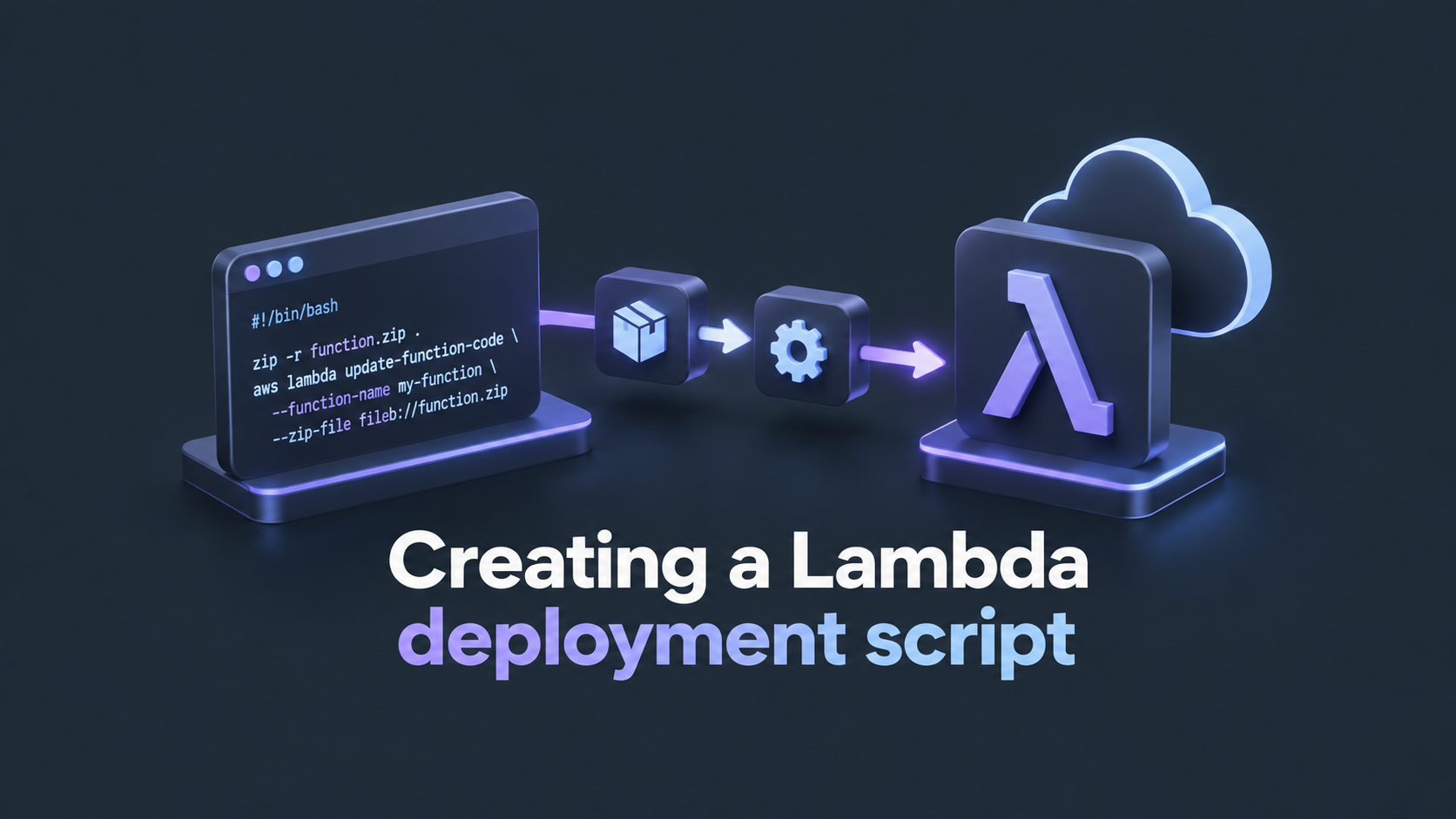
The article outlines a method for deploying a new version of a Lambda function using the AWS Command Line Interface (CLI) to ensure a controlled and safe update process. The key steps include:
Publishing an immutable version of the code and config in Amazon ECR (Elastic Container Registry) and updating the Lambda function code to point to this new version. This is done with the AWS CLI commands `aws lambda publish-version` and `aws lambda update-function-code`, both followed by a wait command to ensure the update completes successfully.
Updating the Lambda function alias to point to the newly published version. The alias is a stable reference to a specific version of the Lambda function, ensuring that triggers (like API Gateway or CloudWatch) continue to work without interruption.
Using AWS CodeDeploy to manage the deployment of the new version. CodeDeploy gradually shifts traffic to the new version and can roll back if issues arise. The script creates an AppSpec, a configuration file describing the deployment, and passes it to the `aws deploy create-deployment` command.
Tracking the deployment process with the `aws deploy` commands. The script creates a deployment, waits for it to become successful, and exits with an error if any step fails, ensuring a safe and monitored deployment process.
The script is designed to be run with three arguments: the Lambda function name, the CodeDeploy application name, and the URI of the new image. This allows for an automated, versioned deployment of Lambda functions with minimal manual intervention.
Written by urgent.news from HackerNoon's reporting — not their text. Machine-written — may contain errors; check the original before relying on it.