Windows update leaves some virtual desktops staring into the void
Users may need to summon Explorer manually after signing in
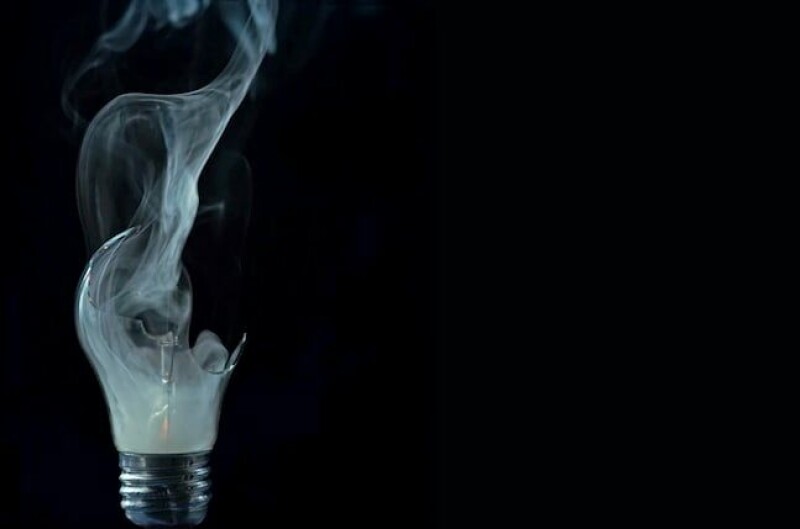
Microsoft has reported that some Windows 11 users may encounter a black screen after signing in, with virtual desktops failing to load correctly. This issue affects devices running the August 2026 non-security preview update or later, primarily observed on Azure Virtual Desktop hosts using FSLogix. Windows Explorer crashes may be logged in the affected device's Application event log.
Users can temporarily restore their desktops by launching Task Manager and running explorer.exe as a new task. Microsoft has provided a Known Issue Rollback (KIR) for administrators to disable the problematic change through Group Policy until a permanent fix is available. The company is working on a resolution and expects to release it in a future Windows update.
This problem is different from another issue introduced by the same August preview update, where customized desktop backgrounds were replaced with solid black. Microsoft has not disclosed the exact cause of the latest failure, only stating it seems more common with certain user profiles. The issue impacts Windows 11 versions 26H1, 25H2, and 24H2, but not Windows 10 or Windows Server.
As multiple problems introduced by recent updates continue to surface, doubts arise about Microsoft's claims of delivering a better Windows experience. Earlier promises of quality improvements by Windows chief Pavan Davuluri now appear less convincing. If these issues persist, it raises questions about whether Microsoft can regain the trust of its user base, as previously envisioned by Satya Nadella.
Written by urgent.news from The Register Science's reporting — not their text. Machine-written — may contain errors; check the original before relying on it.