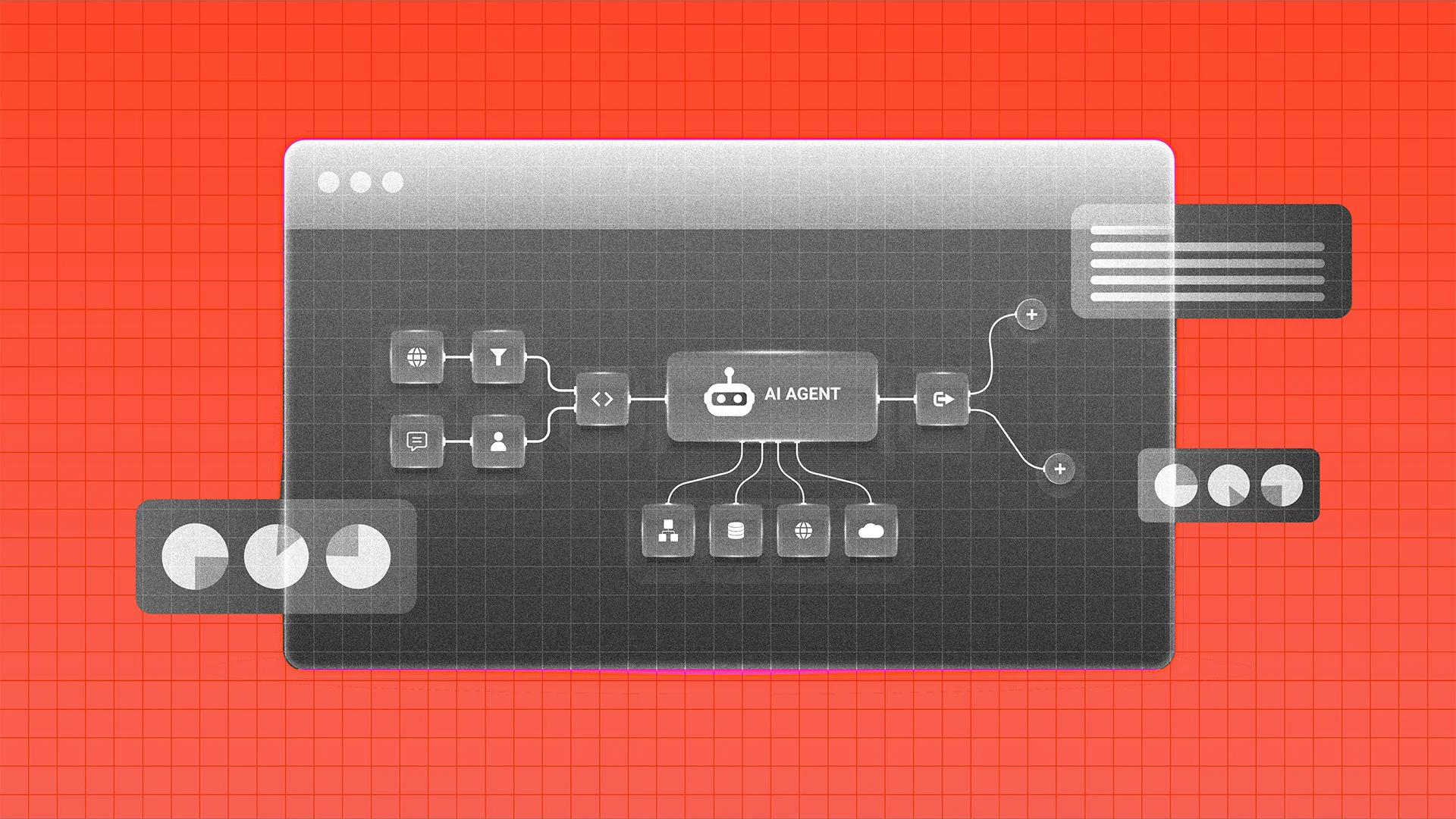
Understanding MCP Servers
The first time I heard about MCP, It seemed like something really complex. But it isn't. I remember the first mcp I used was the Figma MCP to replicate the design my fellow designer had created. And after using it, I realized that mcp is not really so complex. btw one of my friend is really obsessed with concept of mcp, he wants mcp for almost everything i wonder when he's going to build an mcp…
The term MCP, or Multi-Modal Communication Protocol, initially may seem intricate. However, its underlying principles are quite straightforward. I recall my first encounter with MCP through the Figma MCP, which was employed to replicate the design work of a colleague. Upon using it, I found that MCP was not as complex as initially perceived.
One of my acquaintances is particularly fascinated by MCP, often expressing a desire to implement it in various scenarios, including connecting Claude with his girlfriend, which is quite amusing.
To better understand MCP, let's break it down into more digestible components. In the world of programming, we are already familiar with protocols such as HTTP/HTTPS when building APIs. A protocol essentially represents a set of rules that different systems adhere to when they communicate with each other. For instance, with HTTP, we have methods like GET, POST, PATCH, and DELETE.
These methods are understood by both the client and the server. The client knows how to make a request, and the server knows how to respond to it. MCP operates similarly, but instead of facilitating communication between a browser and a web server, it enables an AI application to interact with external capabilities such as tools and data sources.
Consider this scenario: you tell an AI (like ChatGPT or Claude) that you are from San Francisco. Later, when asked about yourself, the AI can still provide accurate information about your location, even after several exchanges. This is possible because the conversation history is provided as context to the AI, allowing it to maintain a understanding of the ongoing dialogue. Context essentially serves as the AI's working memory for the conversation, helping it generate more relevant responses.
Now, imagine if we could not only provide the AI with our conversation history but also feed it information from external sources like files, GitHub repositories, databases, APIs, Figma files, and more. This is where MCP really shines. The model, which is the AI doing the reasoning (like Claude or ChatGPT), doesn't inherently know how to fetch real-time data like the weather in Moscow.
Instead, it uses a tool like fetchWeatherOfCity(city) to retrieve the required information. For example, the model identifies that fetchWeatherOfCity is relevant to the question and requests the current weather for Moscow. The tool then fetches the actual data, returns the result, and the model utilizes this information to construct a final answer.
This process is known as tool calling. However, these tools exist within an MCP Server. An MCP Server is a program that exposes capabilities to an AI application through the MCP protocol. For instance, if we create an MCP server for a city information service, it could expose tools such as fetchWeatherOfCity(city), fetchPopulationOfCity(city), and fetchAreaOfCity(city).
The key point here is that the AI doesn't need to understand the internal workings of these tools. It merely needs to know what each tool does and the input it expects. For example, Tool: fetchWeatherOfCity Input: city: string Description: Fetches the current weather for a city.
To comprehend MCP fully, we must also understand the roles of Host, Client, and Server. When interacting with applications like Claude Desktop or Cursor, the application you engage with is referred to as the host. Within this host lies an MCP client, which is responsible for communicating with MCP servers. The architecture can be visualized as follows: You → AI Host → MCP Client → MCP Server → External System.
In this setup, the AI doesn't directly communicate with the MCP server. Instead, the model decides which capability it needs, and the MCP client handles the communication with the server. The choice of transport mechanism depends on the specific use case. Local MCP Servers can run as processes on your machine, communicating through standard input and output (stdin/stdout) using JSON-RPC, which is useful for servers requiring access to your local machine's resources.
Remote MCP Servers, on the other hand, can be hosted on another machine and communicate over HTTP/HTTPS network calls. This setup is beneficial when the server needs to be hosted remotely and accessed by multiple clients.
Written by urgent.news from Dev.to's reporting — not their text. Machine-written — may contain errors; check the original before relying on it.