How to fix your Windows File History if the September update broke it
A bug in the Windows Sept patch Tuesday update may stop File History from working. But a new optional update fixes it.
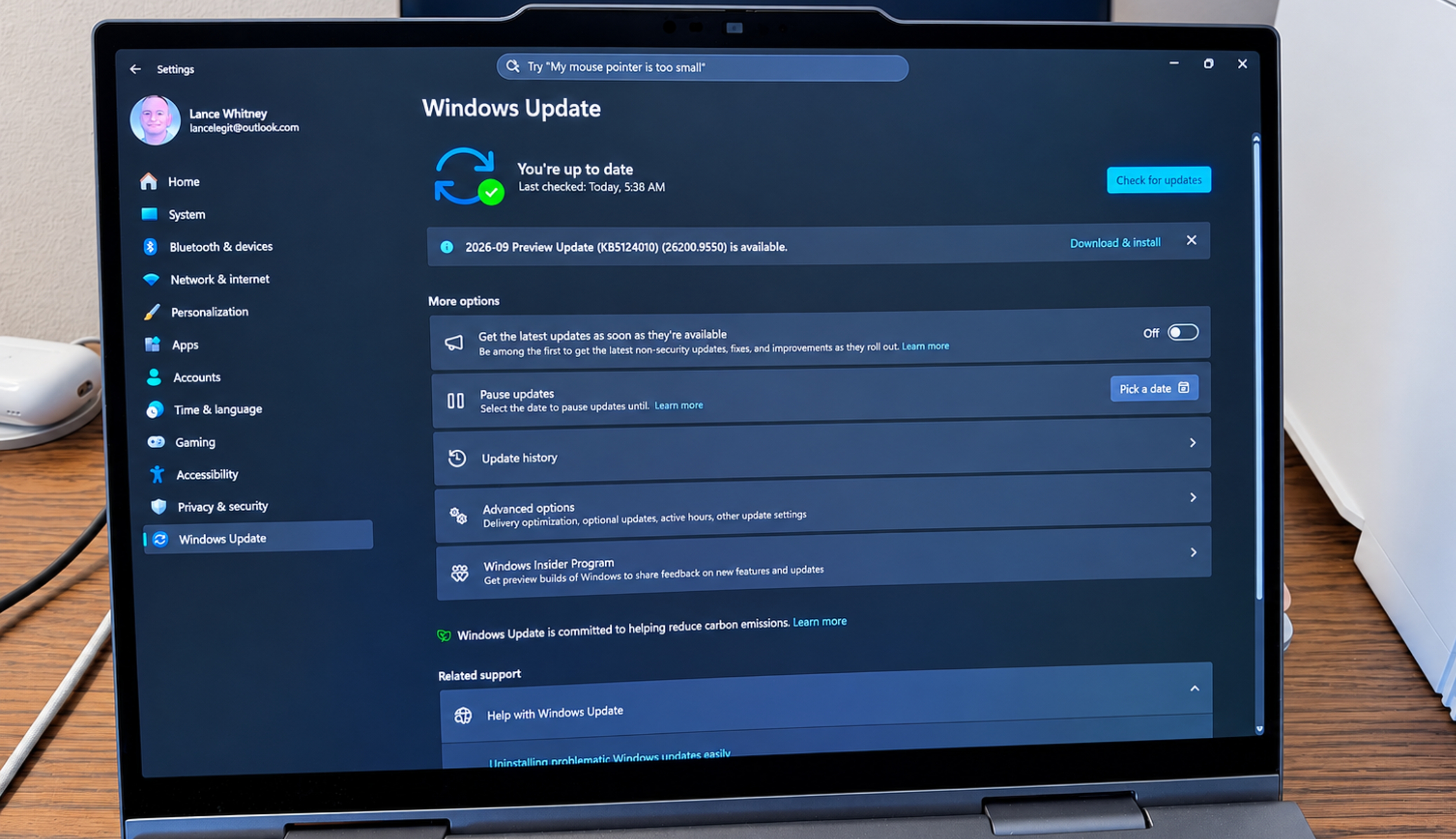
Windows users who use File History for file backup may encounter issues after installing the September security update. Microsoft's Knowledge Base support pages for the September 8 Patch Tuesday rollout stated that some users might not be able to create or run backups using File History. Affected individuals may encounter messages to reconnect their drive, even if a backup drive is correctly connected.
Additionally, the timestamp for the last backup might not update, while previously backed-up files could display an error indicating no previous version is available. All current versions of Windows 11, including 26H1, 25H2, and 24H2, as well as 23H2, are affected, alongside Windows 10 with Extended Security Updates (ESU). To troubleshoot, users can check the Windows Event Viewer for application crash events related to FileHistory.exe or KERNELBASE.dll.
File History is a legacy feature that Microsoft no longer develops, pushing users towards OneDrive or Windows Backup. However, Microsoft has released a new Windows 11 preview update that resolves the bug, making it optional for users to download and install. Windows 11 26H1 users should look for KB5124006, while those on Windows 11 25H2 or 25H2 will find KB5124010.
Windows 10 users with ESU are advised that Microsoft is working on a fix for the issue, which will be released in a future update.
Written by urgent.news from ZDNet's reporting — not their text. Machine-written — may contain errors; check the original before relying on it.