Apple added 5 new lock screen tools in iOS 27 — here's what to change first
in iOS 27, four new customization options let you finally make your iPhone's lock screen your own.
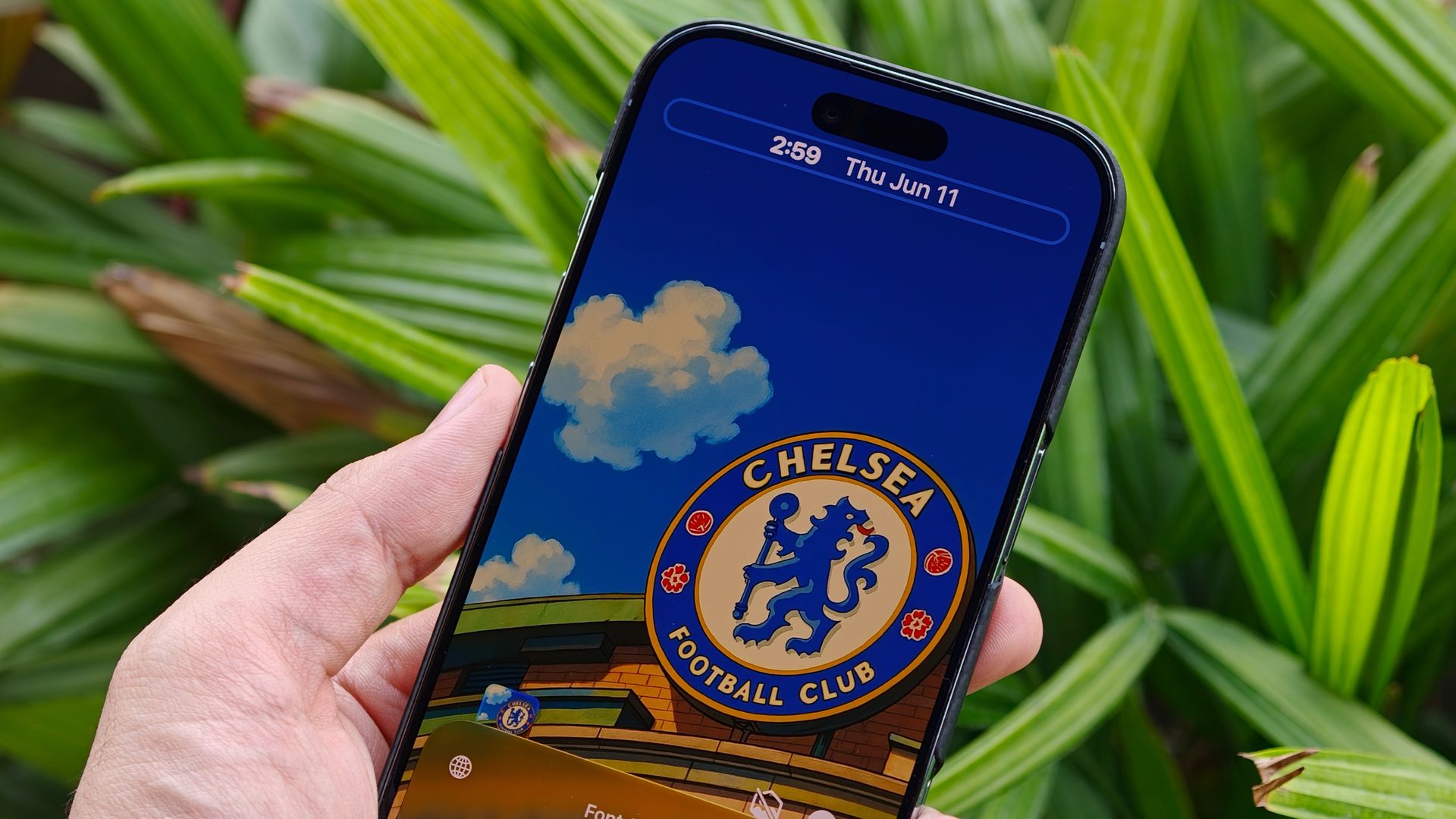
With the launch of iOS 27, Apple has empowered users to customize their iPhone's lock screen significantly more than before. Instead of rigid preset options, the new update includes five key settings that allow for greater visual control.
Users can now fine-tune the transparency of the frosted Liquid Glass aesthetic using a smooth, continuous opacity slider. By accessing Settings > Appearance > Liquid Glass, individuals can adjust the slider to increase transparency, revealing the wallpaper beneath menus and widgets, or deepen the tint for improved text contrast and readability. The real-time preview enables users to find the perfect balance before saving their changes.
The oversized digital clock, which previously dominated the lock screen's wallpaper space, can now be resized or relocated entirely. By pressing and holding the lock screen, tapping Customize, and selecting the clock frame, users can reduce the font size or shift the clock into the top widget row, freeing up valuable wallpaper real estate for other content.
Apple Intelligence brings a new Extend tool to the wallpaper selection process. When a favorite photo is set as a wallpaper, it may result in awkward cropping or exposed black bars due to mismatched image ratios. iOS 27's Extend feature generates new background details around the image edges, creating a seamless look. To use this function, navigate to Settings > Wallpaper > Add New Wallpaper, choose the desired photo, and then select Extend Wallpaper from the three-dot menu.
Apple Intelligence automatically generates matching sky, scenery, or texture to fill the gaps, ensuring a balanced and visually appealing background.
Dismissal of the Now Playing widget, which previously forced a significant media controller onto the lock screen, has been improved in iOS 27. By swiping left across the playback controls within the widget, users can instantly hide the card and clear its status indicator from the Dynamic Island, allowing for a clean view of the background while audio continues to play uninterrupted in the background.
Finally, custom wallpapers can now be generated using Apple Intelligence's Image Playground tool. If a suitable photo is not available in the camera roll, users can create a high-resolution background directly from the wallpaper menu while customizing a new wallpaper. By typing a brief description of the desired scene and selecting a visual style, Apple Intelligence generates a unique background on the spot.
Users can then tweak elements or apply matching color filters before setting the custom wallpaper to their lock screen.
Written by urgent.news from Tom's Guide's reporting — not their text. Machine-written — may contain errors; check the original before relying on it.