Apple hid a retro Mac Easter egg inside iOS 27 — here’s how to find it
Discover the nostalgic Mac OS Easter egg buried in iOS 27. Here is how to unlock Clarus the Dogcow using the new Liquid Glass settings menu.
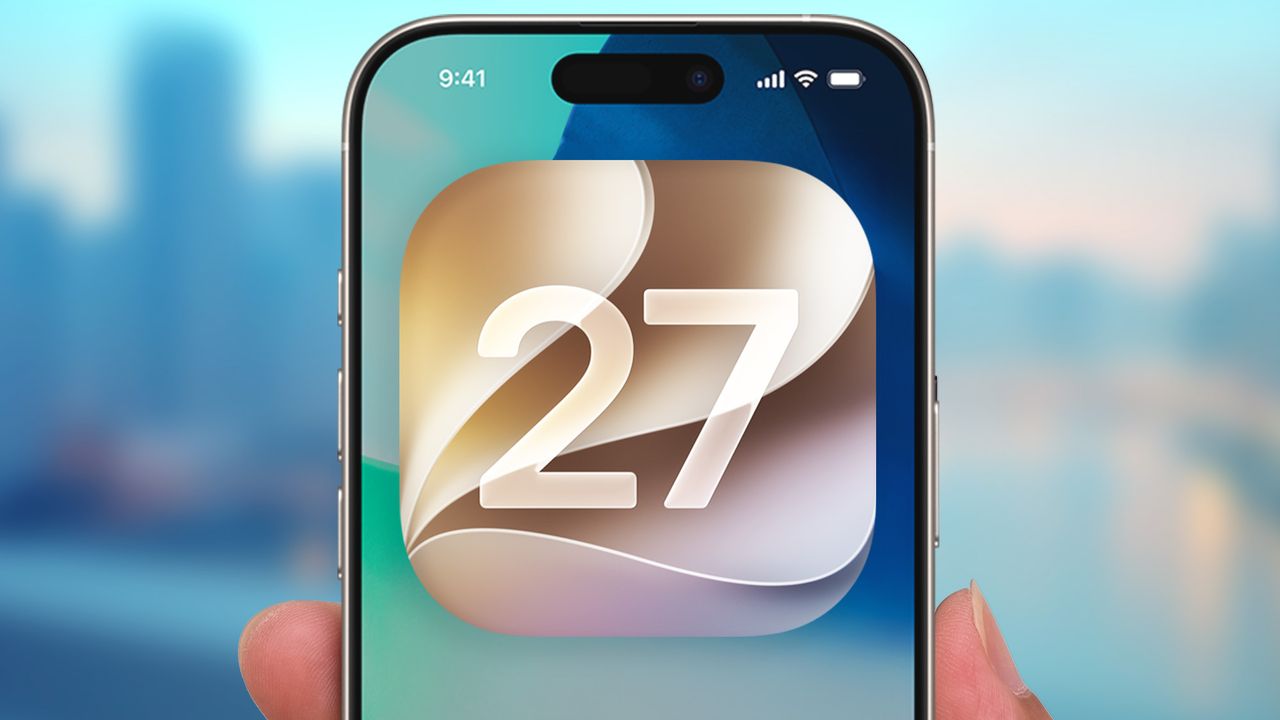
Apple has added an Easter egg for tech enthusiasts to discover within the iOS 27 update. The surprise is a nod to Clarus the Dogcow, a beloved mascot from the early Macintosh days. To uncover the hidden figurine, open the iPhone's Settings app, navigate to Appearance, and select Liquid Glass. This new feature allows users to adjust the transparency of the UI using a slider.
When scrolling to the bottom of the screen, a high-resolution image of Clarus the Dogcow appears, accompanied by the iconic "Moof!" sound. Mac users can also find the same Easter egg in the Appearance menu on macOS Golden Gate. The Dogcow, designed by Apple designer Susan Kare, originally appeared as a glyph in the Cairo font and later as a test image in the Classic Mac OS Page Setup dialog.
Written by urgent.news from Tom's Guide's reporting — not their text. Machine-written — may contain errors; check the original before relying on it.