Let It Go: Here’s How to Keep Kids’ Music Out of Your Spotify Wrapped
You can still use your Spotify account to play Disney songs, but they won’t influence your recommendations or Wrapped roundup.
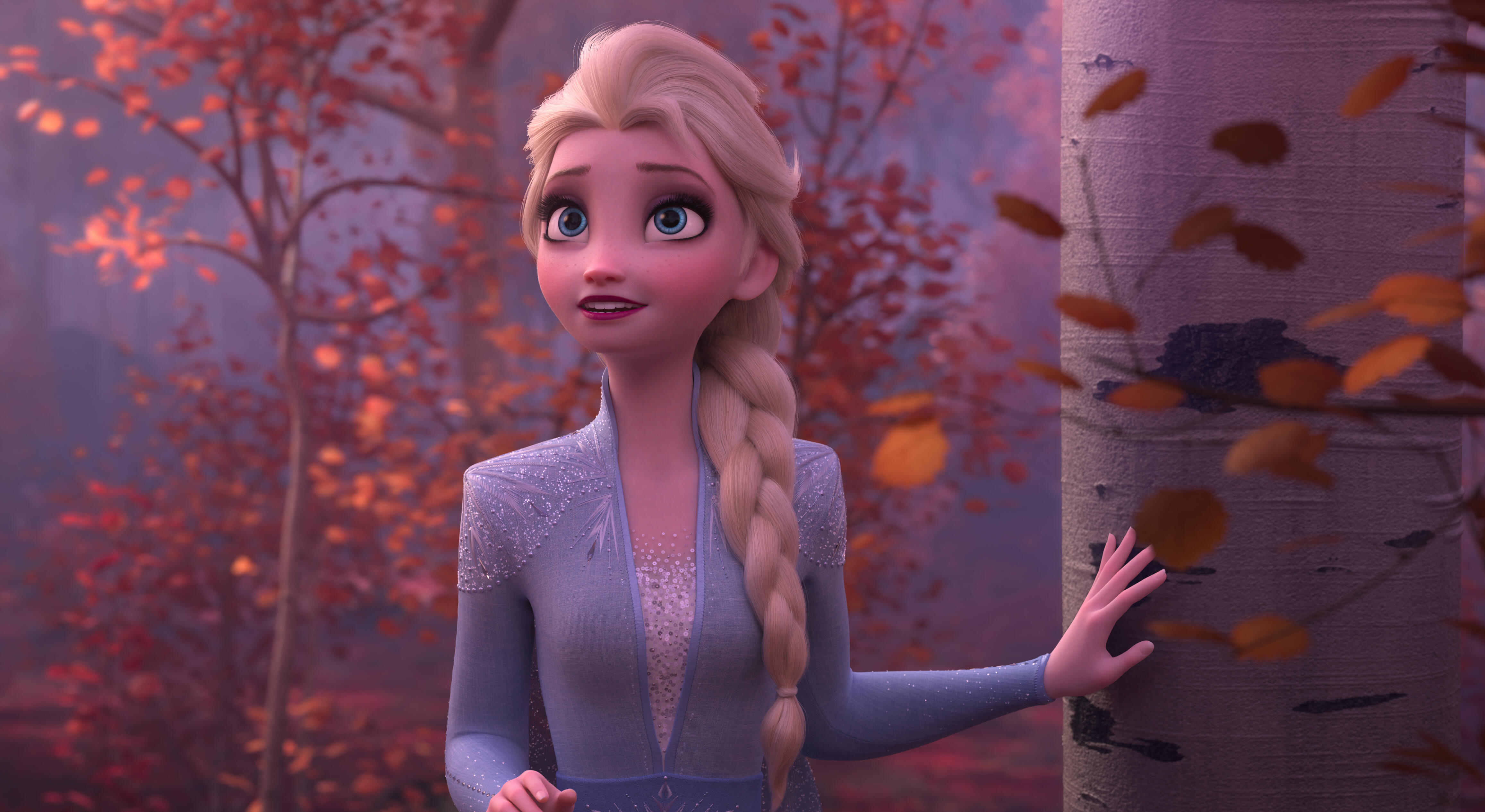
Spotify has introduced a new feature allowing users to exclude kids' and family music from their personalized musical insights. This change, rolling out globally for both Free and Premium users, ensures that songs from Disney movies, animated films, theme songs from family TV shows, and nursery rhymes will no longer influence your Spotify Wrapped or other personalized playlists.
Although you can still search for and listen to kids' music as you please, these tunes will not be included in the music that shapes your recommendations. To opt-out, navigate to your profile picture in the top-left corner of your Spotify account, head to Settings, select Content and Display, and toggle off the option to include kids' and family music in your taste profile.
The adjustment may take up to 48 hours to be reflected in your recommendations, but it applies retroactively, ensuring that past listening habits with kids' music will no longer be represented in your holiday Wrapped summary.
Written by urgent.news from CNET's reporting — not their text. Machine-written — may contain errors; check the original before relying on it.
This story
This is one outlet's version. Read the fullest account.