Amana’s Sky Shader Worked Perfectly, Except It Kept Getting the Weather Wrong
Three rendering bugs made Amana’s Metal sky shader contradict the real weather. Here is how cloud color, scope, and interpolation were fixed.
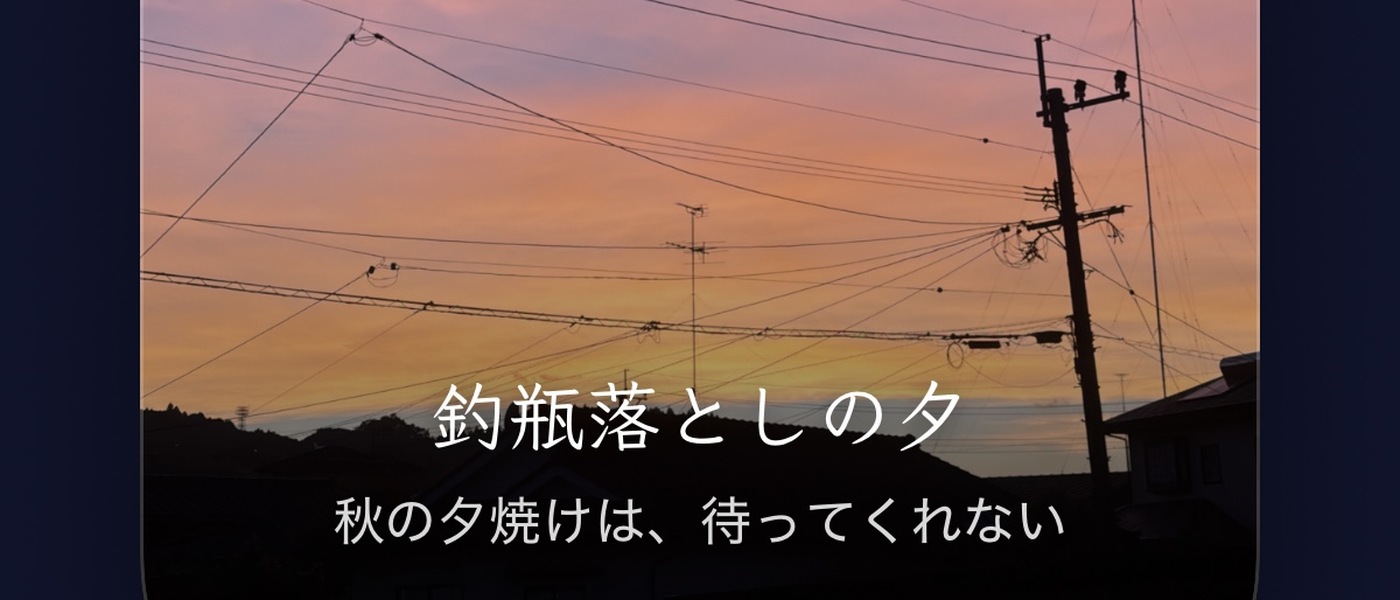
Amana is an iOS app that shows the real-time sky based on your location and time. The user abandoned satellite imagery and focused on generating the sky on-device. There were three bugs related to the generated sky contradicting the actual weather conditions. Two of the bugs were composition-order mistakes, and one was a color-space mistake. None of these issues were detected by unit tests.
Bug 1: The overcast sky remained blue instead of turning grey as expected. The issue arose because the shader only considered rain when determining overcast conditions. However, heavy cloud cover alone didn't trigger the overcast mode, leading to a hazy blue sky. The fix involved driving the desaturation directly from cloud coverage.
Bug 2: The sunrise sky turned grey, losing its vibrant colors. This occurred due to how the shader calculated cloud color from luminance alone, discarding the original hue. The brightest pixels, which were in the sunrise band, were clipped and replaced with a grey color. The solution was to preserve the hue by normalizing the sky color to the cloud's luminance before mixing them.
Bug 3: The shader's uniform values didn't interpolate smoothly, causing sudden jumps in the rendered sky when the real solar altitude was updated. This resulted in a noticeable cut in the twilight band, with a pixel jumping by up to 141/255 in a single frame. The fix was to ensure smoother interpolation of uniform values to avoid abrupt changes in the sky's appearance.
Written by urgent.news from HackerNoon's reporting — not their text. Machine-written — may contain errors; check the original before relying on it.