iPadOS 27: How to download it right now
iPadOS 27 is now live! Here's how to download the new operating system for your iPad.
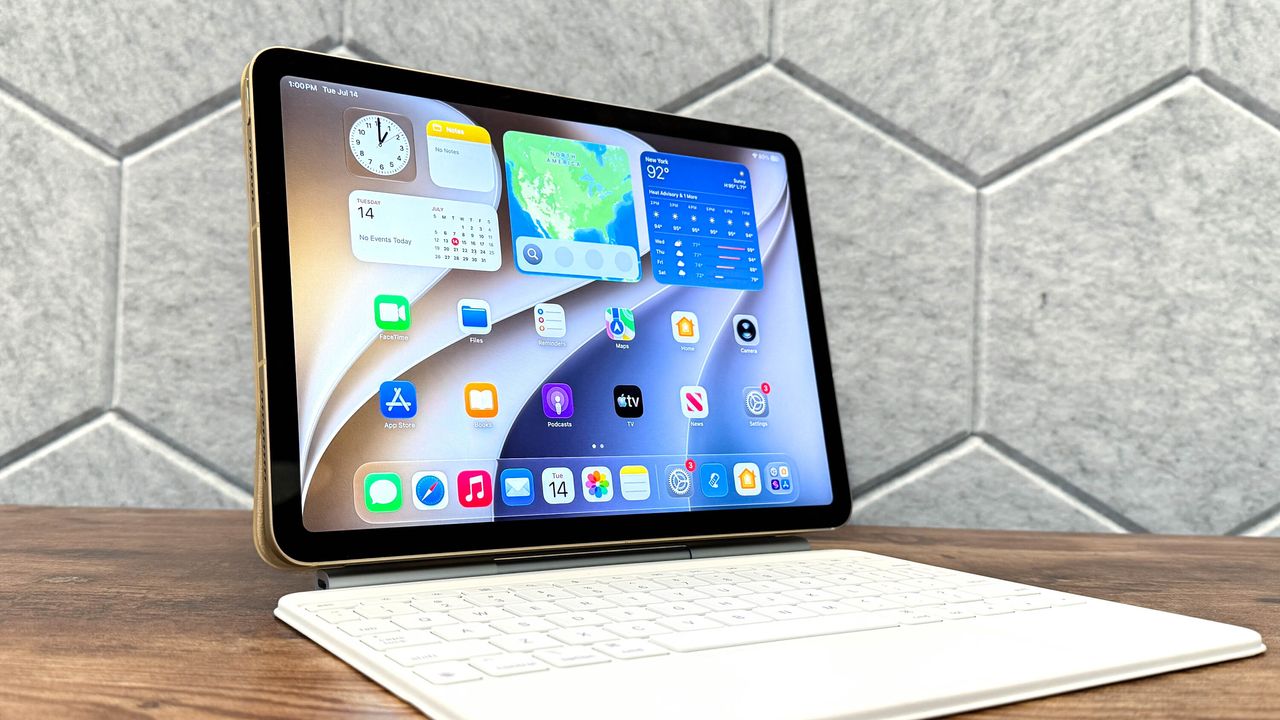
Apple has released the latest version of iPadOS, known as iPadOS 27, this week. While not a major overhaul, this update centers around Apple Intelligence, which aims to provide a more personalized experience. The most noticeable change is the reinvented Siri, now called Siri AI, which is context-aware and can interact directly with apps. Other new features include enhanced child safety options, better readability for Liquid Glass, new photo editing tools, and more.
Before updating to iPadOS 27, it's recommended to back up your device in case any issues arise during the installation process. Not all iPads are compatible with the new operating system, but if your tablet is, the upgrade is free. The following iPads are compatible with iPadOS 27:
- iPad Pro (M4 and later)
- iPad Pro 12.9-inch (4th generation and later)
- iPad Pro 11-inch (2nd generation and later)
- iPad Air 13-inch (M2 and later)
- iPad Air 11-inch (M2, M3, and M4)
- iPad Air 11-inch (4th generation and later)
- iPad (A16)
- iPad (9th generation and later)
- iPad mini (A17 Pro)
- iPad mini (6th generation)
To download iPadOS 27, follow these steps:
1. Make sure your iPad is backed up and connected to Wi-Fi.
2. Open the Settings app and navigate to General, then Software Update.
3. If iPadOS 27 is available, tap Download and Install. You can choose to update immediately or schedule the update for later.
4. Enter your passcode when prompted. The download may take some time, so ensure your iPad has enough battery or is connected to a charger.
5. Once the update is installed, your iPad will restart, and you can begin using the new features.
Written by urgent.news from Tom's Guide's reporting — not their text. Machine-written — may contain errors; check the original before relying on it.