iOS 27 is live — here's how to download and install it now
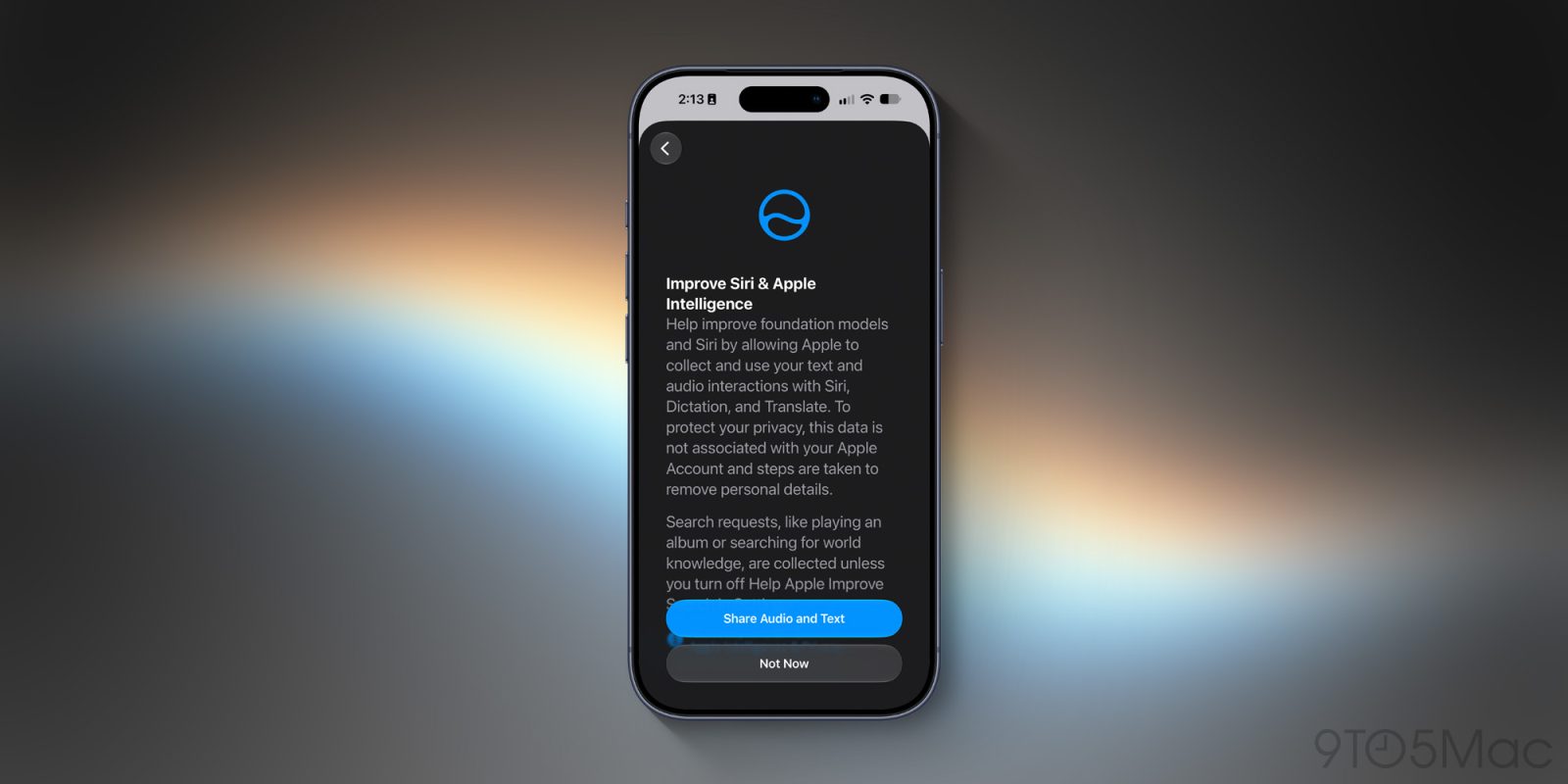
Apple just launched iOS 27 and it brings welcome changes and additions to the iPhone's software experience. Here's how to download and install it.
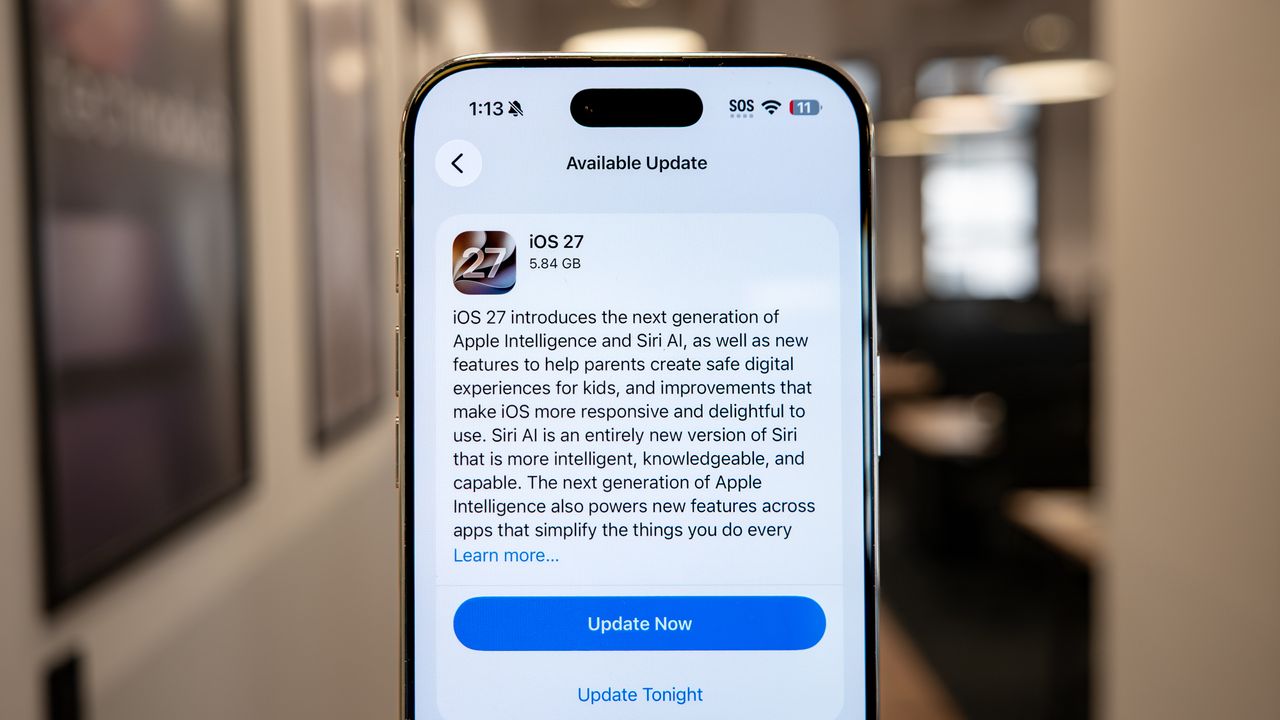
Apple has recently released iOS 27, bringing new Apple Intelligence features and an enhanced Siri AI assistant. To download and install this update, ensure your iPhone is compatible, then navigate to Settings > General > Software Update on your device. Tap Update Now to begin the installation, which may take some time and require a restart. Upon completion, you can explore features like the redesigned CarPlay, Liquid Glass transparency options, and a dedicated Siri AI app.
Written by urgent.news from Tom's Guide's reporting — not their text. Machine-written — may contain errors; check the original before relying on it.