How I Use Claude and ChatGPT to Make Better AI Images
A practical workflow for using Claude to plan better image prompts, then generating and refining the final image in ChatGPT.
Generating a good AI image that matches your vision can be a challenging task. Many people find it hard to create the exact image they have in their mind. I experienced this firsthand and realized that using multiple AI tools can help streamline the process.
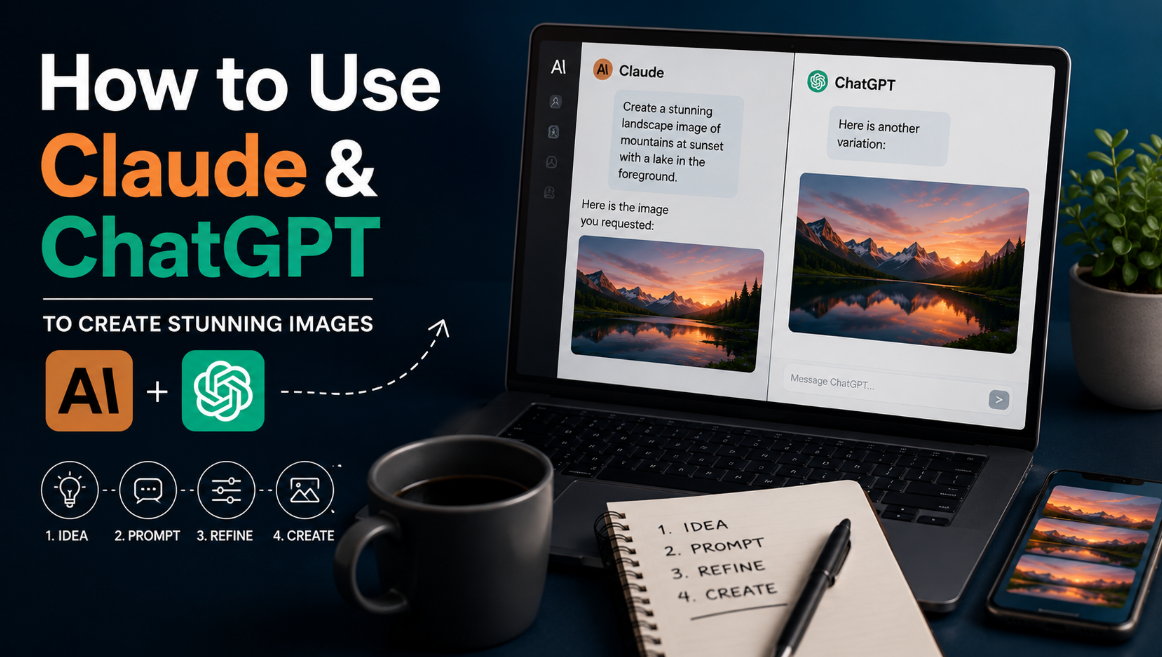
I found that using Claude and ChatGPT together is an effective approach. Claude is particularly useful during the initial brainstorming stage. Instead of immediately trying to write the perfect prompt, I tell Claude about the image I want to create, and we discuss the details. Claude then generates a more precise prompt based on our conversation.
Once I have the refined prompt from Claude, I pass it on to ChatGPT for image generation. I prefer to keep these two tasks separate - one for ideation and another for actual image creation. When I open Claude, I'm focused solely on visualizing the picture, while ChatGPT handles the actual generation once I have a clear prompt.
The process begins with a vague idea. For example, if I need a header image for an article about web development, I might start with something like "a developer sitting at a laptop." There are many decisions the AI needs to make based on this input - the angle of the shot, time of day, background, desk setup, etc. Claude helps me break down these decisions and work out what I actually want.
Claude can even start by asking me questions to clarify the composition, style, subject, lighting and mood. This back-and-forth helps me decide things like whether the developer's face should be visible, whether the room should have natural daylight, or if the developer should be slightly angled. The more context I provide, the better Claude can craft a detailed prompt.
After we have settled on the key elements, I ask Claude to compile all the information into a single, self-contained image generation prompt. This prompt includes the subject, environment, perspective, lighting, mood, and important visual details. I then copy this prompt into ChatGPT, which handles the actual image generation based on Claude's refined instructions.
Of course, even with a detailed prompt, the first generated image might not be perfect. There could be issues with composition, focus, or elements that didn't match my vision. This is where the conversation with ChatGPT becomes valuable. I can ask specific questions about what's wrong with the image and make necessary adjustments. The tools work best when used in tandem - Claude for ideation and ChatGPT for execution.
While it might seem like both tools are doing the same job, that's not the case in my workflow. Claude prepares the prompt by refining my initial idea, while ChatGPT generates and edits the actual image based on the prompt. The initial result may not be the final product, but this workflow provides a solid starting point and makes the process much more efficient.
Written by urgent.news from HackerNoon's reporting — not their text. Machine-written — may contain errors; check the original before relying on it.