My Samsung Galaxy phone battery finally lasted all day after I changed one setting
My Samsung suddenly lasted much longer.
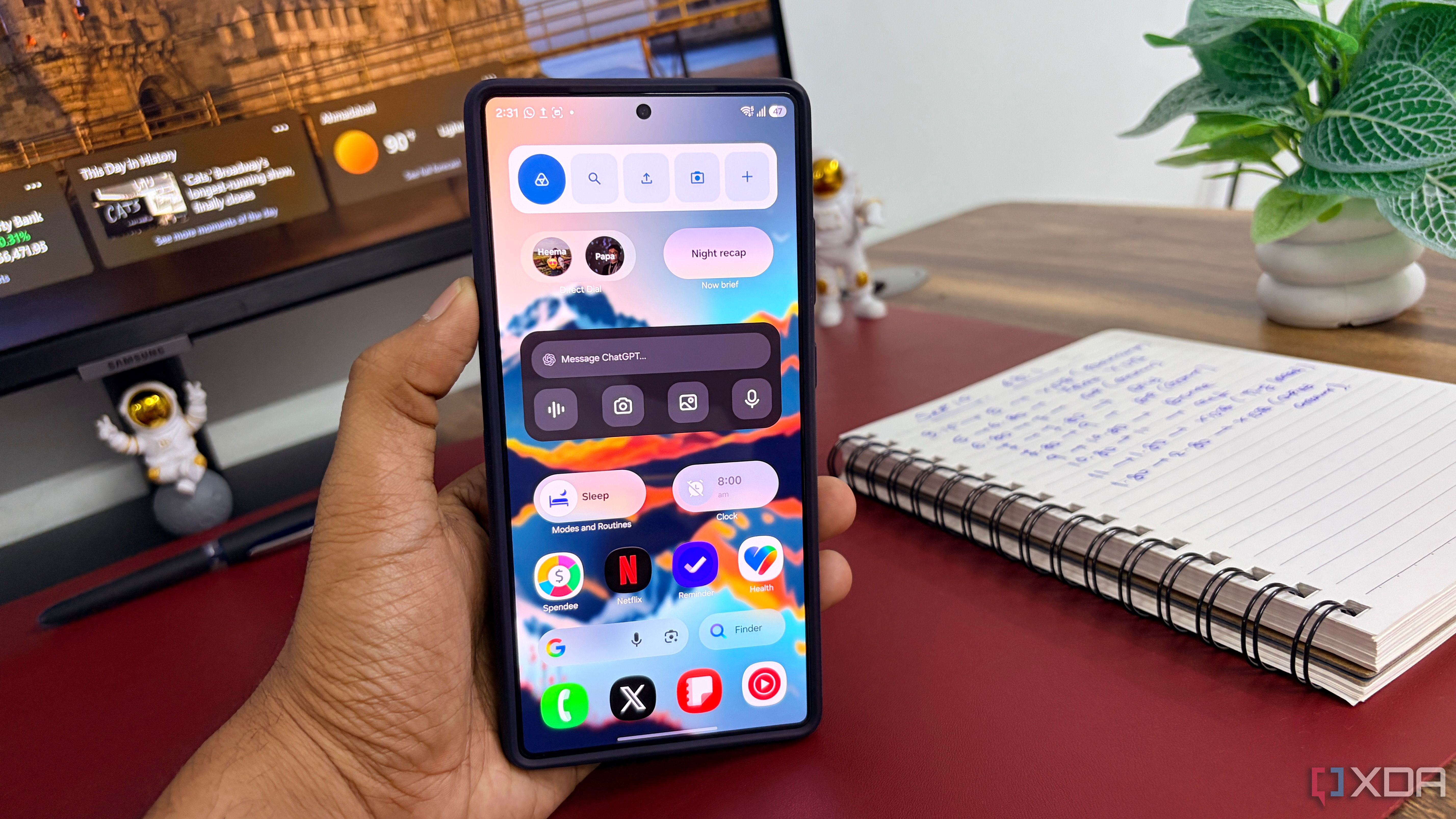
My Samsung Galaxy S25 Ultra had a battery life that was decent, but it struggled to last a full day. I experienced a constant need for a charger, even after trying power-saving modes and other tips. One day, I decided to investigate the issue further. I examined the Battery settings, only to discover that Always On Display (AOD) was consuming about 8-10% of my battery life.
This shocked me, given that AOD showed a clock and notifications. As someone who limits charging to 90% for better longevity, this percentage felt excessive. I was getting around four hours of screen-on time before needing to recharge. The culprit turned out to be the Always On Display feature. Instead of turning it off entirely, I opted for a more subtle solution.
I changed the AOD setting to "Tap to show" rather than having it active at all times. This adjustment kept the convenience of AOD while greatly reducing the battery drain. Now, I could still view the time, notifications, calendar, and widgets by tapping the screen. The change proved effective; my screen-on time increased from four hours to over five hours on many occasions.
This simple tweak made a significant impact on my daily usage, eliminating the need to frequently search for a charger. While my opinion of AOD remained unchanged, I realized it didn't need to be visible throughout the day. This minor tweak solved the battery issue, allowing me to enjoy a longer-lasting battery without compromising functionality.
Rewritten by urgent.news; may contain errors — check the original.
Source: xda-developers.com