Google just gave every Windows 10 and 11 PC a Gemini key — I tried it, and it’s the easiest way to use its AI yet
Google’s new Windows app turns [Alt] + [Space] into a dedicated Gemini shortcut, making its AI faster and easier to access than through a browser.
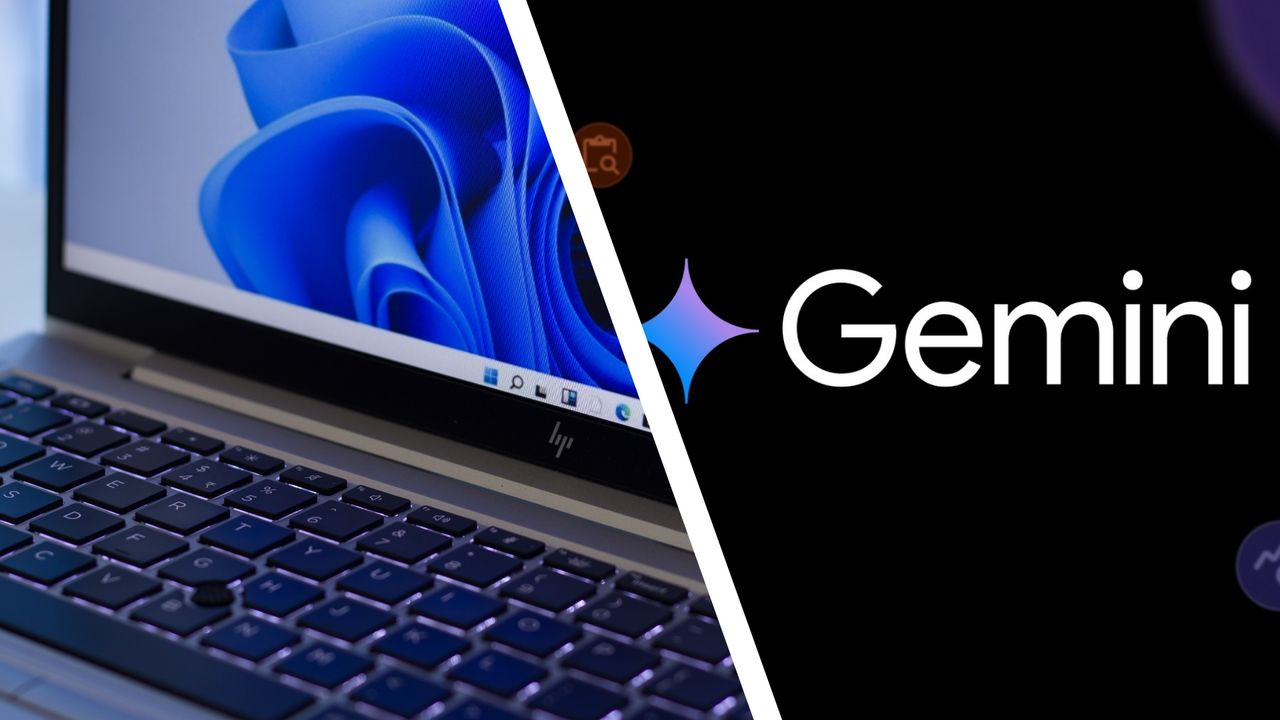
Google has introduced a Windows version of its Gemini app, providing an effortless way to access its AI assistant on Windows 10 and 11 PCs. By pressing [Alt] + [Space], users can summon Gemini without interrupting their current tasks. This feature competes with the existing system shortcut, which typically opens the active window's system menu and is also used by Microsoft's PowerToys Run.
Despite this overlap, users find the new shortcut more convenient, as it eliminates the need to navigate browser tabs and maintain workflow. The Gemini app integrates with other Google services like Gmail and Drive, and offers advanced features such as generating images and videos through Nano Banana and Gemini Omni. However, users have raised concerns about privacy, as the app displays their location permanently at the bottom of the sidebar.
Additionally, there is no voice mode like the mobile version's Gemini Live, which could provide more hands-free interaction. While Google plans to roll out more native desktop capabilities in the future, the current convenience of using the Windows app with its keyboard shortcut is a significant advantage over the web version.
Written by urgent.news from TechRadar's reporting — not their text. Machine-written — may contain errors; check the original before relying on it.