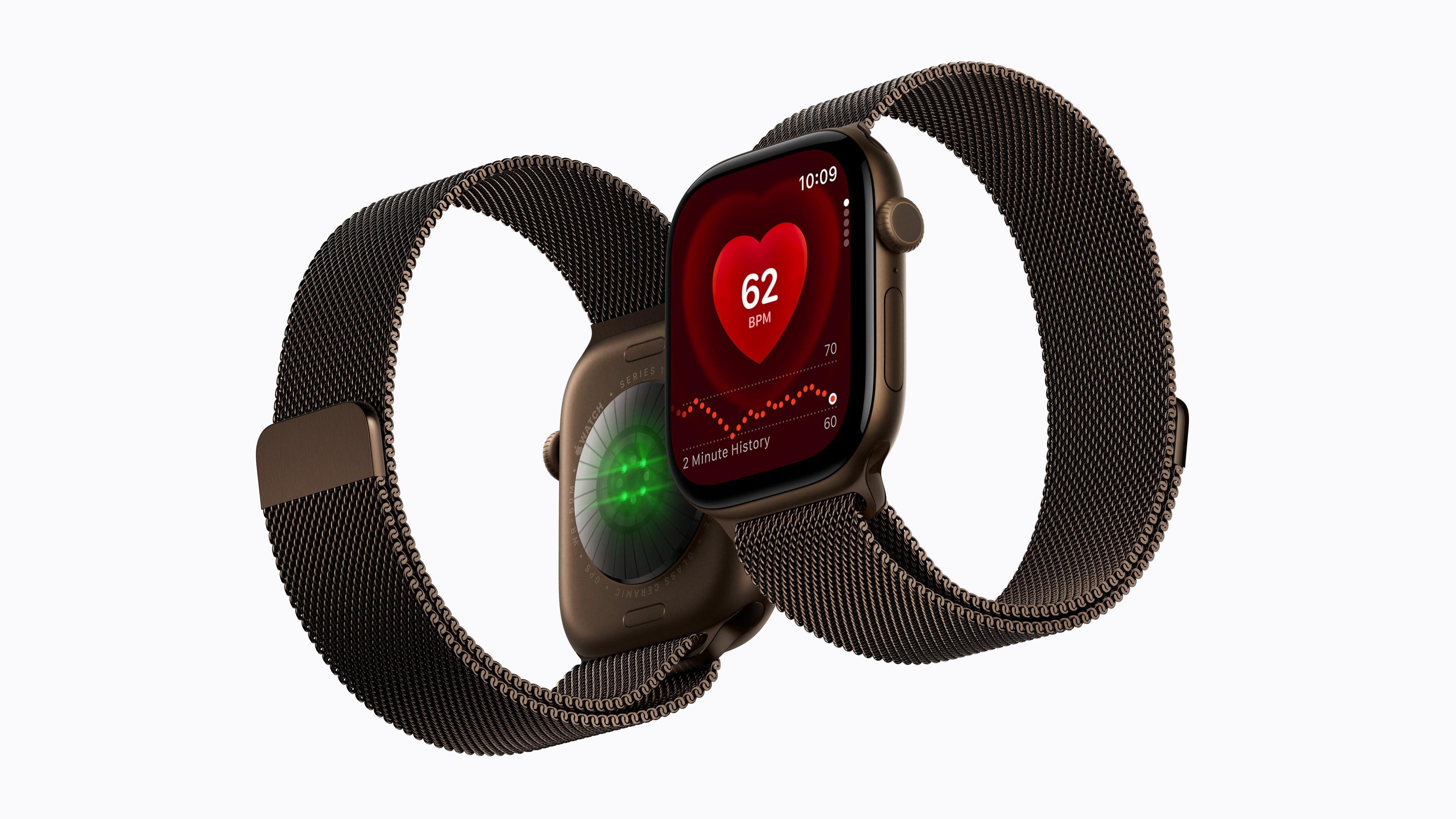
iOS 27 is officially here. Check out the iPhone 18s new AI features (and a few surprises)
Apple's annual iPhone event ushers in new era of iOS with suite of new features for your phone, tablet, or computer.
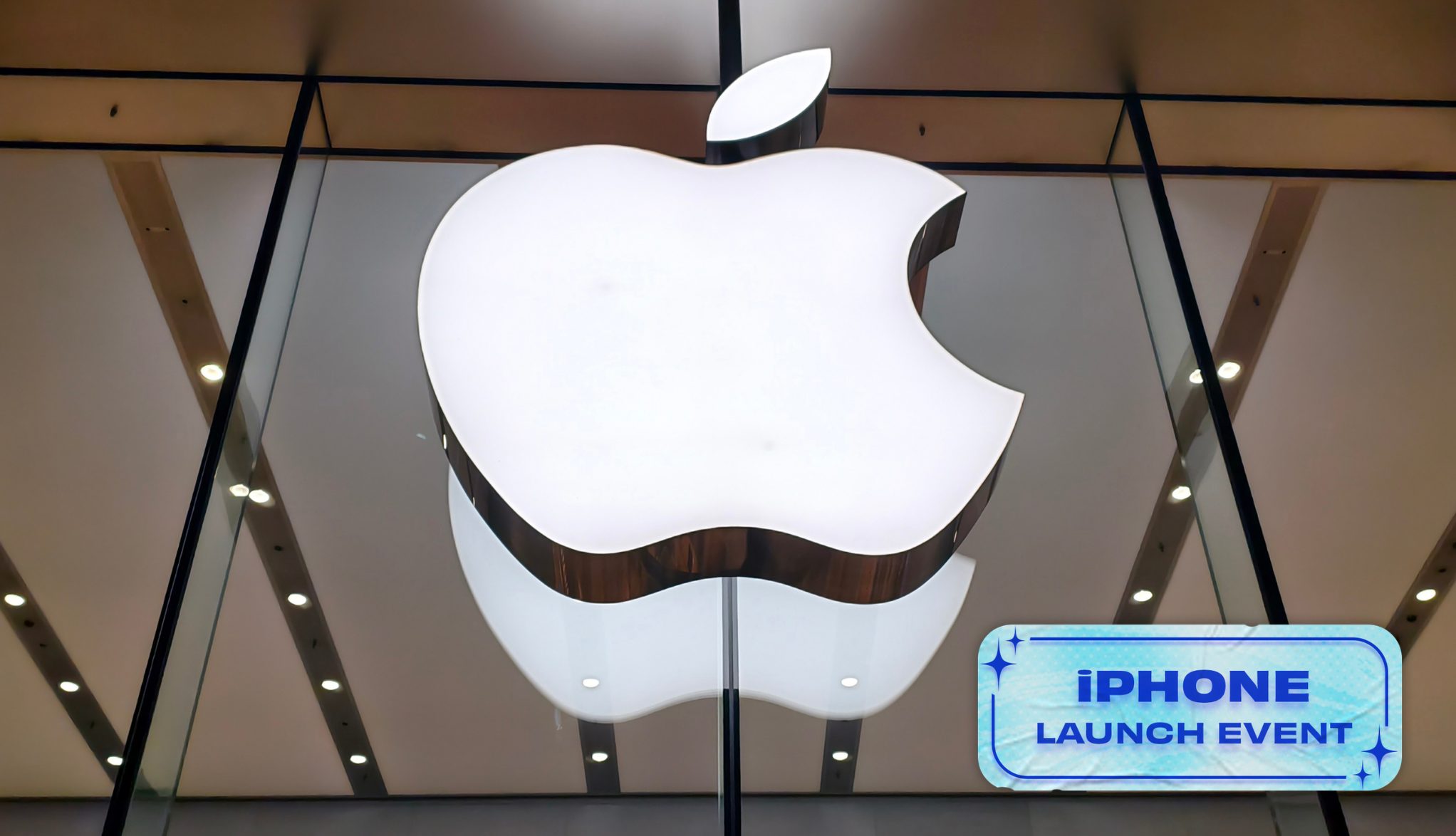
Apple CEO John Ternus has introduced iOS 27 and the iPhone 18, unveiling a suite of AI-driven features designed to revolutionize the user experience across Apple's ecosystem. The new operating system, heavily reliant on the upgraded Siri AI, includes capabilities to draft content, enhance photos, and create custom shortcuts. In addition to Siri, iOS 27 introduces significant enhancements to Maps, Wallet, Camera, and AirDrop functionalities, alongside customizable Liquid Glass design options and the ability to customize alarm volumes separately from overall device sound levels.
The update also brings the capability to add Android and Windows users to shared Apple albums in iCloud, with support for full-resolution photos. Users can now save video frames as photos directly to their camera roll, and Apple Music provides new transition options and refreshed music pages. Siri's search functionality now allows users to search through podcasts as they play.
Apple has also rolled out new keyboards for indigenous languages and introduced parental controls, including Child Accounts with advanced safety features for web browsing and communication. Health app features have been expanded to address menopause and perimenopause concerns. To upgrade to iOS 27, users with compatible devices such as the iPhone 15 Pro or newer should navigate to Settings > General > Software Update on their iOS devices, ensuring their phones are backed up and plugged in before initiating the update.
Mac users can download the OS 27 directly. The update is also available for iPad users with iPadOS 27. A live blog will provide live updates from the event held at Apple Park.
Written by urgent.news from Mashable's reporting — not their text. Machine-written — may contain errors; check the original before relying on it.