How I Built a Spaced-Repetition Widget With SwiftUI and WidgetKit
How Slovo uses WidgetKit timelines, App Groups, tinted rendering, and Live Activities to turn Russian vocabulary into recurring recall prompts.
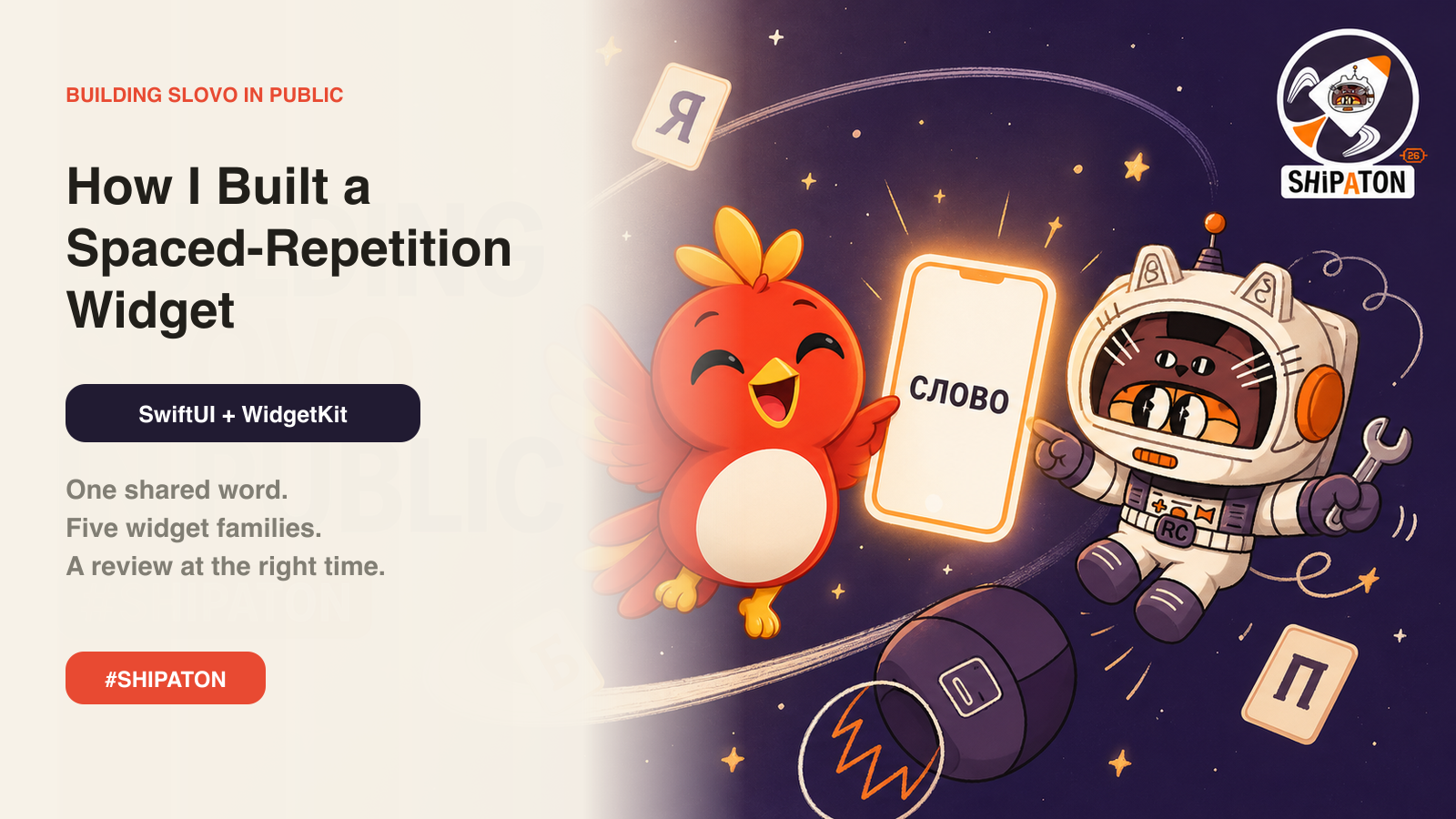
Building a spaced-repetition widget using SwiftUI and WidgetKit required careful consideration of data sharing, timeline generation, rendering modes, fallback behavior, and packaging. An iOS widget is a separate extension with its own process and lifecycle, meaning the main app model cannot directly share an in-memory review queue. To bridge the two, Slovo utilizes an App Group-backed UserDefaults suite, storing only the preferred current word and a small ordered list of review candidates.
WidgetKit asks a provider to generate a 24-hour timeline, with each hour featuring the daily word and up to five review words. The daily word is filtered out of the review rotation to avoid duplication, while the first slot prioritizes the word recently selected by the app. If a new user has no review queue, fallback material from recent days is used. An empty state is avoided, as it would diminish the widget's value upon first installation.
The widget supports various display families, including .systemSmall, .systemMedium, .accessoryInline, .accessoryCircular, and .accessoryRectangular. Each rendering mode has a distinct information budget, with the inline version displaying the stressed word and meaning, the circular version featuring an icon and first letter, and the rectangular version accommodating the stressed word, phonetic guide, and meaning.
The Home Screen layout prioritizes level and state, followed by a large serif Russian word, meaning, and pronunciation.
A challenge arose when attempting to implement a full-color design, as tinted widgets do not preserve arbitrary colors. iOS maps luminance and accentable content into the user's chosen appearance, potentially resulting in low-contrast blocks. Slovo addressed this by checking widgetRenderingMode and adjusting its palette accordingly, using accent colors when appropriate and fall-back colors when not.
Slovo also integrated a Live Activity feature, displaying progress on the Lock Screen and Dynamic Island. The activity state is minimal, consisting of completed word count, total word count, current word, and sprint completion status. The expanded Dynamic Island shows the current Russian word and progress bar, while compact presentations reduce this to a book symbol and completion count. Tapping the Live Activity deep-links to the slovo://review endpoint, facilitating a seamless transition back to Slovo.
The most time-consuming aspect of the widget's development was not the timeline algorithm, but rather ensuring the extension was correctly embedded and included in the final IPA. Multiple layers of checks were necessary, including verifying the App Group entitlement, .appex bundle, and signing profiles. Establishing an extension acceptance test before styling proved essential, as building the simplest widget target, archiving the app, and confirming the .appex is embedded helped ensure a successful distribution.
Slovo's widget has become a key differentiator, connecting learning science to an ordinary behavior: checking the phone.
Written by urgent.news from HackerNoon's reporting — not their text. Machine-written — may contain errors; check the original before relying on it.