RPCS3 emulator can now run PS3 games on PC directly from a disc drive in landmark development — unlocks 20 years of physical titles on Windows, Linux, and macOS
The developers of the Sony PlayStation 3 emulator RPCS3 have told their social media followers that it is now possible to play games straight from discs.
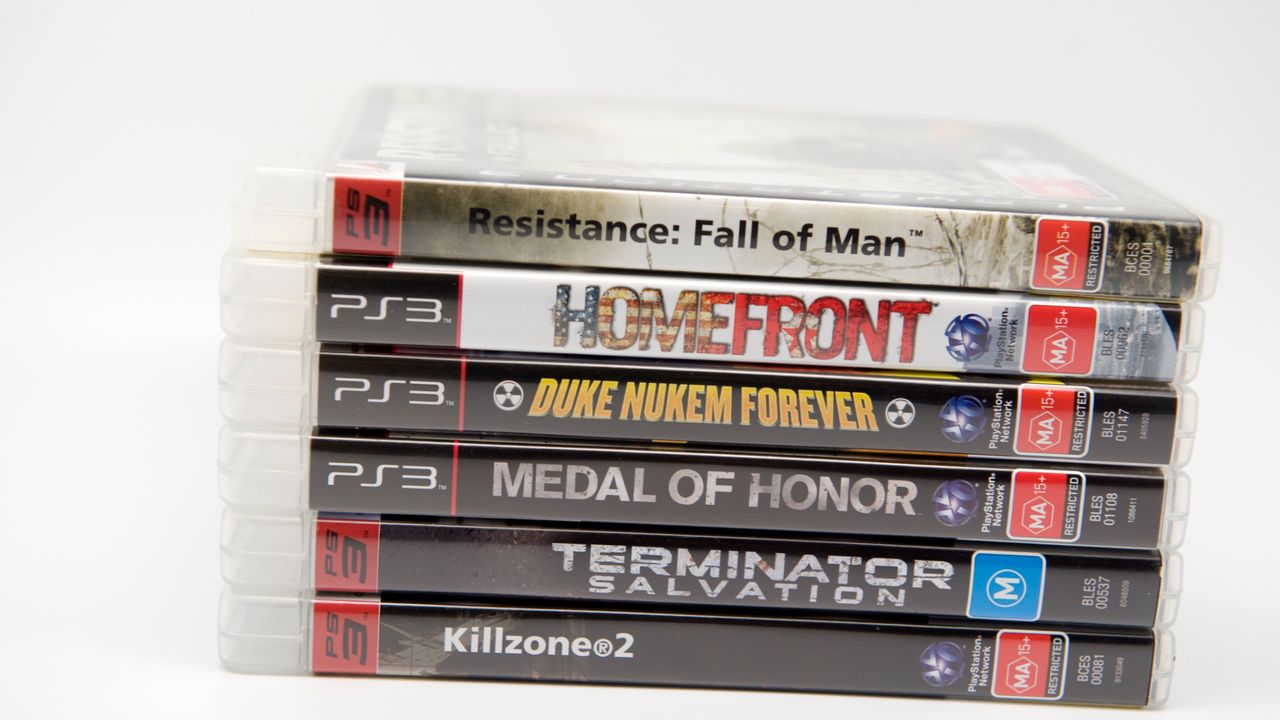
The RPCS3 emulator has made a significant breakthrough, enabling users to play PlayStation 3 games on their PCs directly from disc drives. This development, announced on social media, marks a milestone in the emulator's evolution and unlocks access to 20 years of physical PS3 titles on Windows, Linux, and macOS systems.
The latest refinement in the RPCS3 emulator's software works with specific Blu-ray drives, both internal and external. A comprehensive list of compatible drives, encompassing various models and brands, has been compiled to facilitate the process. These drives can also be utilized for dumping media onto fixed storage.
One of the standout features of this update is the "plug and play" functionality, allowing users to simply insert a PS3 disc into their computer and begin playing games immediately. This feature is available on PC, Linux, FreeBSD, and macOS, although users must consult the compatibility list to ensure their chosen drive is supported.
Open-source emulator programmers expressed their satisfaction with the new enhancements, emphasizing the convenience of playing PS3 games "directly from the disc drive." The RPCS3 team expressed gratitude to contributors digant73 and Megamouse for their contributions that made this feat possible.
This development is particularly beneficial for retro gamers, as it allows them to play PS3 games on their PCs without relying on servers. Additionally, the emulator now offers optimized install times for package installations from disc drives, making the process more efficient.
For users with obscure Blu-ray drives not listed in the compatibility guide, a simple test can determine compatibility. Insert a PS3 disc into the drive; if the files can be browsed, the drive is compatible. If no files are visible, the drive is not supported.
The ability to test-drive new (old) games before dumping them to fixed storage can be a significant advantage, especially with the high cost of solid-state drives (SSDs) soaring. This feature can also help users determine which discs to keep among recent purchases.
Written by urgent.news from Tom's Hardware's reporting — not their text. Machine-written — may contain errors; check the original before relying on it.