Microsoft warns fake CAPTCHA is tricking Windows users into running malware
The pages impersonate Cloudflare and other trusted services. Instead of presenting a normal CAPTCHA challenge, they instruct users to open PowerShell or Command Prompt and paste in a command. Read Entire Article
Microsoft has uncovered a new malware campaign called TerminalFix that leverages fake CAPTCHA prompts to deceive Windows users into executing malicious commands. This attack represents a variation of the ClickFix attacks, which have been prevalent among businesses. The key distinction between TerminalFix and its predecessors is that it uses PowerShell or Command Prompt instead of the Windows Run dialog, enabling attackers to deploy more complex, multi-line scripts.
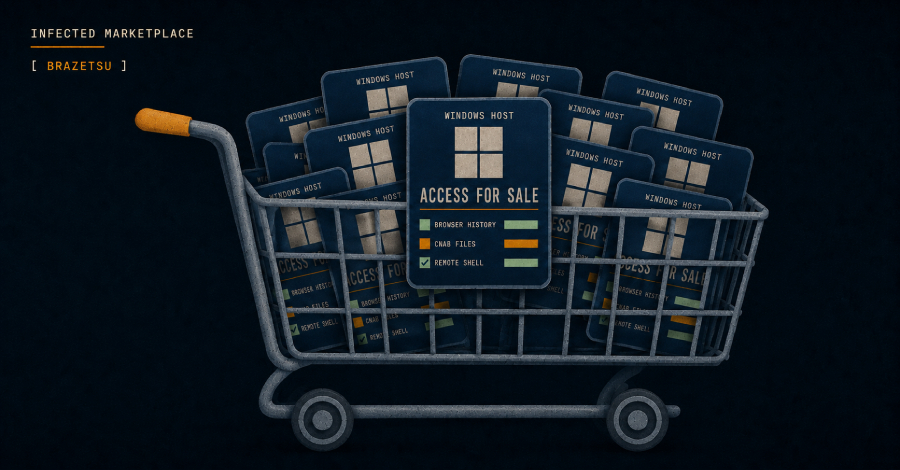
The campaign's objective extends beyond infecting a single computer. Once the victim runs the provided command, TerminalFix establishes a multi-stage intrusion, granting the attacker persistent proxy access to the compromised machine. This access can subsequently be used to infiltrate other segments of a company's network, potentially leading to data theft, malware propagation, or ransomware deployment. The severity of the damage hinges on the victim's network security measures, endpoint protection, and user permissions.
TerminalFix employs social engineering tactics rather than exploiting hidden software vulnerabilities. The attacker relies on the user following the instructions on the fraudulent verification page, making employee awareness a critical defense mechanism. A CAPTCHA that instructs users to open PowerShell, Command Prompt, or the Windows Run dialog should be considered suspicious, as legitimate CAPTCHA services do not require such actions to verify human identity.
Microsoft Threat Intelligence has released mitigation guidance to help organizations address this threat. Recommendations include limiting access to PowerShell and the Windows Run dialog, monitoring systems for signs of DLL sideloading, blocking Flash plugins, and enabling cloud-delivered protection in Microsoft Defender Antivirus.
However, the applicability of these controls may vary depending on the employee or device role – technical users like IT administrators and developers may require access to scripting tools as part of their job duties. To mitigate risk, companies should restrict these tools to authorized personnel and monitor for unusual command activity.
Additionally, security teams should assess which outdated software remains installed within their environments, as outdated components like Flash plugins can provide additional attack vectors even when no longer necessary for daily operations.
While this campaign primarily targets enterprise networks, the underlying guidance is applicable to individual users as well. Users should refrain from executing PowerShell or Command Prompt commands simply because a website requests them, particularly when the demand is presented as a CAPTCHA or security check.
Written by urgent.news from TechSpot's reporting — not their text. Machine-written — may contain errors; check the original before relying on it.