12 Hours, 100 Rooms, 1 Hotel in Albania: How I Fixed WiFi and IPTV Chaos Without a Controller
How I configured 100 TP-Link wall APs in FAT mode in just 12 hours to fix WiFi and IPTV at an Albanian hotel.
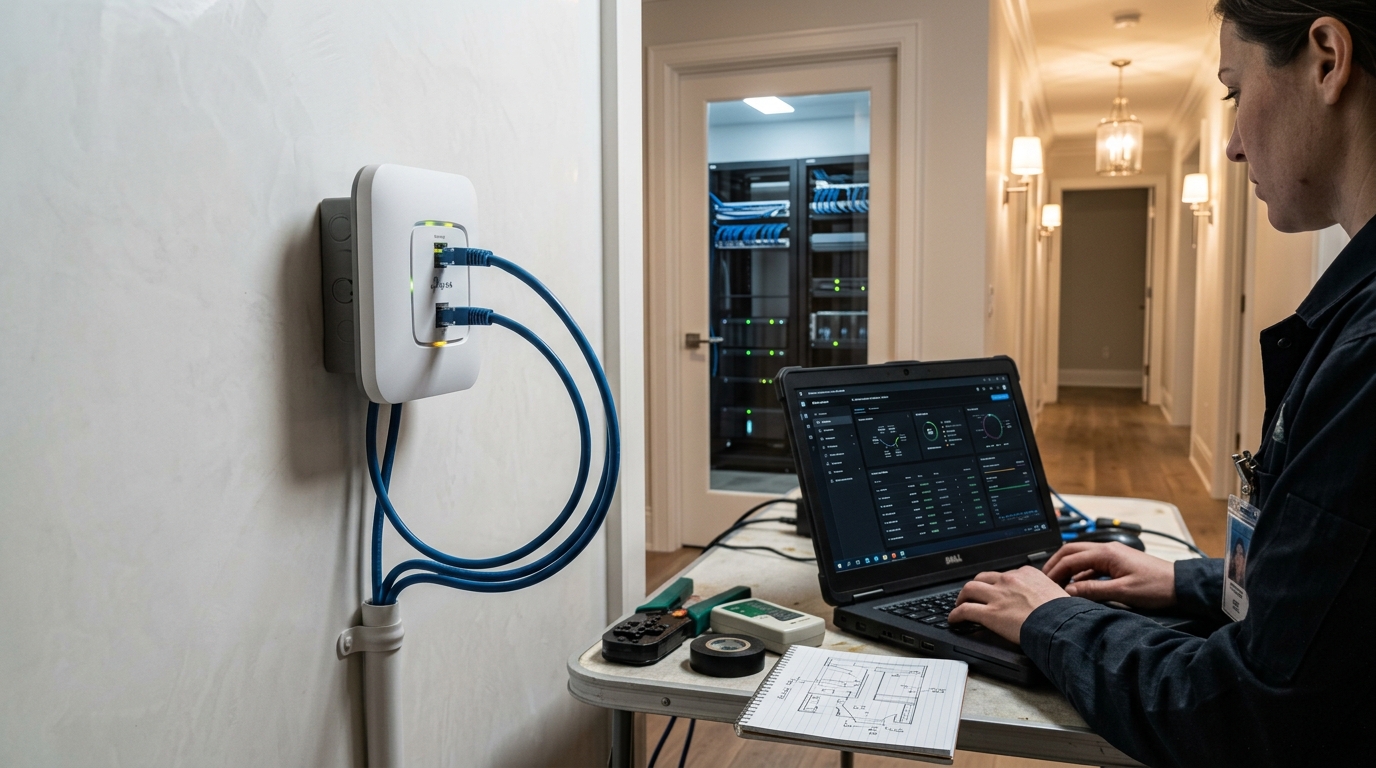
In a 100-room hotel in Albania, a WiFi and IPTV network was in disarray due to the contractor's standalone configuration. With no controller, VLANs, or plan in place, the hotel faced a tight deadline of 12 hours to restore connectivity or risk opening without an internet or TV service. The report outlines the steps taken to resolve these issues within the given timeframe.
At 08:00, the initial diagnosis revealed that each of the 100 APs was individually configured with different SSIDs, lacking channel standardization. IPTV was supposedly on a separate VLAN, but no AP was actually tagging traffic for it, while DHCP servers were active on every single AP, causing IP conflicts and preventing roaming between rooms. The report details these technical problems, including overlapping WiFi channels and the absence of centralized management.
At 08:30, the proposed solution architecture involved keeping all APs in FAT (standalone) mode but enforcing strict standardization across all devices to behave like a managed network without one. The strategy included a single SSID for basic client roaming, VLAN 10 for WiFi client data, VLAN 20 for IPTV/set-top boxes, and VLAN 1 dedicated to AP management, kept off both client-facing VLANs.
Static management IPs were assigned to every AP, DHCP was disabled on all 100 APs, and a single DHCP server on the core handled VLAN 10 client leases. Fixed, non-overlapping channels were set on the 2.4GHz band, and client isolation was enabled on the WiFi SSID to ensure guest privacy. The report also notes the trade-off of this isolation, which blocks device casting between a guest's own phone and a Chromecast/AirPlay target in the same room.
At 09:00, a configuration template was applied identically to all 100 APs, including setting the mode to FAT (standalone), WiFi SSID as "Hotel-Albania-Guest" with a shared password, enabling client isolation, assigning the WiFi VLAN as 10, IPTV VLAN as 20, and management VLAN as 1. The management IP was set to 192.168.1.X (X = room number), and DHCP was disabled. The report also specifies the 2.4GHz and 5GHz channel settings and the management IP configuration.
Between 09:30 and 16:10, the mass execution of this configuration took approximately 6 hours and 40 minutes. The method involved systematically resetting each AP, setting a direct cable connection to the LAN port, configuring the admin settings, disabling DHCP server operation, and saving the settings. The report emphasizes the importance of matching switch-side configuration, setting the access switch ports as 802.1Q trunks with correct VLAN tagging, and confirming trunk membership port-by-port.
Testing WiFi and IPTV functionality in each room took an average of 4 minutes per AP, totaling 400 minutes for all 100 APs.
Written by urgent.news from HackerNoon's reporting — not their text. Machine-written — may contain errors; check the original before relying on it.