I hate having Gemini in Google Messages — here’s how to hide it
No one asked Gemini to be here.
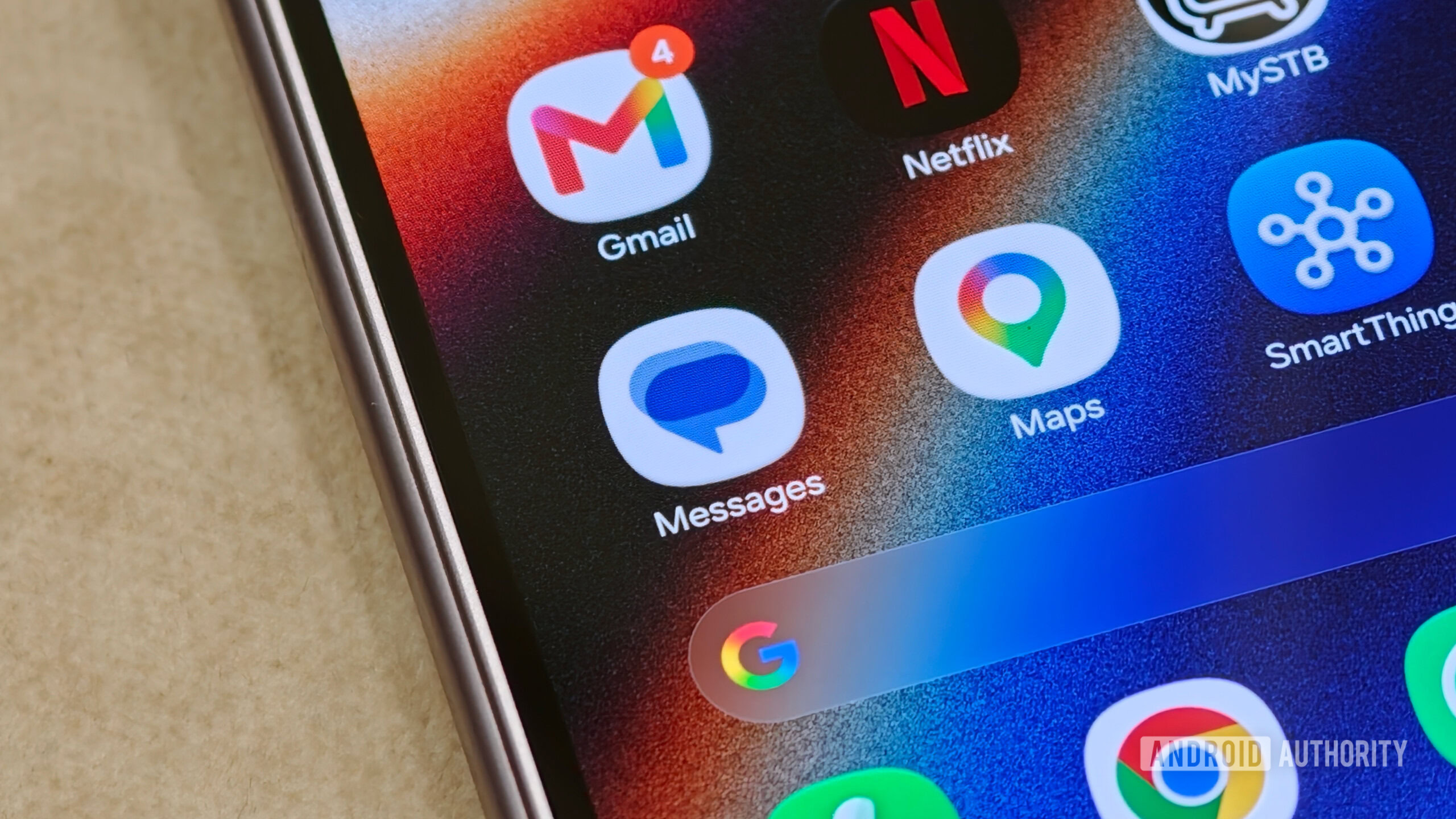
Many users have expressed frustration over Gemini showing up in Google apps without explicit permission, but Google continues to integrate the AI assistant across various services. Gemini has now made its way to Google Messages, appearing above the start chat icon. If you wish to avoid this shortcut, there is a way to disable it.
To do so, tap your profile icon in the top right corner, go to Messages settings, then General. From there, select Gemini in Messages and turn off the toggle for Show Gemini button. Although this removes the shortcut, it does not fully eliminate Gemini's functionality within Google Messages. The shortcut will still appear when you click the Start chat button, even if you haven't granted Gemini access to your contacts or opted into the service.
This situation highlights Google's limited options for users to control AI features across its apps.
Written by urgent.news from Android Authority's reporting — not their text. Machine-written — may contain errors; check the original before relying on it.
This story
This is one outlet's version. Read the fullest account.
- Google rolls out its September Android Drop, with remembered items in Find Hub, Guided vision in Gemini Live, Motion Assist to reduce motion sickness, and more (Ryan Whitwam/Ars Technica) arstechnica.com
- Gemini Notebook can analyze your Google Play books now: 3 ways I use this feature zdnet.com
- Sources: Google plans to release Gemini 3.8 Flash as soon as Wednesday; Gemini 4 has done well on pre-training evals but still needs to complete post-training (Erin Woo/Wall Street Journal) wsj.com
- Google launches Google Pics, a creative design suite powered by Gemini and Nano Banana to compete with Canva and Adobe Express, available as a Workspace app (Jess Weatherbed/The Verge) theverge.com
- Google’s Guided Vision turns Gemini Live into a real-world visual guide androidauthority.com
- Google prepares Gemini 3.8 Flash to narrow AI coding gap, WSJ reports investing.com