4 key Pixel settings I always change when I set up a new phone
Filtering Spam Calls, increasing the display resolution, optimizing the lockscreen, and more.
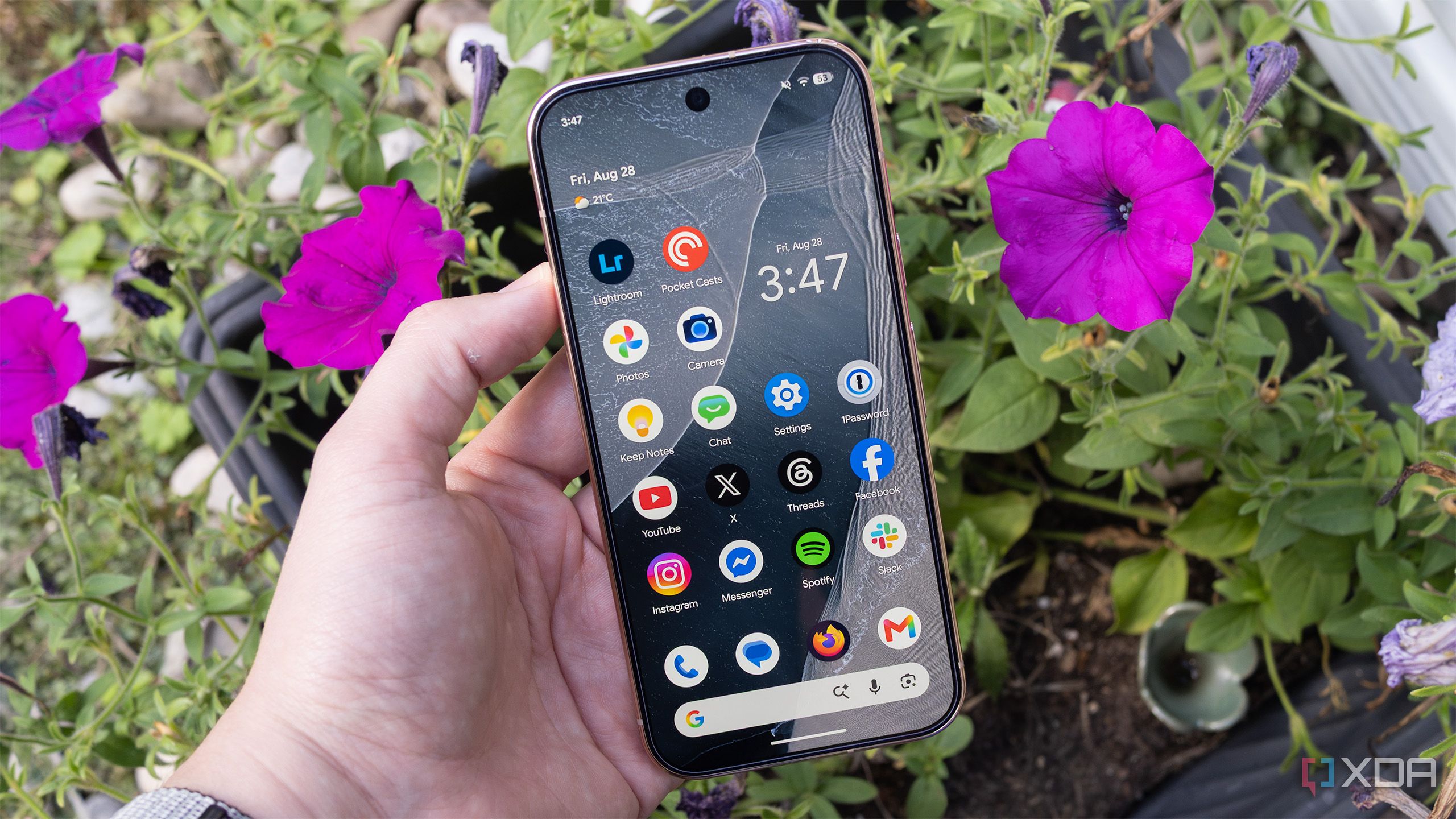
When setting up a new Pixel phone, some users change certain key settings to optimize their experience. One such setting is scam call detection, which can be turned on to help filter out unwanted calls. Display resolution can also be adjusted to suit individual preferences.
The camera settings on Pixel phones can also be customized. For instance, the "Camera Looks" feature on the Pixel 11 series allows users to choose the overall color and tone of their photos before taking them. According to Android Authority, this feature defaults to a "standard" style, but users can change it to one of four different levels of HDR processing or choose from more stylized looks.
Additionally, Pixel 11 users can access a built-in teleprompter, which is a feature geared towards social media creators. Other settings that can be changed include the lock screen and lesser-known features like Screen Protector mode, as mentioned by XDA Developers.
Brief written by urgent.news from XDA Developers, Android Police, Android Authority — 3 reports on this story. Machine-written — may contain errors; check the original before relying on it.
This story
This is one outlet's version. Read the fullest account.
- Just get a Pixel 11? Here are the first 10 settings you need to change androidauthority.com
- 6 disabled Pixel Camera settings every owner should enable first androidpolice.com