How to keep kids on task at school when using these crucial, but distracting, devices
Tablets and computers have become crucial school supplies for many students. But the same devices children use to read text, write essays, solve math problems or research history projects can also offer distractions in the form of games, social media and web browsing. It can be a challenge for parents to figure out how to help children stay focused when using these devices. That can be especially…
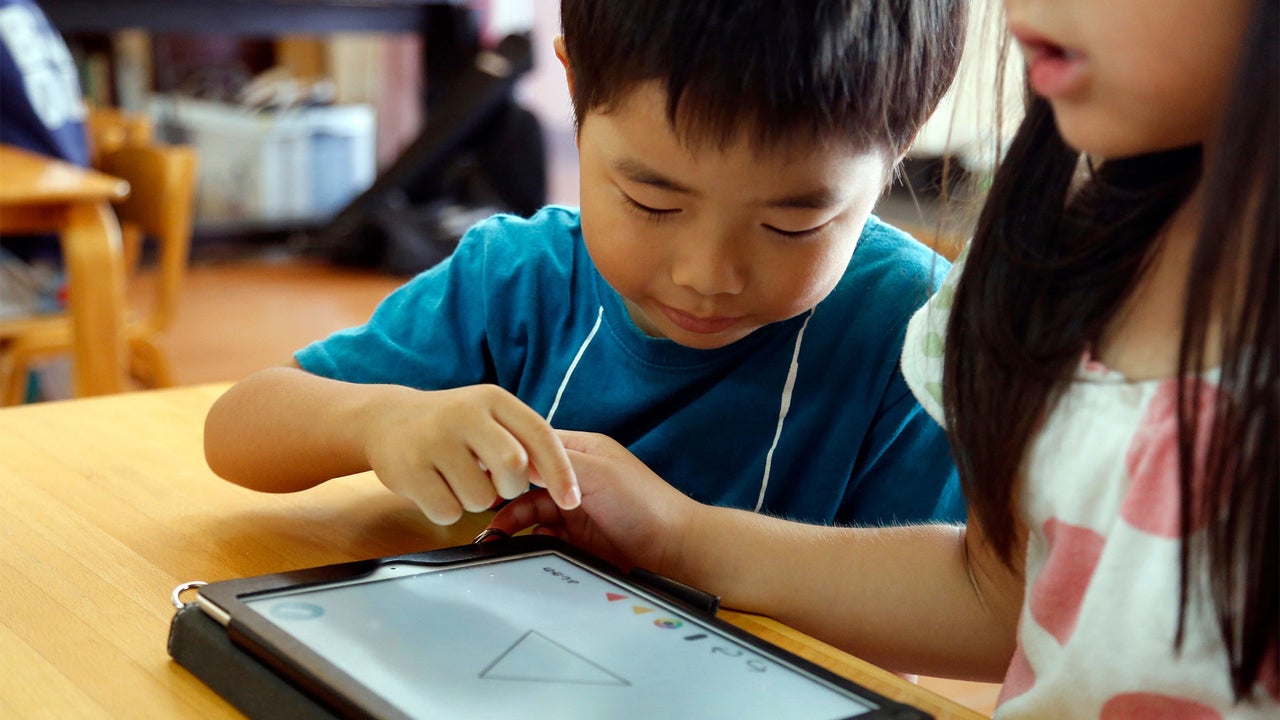
Tablets and computers have become essential learning tools for many students. These devices can also serve as distractions when they are used for games, social media, or web browsing. Parents may struggle to help their children stay focused on these devices, particularly when managing school-issued devices with limited parental control. Here are some strategies parents can use to keep their children on task.
School-managed devices offer less control to parents compared to personal devices. Parents can customize personal tablets or computers, restricting notifications, blocking websites, or deleting apps. In contrast, school-issued devices often come with preloaded software and limited settings that parents may not be able to alter. Parents can discuss available controls and restrictions with school administrators and inquire about paper-based assignments if necessary.
Although reducing technology use entirely might limit students' individualized instruction and the development of essential technology skills, it can result in tradeoffs, such as potential disruptions to sleep. Some districts, like Battle Ground Public Schools in Washington, are implementing overnight login restrictions on school-issued Chromebooks due to parent concerns about late-night usage. These restrictions aim to protect students' sleep cycles while allowing exemptions for some families.
To minimize distractions, parents can employ digital tools like Do Not Disturb modes on Apple and Android devices. These features silence notifications, calls, and texts during designated times. On Apple devices, focus modes on MacBooks and Do Not Disturb on iOS enable users to silence interruptions. Android users can access a standalone Do Not Disturb feature and Digital Wellbeing to pause apps and gray out their icons.
Parents can also manage screen time using built-in controls on Apple and Android devices. These controls help restrict access to specific app categories or set daily time limits for individual apps. Google users can leverage Family Link to manage settings and time limits on Android devices or Chromebooks, while Apple users can control settings for their child's iPhone, iPad, or Mac through Family Sharing.
However, it is crucial to remember that screen-time limits might not always be effective, as children could request additional time or override some restrictions.
A simple solution to a distracting app is to delete it. Removing the app eliminates the temptation for children to open it during schoolwork. In addition to using device settings, parents should teach their children to manage their attention and prioritize focus. Experts suggest identifying when students are most alert and scheduling concentration-heavy tasks during those periods.
Establishing a dedicated workspace, minimizing distractions, and promoting active engagement with materials can also enhance focus and retention. Encouraging children to form plans, set goals, and reward accomplishments can further improve their concentration. While parents should not "helicopter" their children, they should help them understand the importance of staying focused on tasks.
Written by urgent.news from Fast Company's reporting — not their text. Machine-written — may contain errors; check the original before relying on it.