How to self-host your own AI agent
Learn how to self-host an OpenClaw AI agent using Docker. Pair it with Open WebUI to get a browser-based chat interface that’s easy to use.
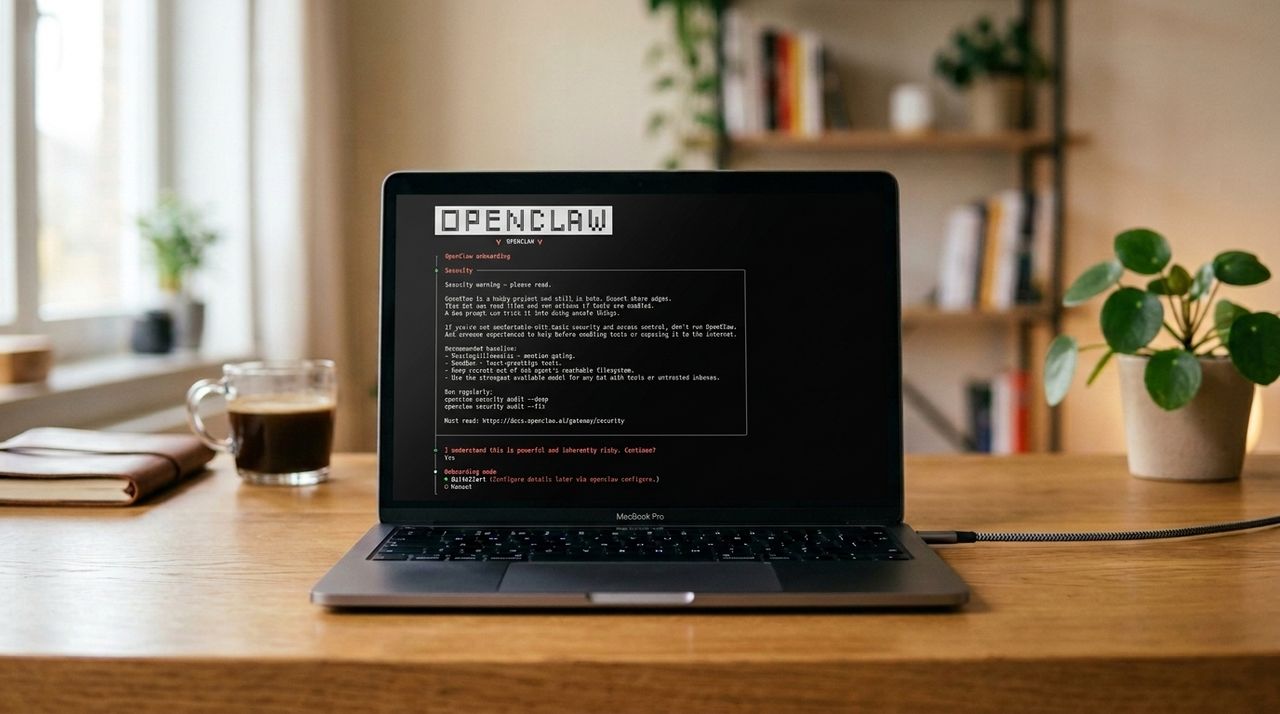
Running AI agents like ChatGPT Work or Microsoft Copilot requires sending files and prompts to third-party servers, which means users have little control over their data. This can be challenging for professionals and teams in regulated industries who need strict local compliance. Even when opting out of model training, users must trust these services with little legal protection if they fail to uphold the agreement.
However, setting up self-hosted AI agents is not as difficult as it once was. A private OpenClaw environment can be established on a local computer, virtual private server, or network-attached storage device. For further convenience, Open WebUI's user-friendly interface can be layered on top of the OpenClaw setup. Before beginning, ensure the system running Linux has a minimum of 4GB RAM and 20GB free storage space, sudo access, and Node.js 22 or later.
An API key from a model provider such as OpenAI or Anthropic, or an open-weight LLM like Llama 3.3 running locally via Ollama, is also required. The installation process involves three main steps: first, installing OpenClaw using a provided script and running the onboard process to configure the agent with an API key; second, enabling the API endpoint in the configuration file to make it accessible to Open WebUI; and third, starting the gateway and installing Docker to run Open WebUI, a containerized application that offers a more intuitive user experience.
Once these steps are completed, Open WebUI can be accessed via a web browser at http://your-server-ip:3000, where an admin account is created and connections to the OpenClaw agent are established. After confirming the connection, users can select the self-hosted AI agent within Open WebUI and send test messages to ensure everything is functioning correctly.
Written by urgent.news from TechRadar's reporting — not their text. Machine-written — may contain errors; check the original before relying on it.