How to Keep an AI Voice Consistent Across Every Video Clip
Every AI-generated clip forgets the last one, including your character's voice. The locked-voice workflow I built making Lost Garden, tool by tool.
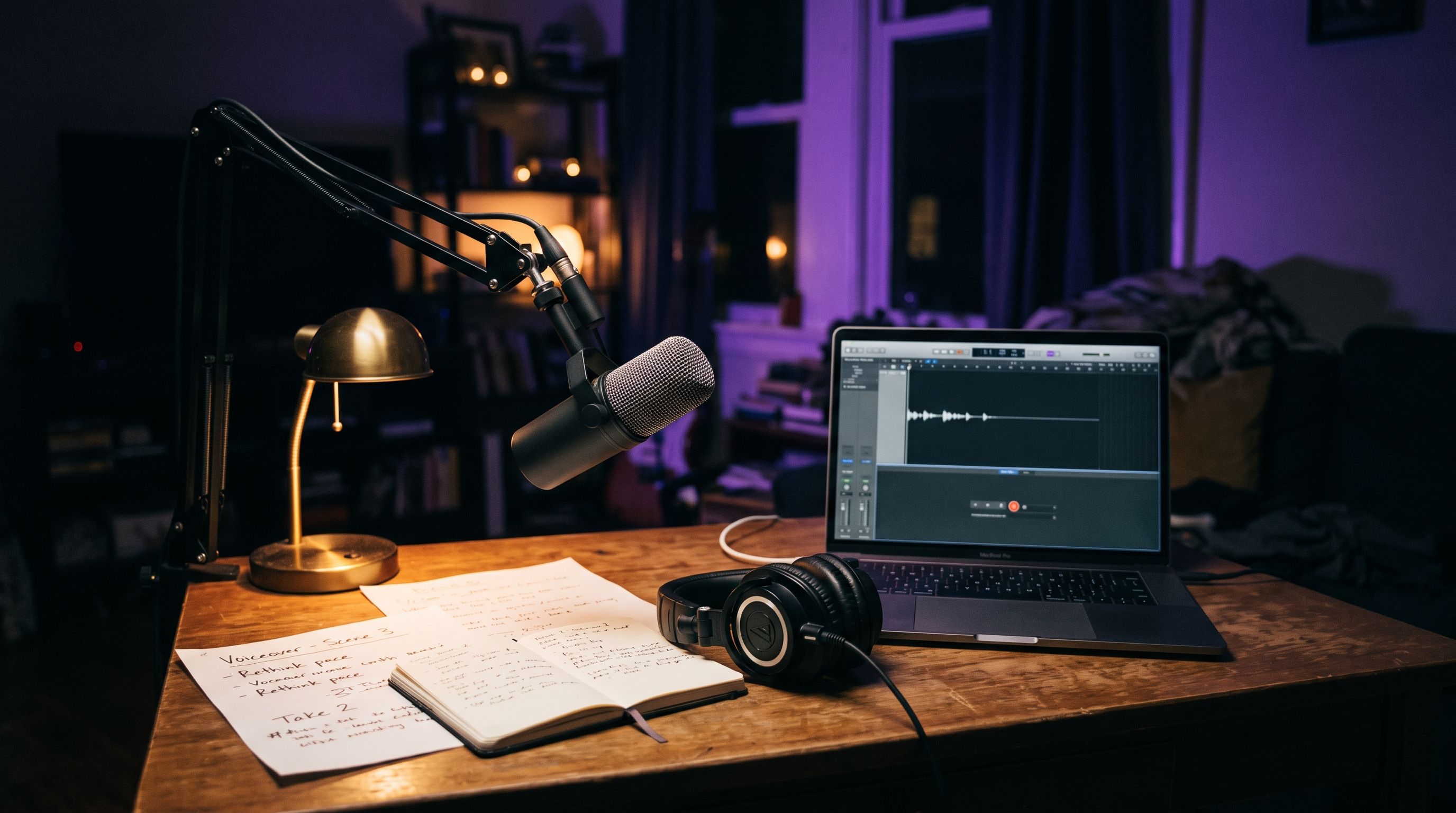
An AI voice can sound inconsistent between video clips, even when the same character is speaking in the same scene four times. This happens due to the AI's inability to maintain continuity, causing pitch, pacing, and emotional tone to shift between generations. The problem isn't specific to Lost Garden; it's a universal issue in AI video production.
The reason behind this inconsistency is that most voice tools generate each line independently, without remembering the previous line's characteristics. Consequently, pitch drifts, pacing changes, and emotional tone resets every time an AI generates a new line. The problem isn't limited to a single AI voice tool, but rather across different tools and even different voice IDs.
To maintain consistency, it's crucial to lock one reference source and never swap it during a project. Instead, use one clean voice sample or a saved voice ID for every line spoken by a character throughout the entire series. Save the exact configuration settings, including stability, pace, and any tags, instead of rebuilding them manually for each new clip. Keep a one-line config note for each character in the same shot-planning document used for camera and lighting continuity.
Sharing the same voice model across two characters is a mistake, as it can lead to inconsistency. Instead, feed the model context, specifying who's speaking, to whom, and the emotional register for each line. Generate dialogue per character, not per scene, to catch drift as it happens, rather than discovering inconsistencies three scenes later in the edit.
The stability setting controls how closely a generated voice matches the original reference audio. It doesn't determine how "calm" the character sounds. AI voice tools typically offer three practical positions on this dial: Creative, Natural, and Robust. The Creative setting allows for more emotional range but risks the voice hallucinating inconsistencies.
The Natural setting provides a balance between the original reference recording and stability. The Robust setting locks the voice hardest to the reference, minimizing deviations but sacrificing nuance.
In cases where consistency is paramount, use the Robust setting for background characters with limited dialogue. However, a high-stability setting might sound flat when emotional swings are required. Hence, it's recommended to pick the right setting for each scene and document the choice. Additionally, audio tags, such as [whispers], [frustrated sigh], or [laughs], can help maintain stability while conveying specific emotions for individual lines without compromising the overall stability of the voice.
In the Lost Garden case, one character had over forty shots, with dialogue generated at different times and on different laptops. Early on, the workflow involved generating each scene separately and tweaking stability whenever needed. This led to three distinct versions of the character's voice in the timeline, and inconsistencies were only caught by listening side-by-side in the final edit.
The solution was discipline: locking a reference sample, using the Natural stability setting as the default, reserving Creative for two emotional peaks, and documenting the settings in the shot plan alongside camera and lighting continuity. Batching dialogue by character instead of by scene reduced the re-generation rate for her lines by over half, catching drift during the same session it was created.
In conclusion, the key to maintaining a consistent AI voice across all video clips lies in discipline, consistency, and proper configuration settings.
Written by urgent.news from HackerNoon's reporting — not their text. Machine-written — may contain errors; check the original before relying on it.