Week 2 of Building Pocketflow for Shipaton 2026: Infinite Canvas and Realtime Sync
Built for Shipaton 2026, Pocketflow gains a Compose Multiplatform infinite canvas with gesture controls, Bézier wires, and Supabase collaboration.
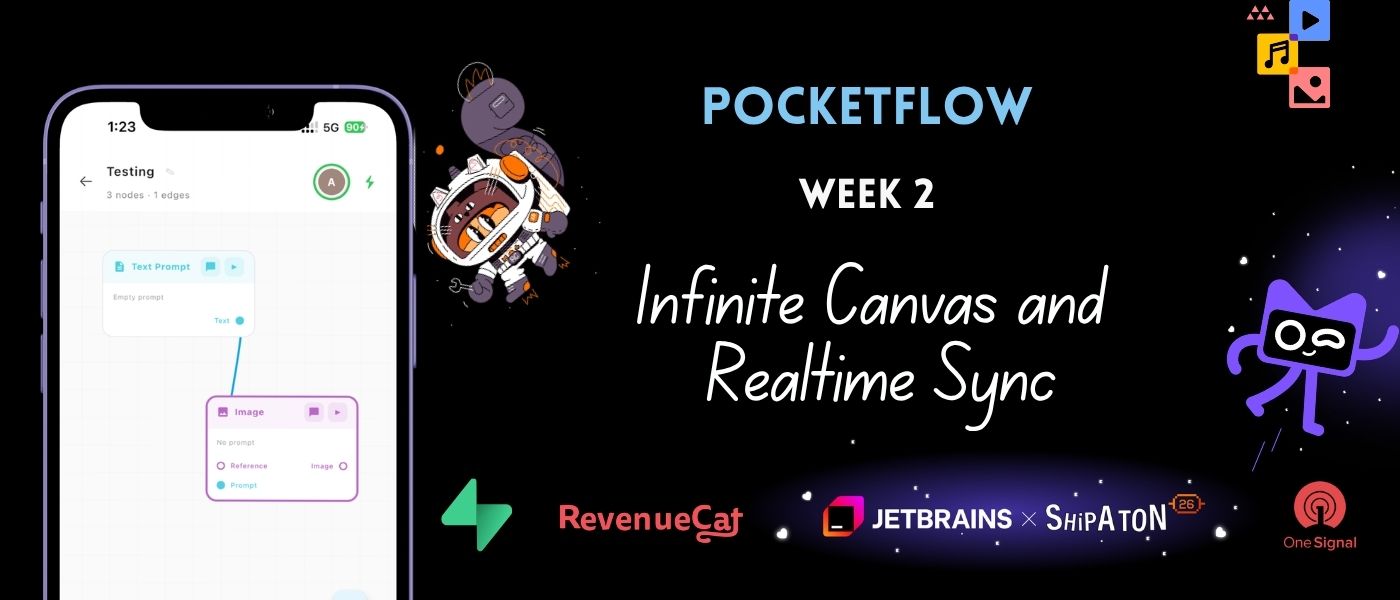
In the second week of building Pocketflow for Shipaton 2026, the focus shifted to creating an intuitive interface for the infinite canvas editor. The primary objective was to develop a smooth workspace where users can easily manipulate node cards and connect them with interactive wires. This vision was achieved by leveraging Compose Multiplatform, ensuring a consistent appearance and performance across both iOS and Android platforms.
However, the team did not limit their scope to a single-user canvas; they enhanced the editor by integrating Supabase Realtime and Presence, allowing multiple users to view and edit the same canvas simultaneously, with live cursor movements visible to all participants.
To achieve the panning and pinch-to-zoom functionality, Compose Multiplatform was utilized by maintaining state variables for the current offset (pan coordinates) and scale (zoom multiplier). The .pointerInput modifier was employed to detect transform gestures, specifically two-finger zoom and one-finger drag gestures. These gestures were then applied to the offset and scale variables.
For instance, when a user zooms, the scale factor is adjusted within a predefined range (0.5x to 2.5x), ensuring the canvas remains easily readable. Similarly, when a user pans, the displacement is added to the offset, allowing for seamless navigation across the canvas.
In terms of connection creation, when a user drags a line from the output port of one node to the input port of another, a flexible wire is drawn using Compose's Path drawing functions. A cubic Bézier curve is employed to make the line appear natural, with control points calculated based on the distance between the start and end coordinates. This results in a curve that dips and curves, resembling a physical patch cable.
To enable real-time multi-user synchronization and presence, the Pocketflow team integrated Supabase Realtime. As users manipulate node cards, the final position is captured and broadcasted to the project's Supabase channel. Additionally, Supabase Presence tracks active team members. Every time a collaborator moves their finger on the canvas, their cursor coordinates are sent to the broadcast channel, and the app receives these coordinates to draw a small cursor indicator labeled with the user's name.
This real-time cursor tracking significantly enhances the collaborative design process, as team members can now tweak the AI pipeline layout concurrently, with each other's movements visible in real time.
With the core interface of the infinite canvas editor now complete, capable of rendering nodes, drawing connections, and synchronizing collaborative changes in real-time, the team is prepared to move forward to the next phase. The upcoming week will see the implementation of the Execution Engine, responsible for running the nodes in the correct order, passing data between them, and invoking AI APIs as required.
Written by urgent.news from HackerNoon's reporting — not their text. Machine-written — may contain errors; check the original before relying on it.