ChatGPT for iPhone now lets users grab recent photos with a long press
ChatGPT’s latest iPhone update lets users long-press the plus button to quickly access and attach their four most recent photos.
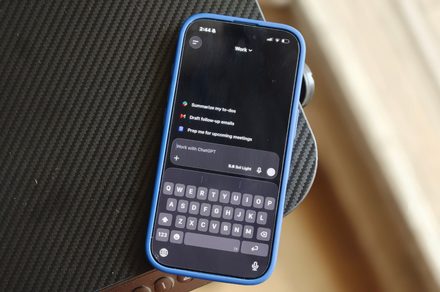
Adding photos to a ChatGPT conversation on an iPhone has become more streamlined with the latest update. Users can now directly attach their most recent images by long-pressing the + button next to the ChatGPT prompt box, eliminating the need for multiple steps to navigate through menus. This new feature, announced by OpenAI's Consumer Product Lead Adam Fry, allows users to quickly select one of their four most recent photos from the photo library and incorporate it into the conversation.
The update is part of a broader set of improvements aimed at enhancing the user experience when using AI assistants for visual questions or context. Recent photos are particularly useful since they are the images users have just taken for the purpose of asking questions. While the change may seem minor, it signifies how image-based interactions are becoming more common in AI-assisted tasks.
OpenAI has also been working on improving photo and camera uploads on iOS, making image uploads faster and smoother.
Written by urgent.news from Digital Trends's reporting — not their text. Machine-written — may contain errors; check the original before relying on it.