7 Basic iPhone Tricks I Built With iOS 27’s Revamped Shortcuts App
From halting my doomscrolls to automating air-quality checks, Apple’s streamlined Shortcuts app is my favorite iOS 27 feature.
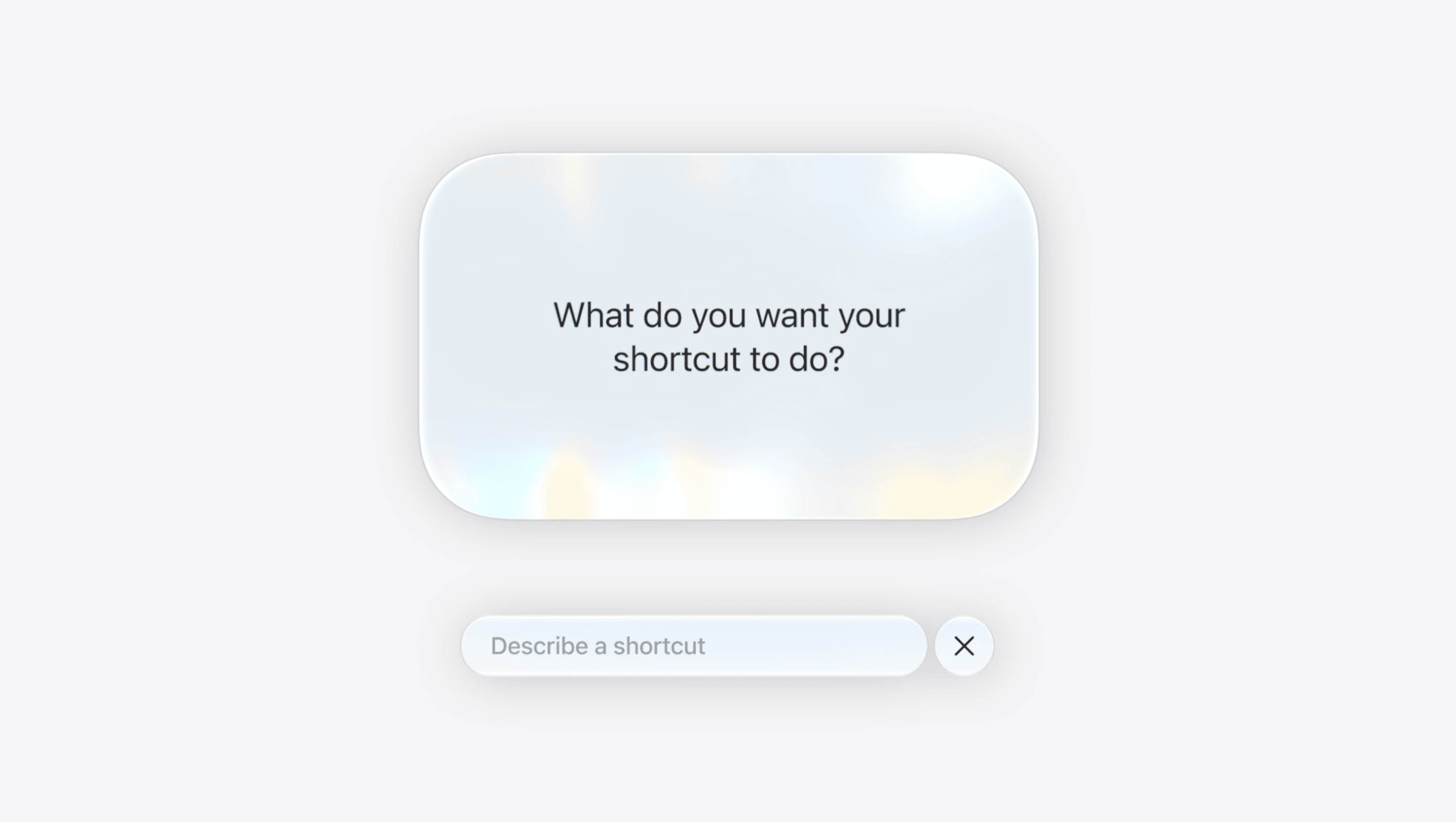
When iOS 27 arrives this fall, users will notice Siri AI's enhanced abilities and a stand-alone app. The Shortcuts app has been upgraded to include "Describe a Short," which allows users to input their desired automation in a conversational manner and then generates a corresponding automation flow. This feature has been met with enthusiasm as it provides a more intuitive approach to creating shortcuts.
Despite encountering minor glitches during beta testing, the new Shortcuts app has proven to be a fun and useful tool for enhancing daily smartphone habits.
One straightforward automation idea is a habit-breaking mechanism. If you find yourself constantly reopening social media apps like Instagram after closing them, you can set up a shortcut that prompts you with a question asking if you really want to use the app. Choosing 'no' will automatically close the app and lock the screen, helping you break those repetitive habits.
For those concerned about air quality in California, a useful shortcut is available. By setting up a routine that runs every morning at 6:40 am, you can have the app check your weather and air quality index, then send you a notification based on whether the index exceeds a specified threshold. This ensures you're always aware of the air quality in your surroundings.
Battery-saving automations are another helpful addition. By triggering when you leave home, these shortcuts can check your device's battery level and notify you if it falls below 50 percent, reminding you to bring a battery pack to keep your phone powered throughout the day.
For plant enthusiasts, shortcuts can help maintain a consistent watering log. By creating a shortcut that captures the current date and time and logs it in a dedicated plant watering note, you can ensure your plants receive proper care. Additionally, an automation can notify you when it's been over a week since the last watering, encouraging timely attention to your green companions.
Taking screenshots is a common activity, but extracting text from those images can be cumbersome. With this shortcut, whenever you take a screenshot, the phone automatically extracts any text within the image and copies it to your clipboard, streamlining the process of capturing important information.
Lastly, for frequent travelers, a simple yet effective automation is available. If you often forget to notify your partner when you land, this shortcut can send a "just landed" text to them every time you turn off airplane mode. By linking this automation to your partner's contact, you can ensure they're always informed about your arrival, even if you're distracted by other matters.
Written by urgent.news from Wired's reporting — not their text. Machine-written — may contain errors; check the original before relying on it.