Adobe Firefly’s music, voiceover, and sound effects generation tools now generally available
Users can now create fully licensed tracks, voiceover, and sound effects on Adobe’s Firefly AI assistant. Here are the details.
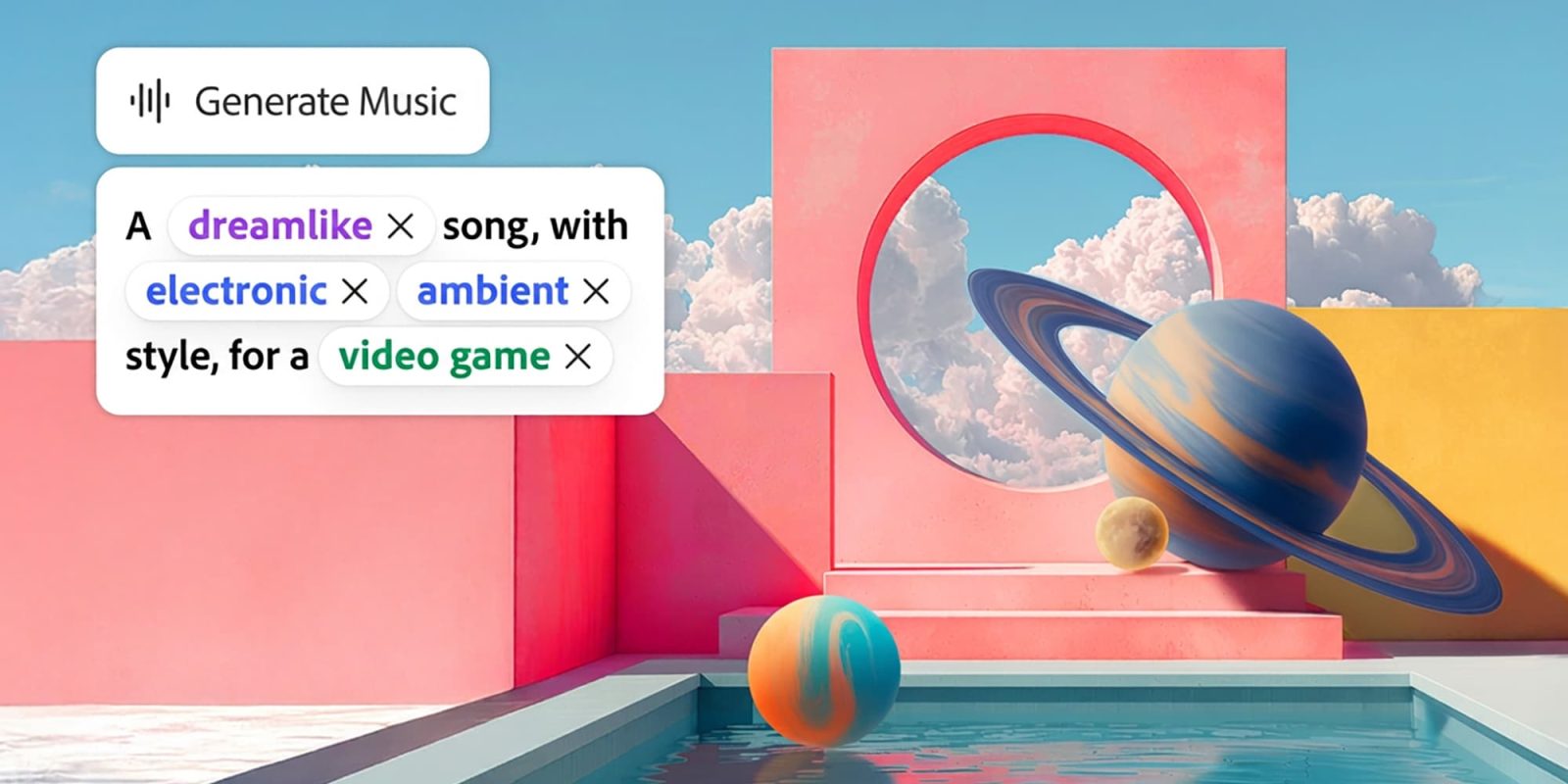
Adobe's Firefly AI assistant now offers music, voiceover, and sound effects generation tools to creators. A survey conducted with Berklee College of Music revealed that all respondents use music in their videos, with 32.7% utilizing AI-generated music. The main challenges cited were legal and licensing issues. Adobe has made the Generate Music, Generate Speech, and Generate Sound Effects tools available on Firefly.
Generate Music creates original tracks tailored to the video's length and mood, while Generate Speech converts scripts into clear voiceovers, using Adobe's Firefly speech model or ElevenLabs. Generate Sound Effects produces custom sounds fitting the action and timing of the content. The company assures that all generated music is fully licensed and ready for use.
Users can adjust musical parameters before generating, with Generate Music analyzing video content to suggest prompts. Generate Speech enables users to add expressivity and pronunciation tags, while Generate Sound Effects allows for text prompt input or voice reference. These tools aim to streamline the creative process by integrating sound directly into the workflow.
Adobe Firefly's desktop and mobile web app hosts these new features, alongside the recently added Gemini Omni Flash, which accepts video, audio, and image inputs alongside text for enhanced video development.
Written by urgent.news from 9to5Mac's reporting — not their text. Machine-written — may contain errors; check the original before relying on it.