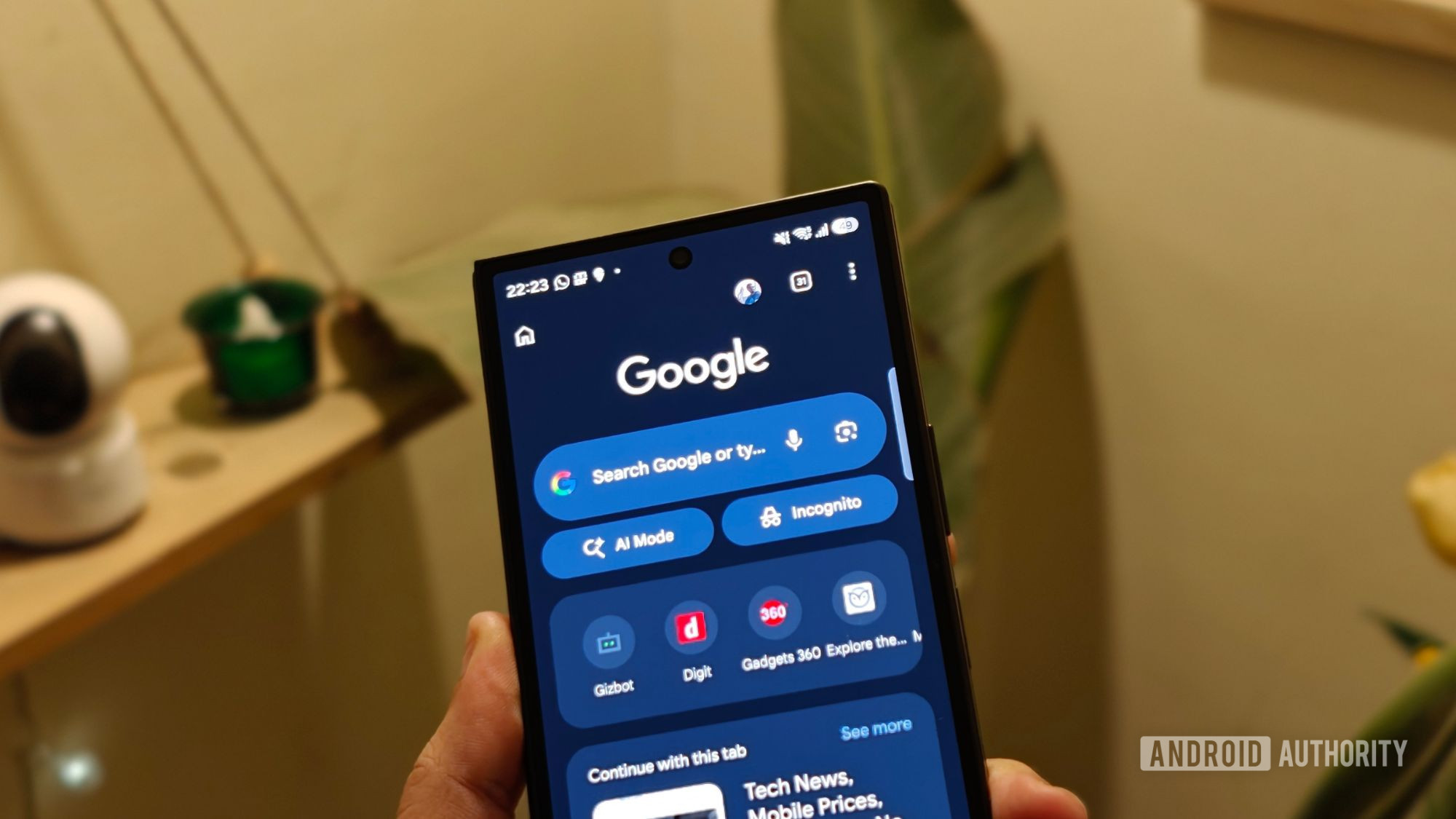
Tap into the power of Gemini in Chrome on Android.
Gemini in Chrome is now available to all Android users in the U.S.

Google has made its AI-powered browsing assistant, Gemini, available to all Android users in the United States through Chrome. This new feature allows users to summarize lengthy articles, answer questions about web pages, and seamlessly integrate with popular Google apps like Calendar and Keep, all without the need to switch between tabs. Additionally, users can generate and customize images on the go using Nano Banana.
For those with AI Pro and AI Ultra subscriptions on Android in the U.S., Gemini in Chrome now offers agentic capabilities through auto browse. This feature can handle routine tasks, such as booking parking for an event, updating recurring online orders, or organizing travel plans for an upcoming vacation. These functionalities are designed with security in mind; the models are trained to identify potential threats, including prompt injection.
To ensure user control, auto browse prompts for confirmation before completing certain sensitive tasks. To access Gemini in Chrome, users simply need to tap the Gemini icon or the three-dot menu located on the top bar of their Android device.
Written by urgent.news from Google Blog's reporting — not their text. Machine-written — may contain errors; check the original before relying on it.